
Seagate FireCuda Forge: Hybrid Storage from the Datacenter to Your Desktop
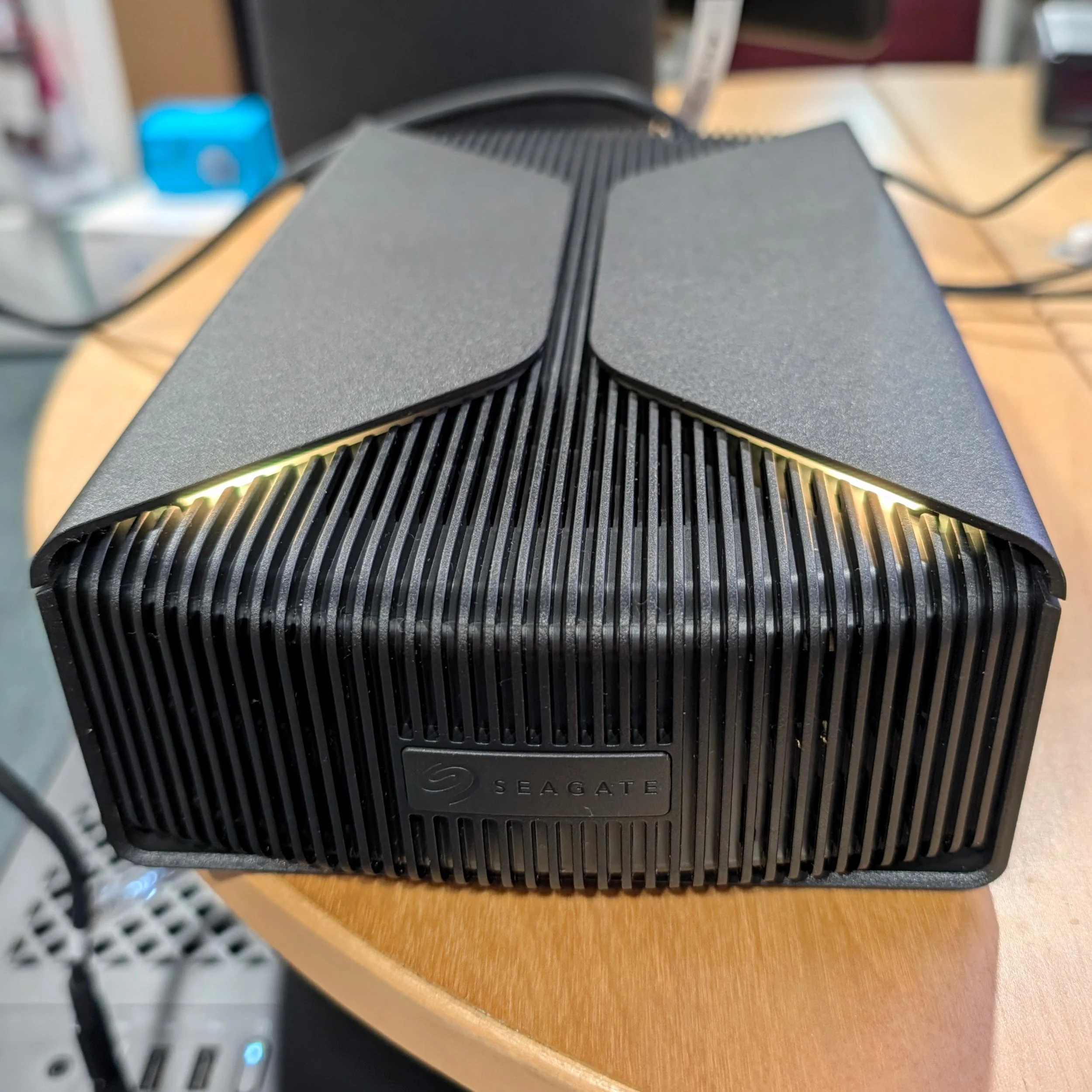
The past two weeks were not the best for launching a new product category. Between the U.S. midterm elections, Microsoft outage, FAA ground stop, and Nvidia CEO saga, Seagate’s FireCuda Forge got lost. It shouldn’t have. With the FireCuda Forge, Seagate has literally combined SSD and HDD technology to provide the best of both worlds using caching technology honed in its HAMR drives for the datacenter. It’s not perfect, but it solves real problems for gamers, content creators, and local AI model builders.
When SSDs first hit the market, they were dramatically faster and more reliable than hard disk drives (HDD) with spinning platters, but also an order of magnitude more expensive. At the time, a common approach taken by system builders was to get a small SSD for your operating system and perhaps a key application suite or game, and then use a HDD for everything else. Over time, Moore’s Law meant that SSD capacity grew and prices dropped; most laptops switched solely to SSDs and many gaming PCs followed. There was even the thought that with increasing use of cloud storage, perhaps you wouldn’t need as much local storage. HDDs were still used in the lowest cost PC builds and in the largest capacity backup drives, especially when used in RAID clusters, but it looked like hard drive technology was on its way to being usurped for general usage.
Two things changed to break that trend: the need for local storage increased further, and RAMpocalypse drove up prices of large capacity SSDs. There has never really been a time in computing history where you could comfortably buy “enough” storage, but the widespread use of cloud storage has not solved the problem, either. AAA games now routinely exceed 100 GB – the console version of GTA:VI requires 212 GB! If you have the RAM to run a 70B parameter AI model locally, you’ll also need 260 GB of fast storage to load it. Even if those are edge cases, everyone is a content creator now. If you’re storing gaming sessions, podcast recordings, or video segments to build into a project, that needs to be stored and backed up locally. However, with the runup in component prices due to the AI datacenter buildout, a fast 8 TB M.2 SSD now sells for $1700 and up, and building a larger storage array out of SSDs is cost prohibitive.
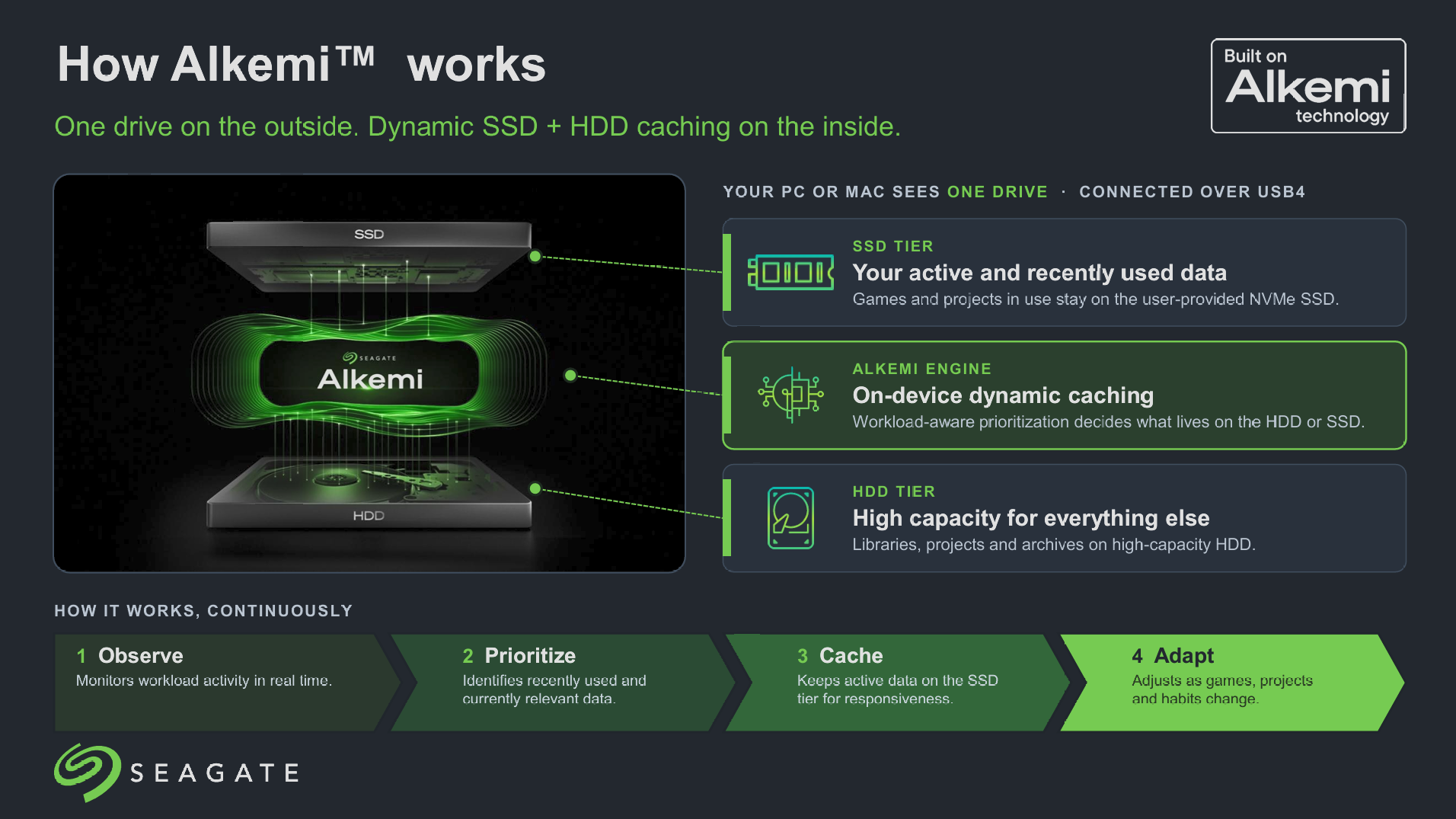
That has led system builders to go back to the practice of combining a modest SSD with a large HDD. This works, to a point: you have to manually manage what data is on which drive, and reading and writing files from the HDD is much slower. Seagate’s FireCuda Forge turned this idea into a new hybrid storage product. Forge is based on “Alkemi*,” caching algorithms derived from Seagate’s high-capacity HAMR drives in the datacenter. Alkemi is the alchemy that turns a relatively slow but capacious hard drive into what looks like a gigantic SSD to your computer. Other than the initial installation (which takes five minutes), Forge is entirely plug and play: the system manages what data goes on the SSD and when. Performance should improve further the more you use it and the algorithm learns how you use your data. Seagate has verified that media intake from cameras is faster, building video stems is faster, playing games is faster, and loading LLMs into RAM is faster.
Seagate is confident that most games, all content, and LLMs should run off the drive with speeds equivalent to SSD. When I listed games I typically use for testing, Seagate representatives assured me that they will work, including Forza Horizon 6 (my stress test for CPU, GPU, and 4K high refresh rate monitors) and Cyberpunk 2077 (mostly for its excellent demo/stats mode). They followed up with a list of three dozen games that have been tested run directly from the FireCuda Forge without incident. They have similarly tested all major creative suites and large open weight LLMs and saw transfer rates close to the maximum SSD capabilities even though some of the data was coming on and off the HDD. That hard drive comes in two sizes: 8 TB or 20 TB and users can upgrade to other sizes in the future.
There are limitations: FireCuda Forge doesn’t support the fastest SSDs or Thunderbolt 5. Alkemi also isn’t free: while it makes the HDD look and feel like an SSD, FireCuda Forge costs more than an equivalent HDD and SSD on their own. An 8 TB Forge is $700, and a 20 TB Forge is $900; overkill for gamers, but ideal for content creators and providing extreme capacity that doesn’t exist in the SSD-only world. However, that is not the total cost: Forge is also BYOSSD – you’ll need to Bring Your Own SSD, then install it in the Forge case for the system to work. You’ll also need to BYOSD (Bring Your Own Screwdriver) as Seagate includes a hex screwdriver for the chassis but not a tiny Philips head screwdriver for the SSD retainer screw.
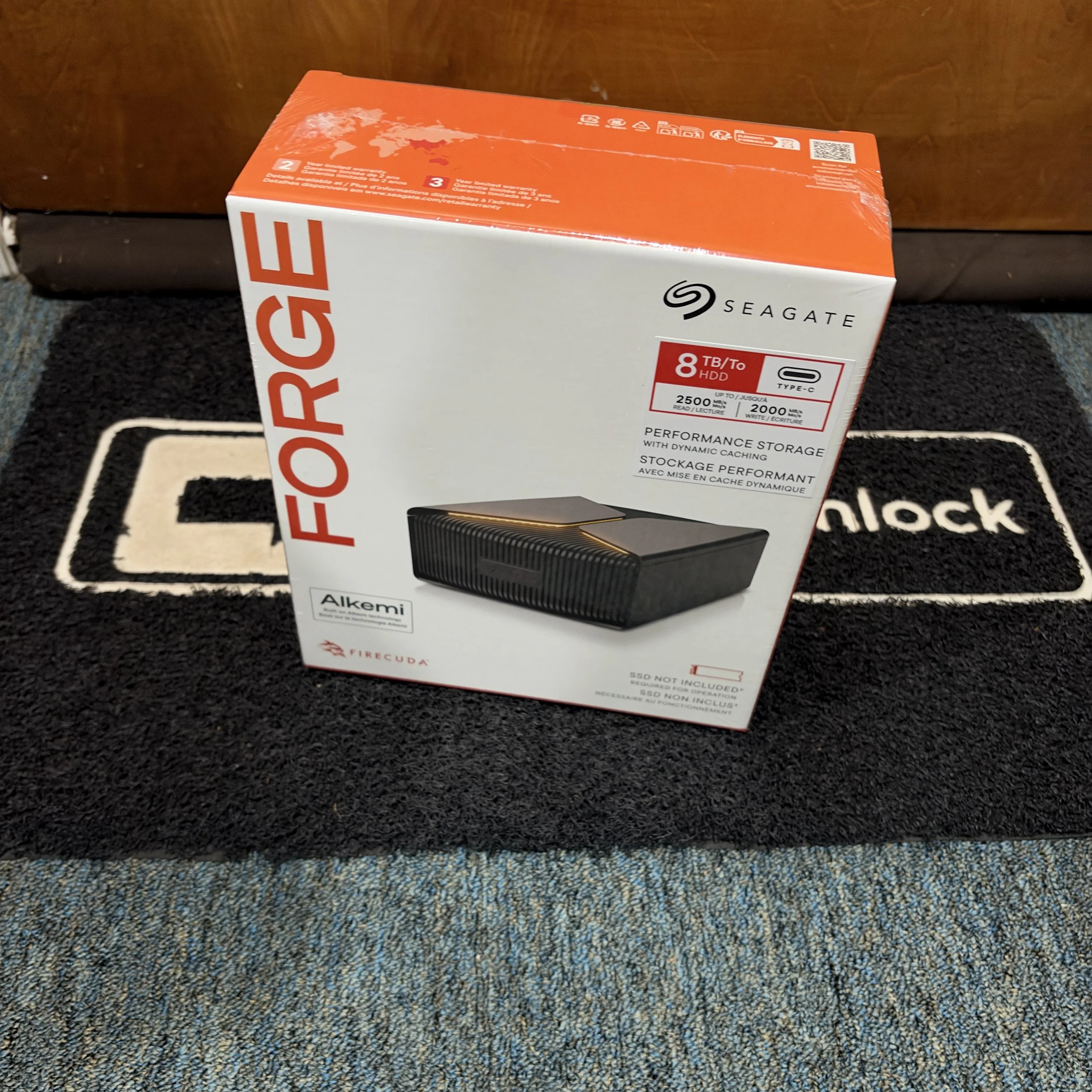
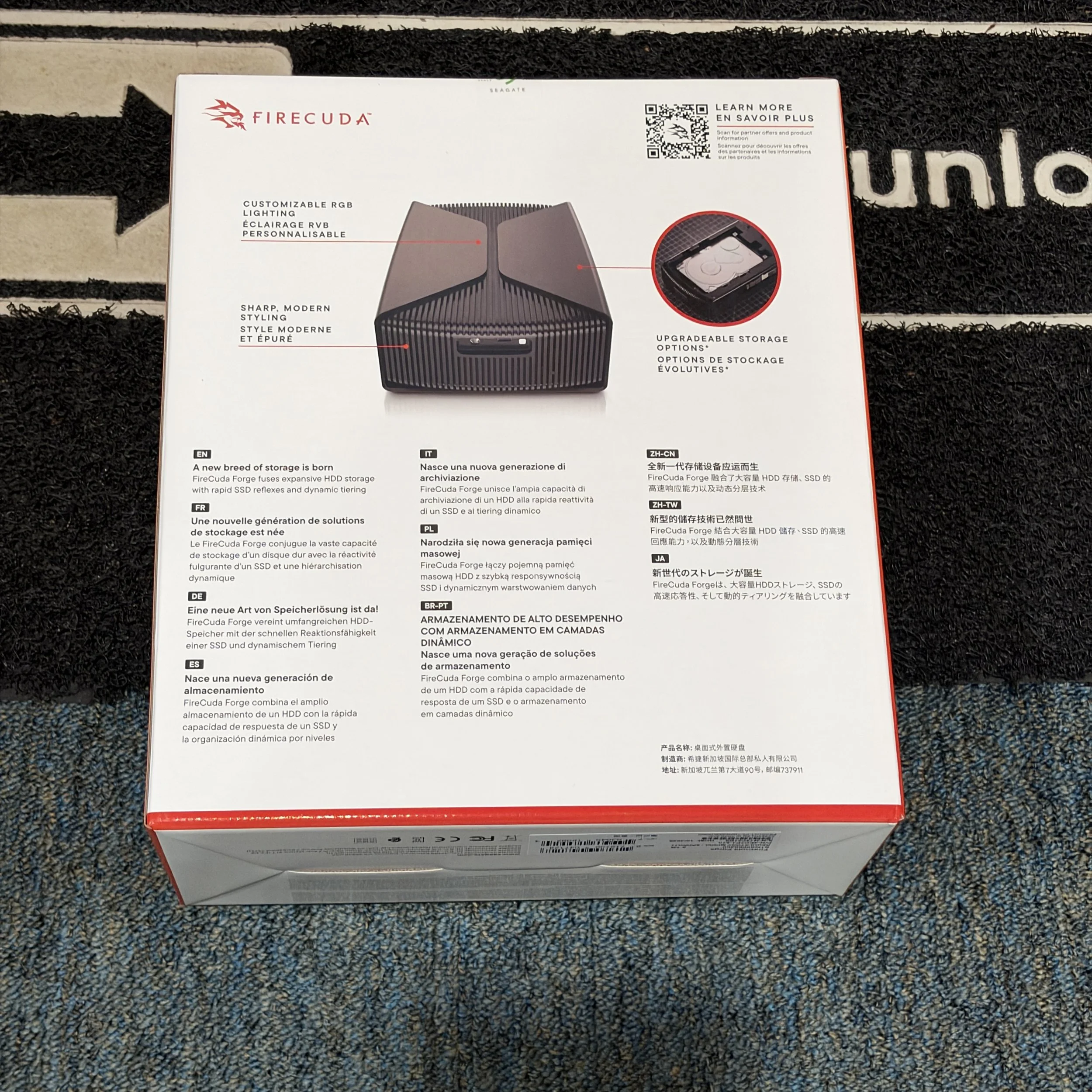
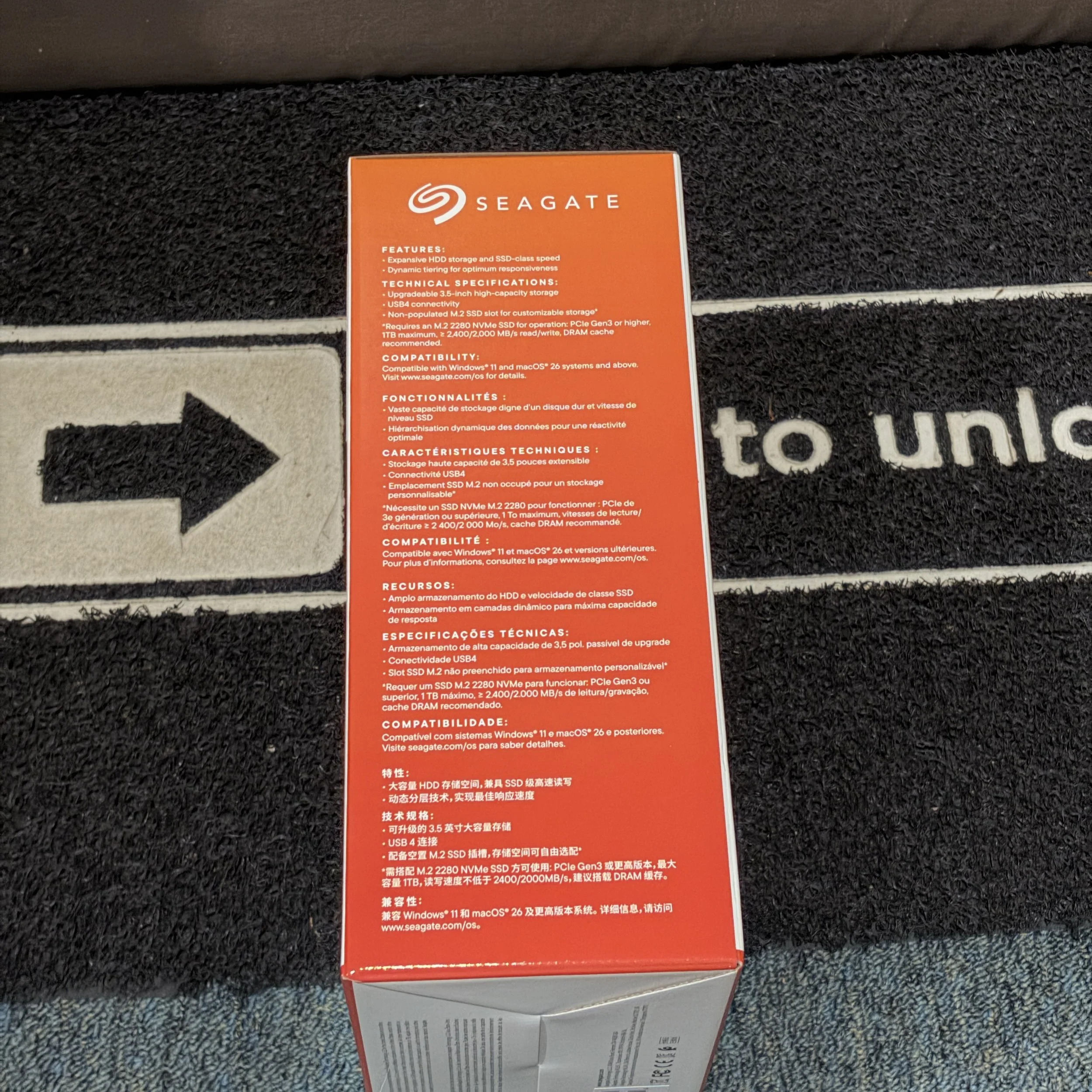
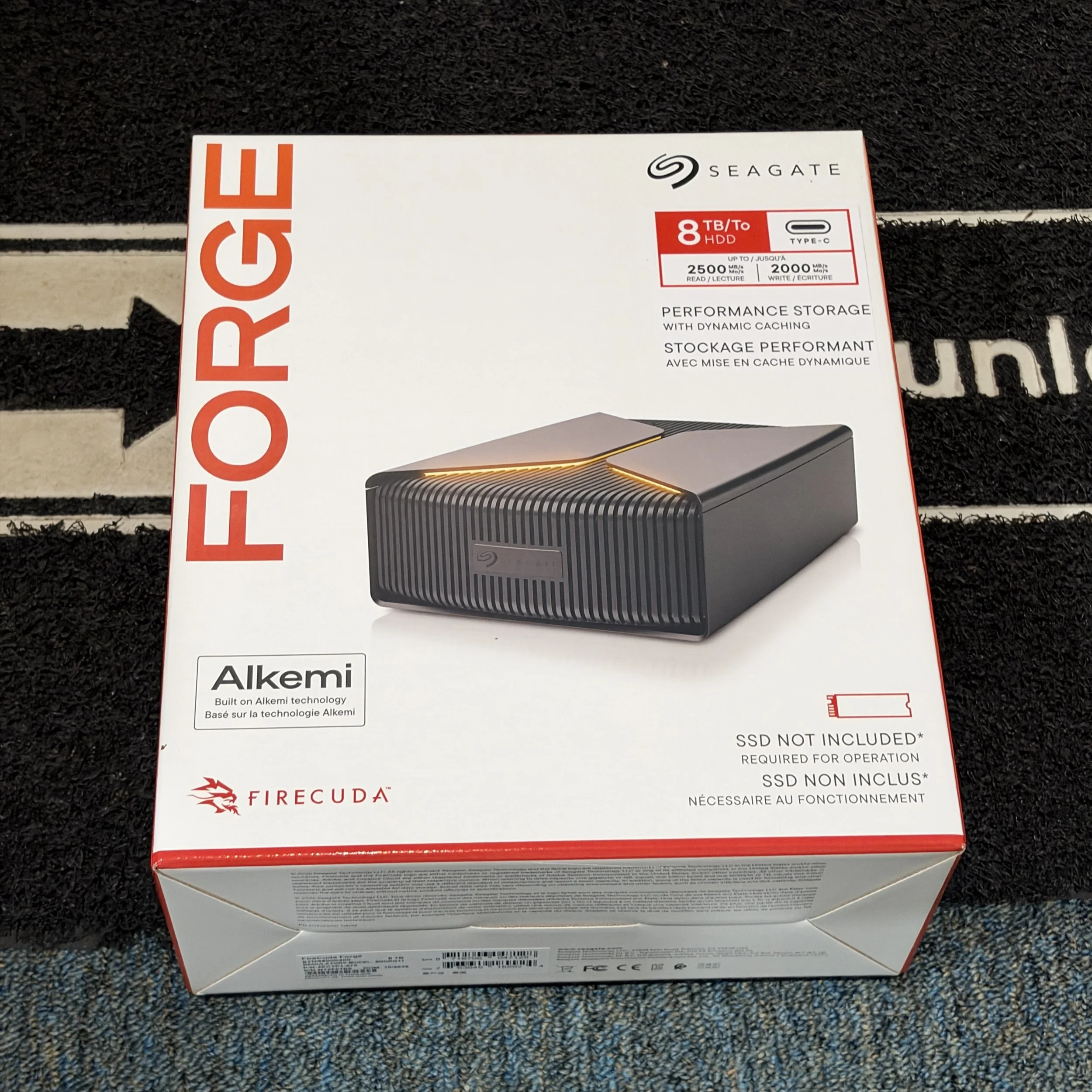
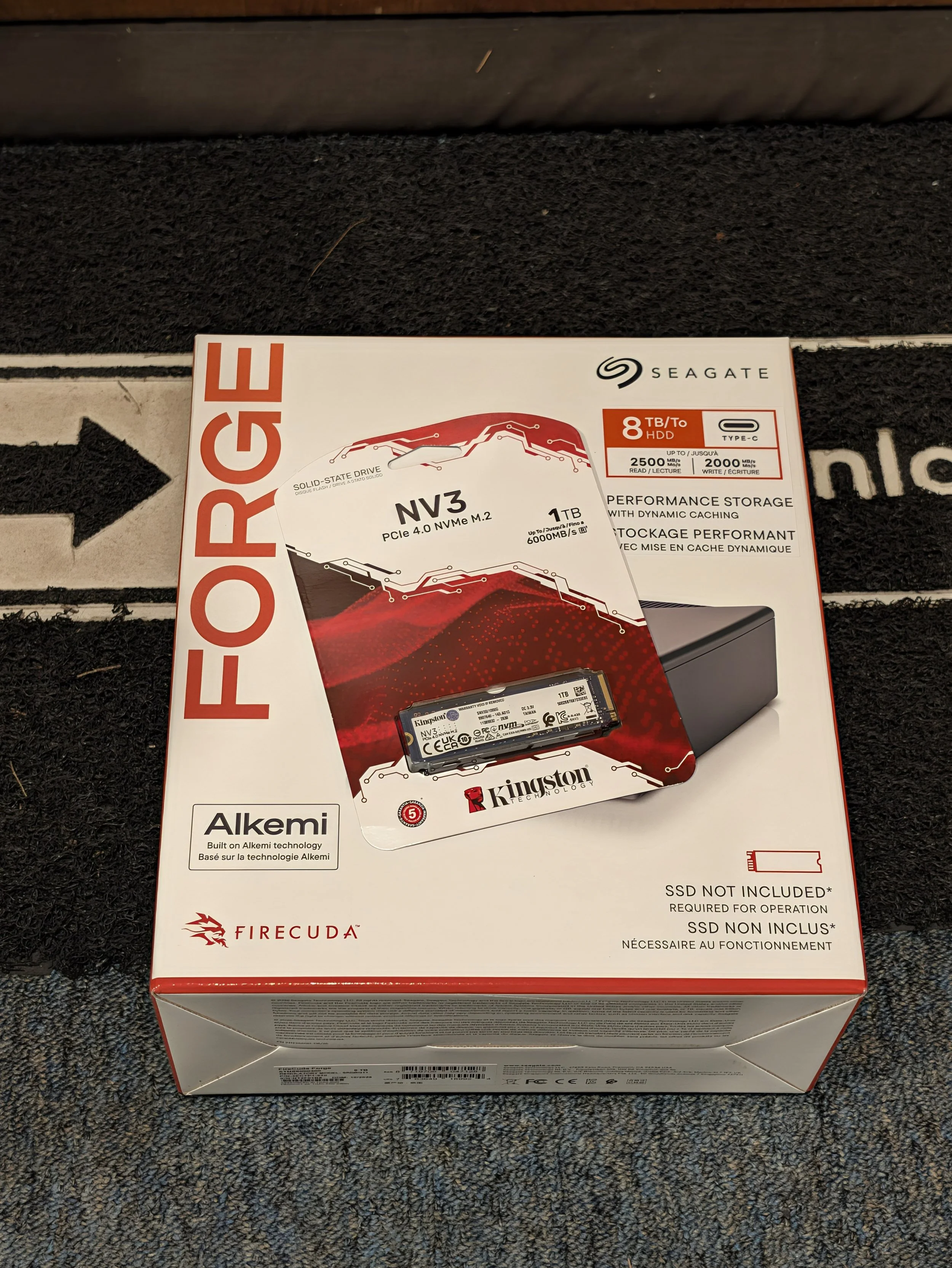
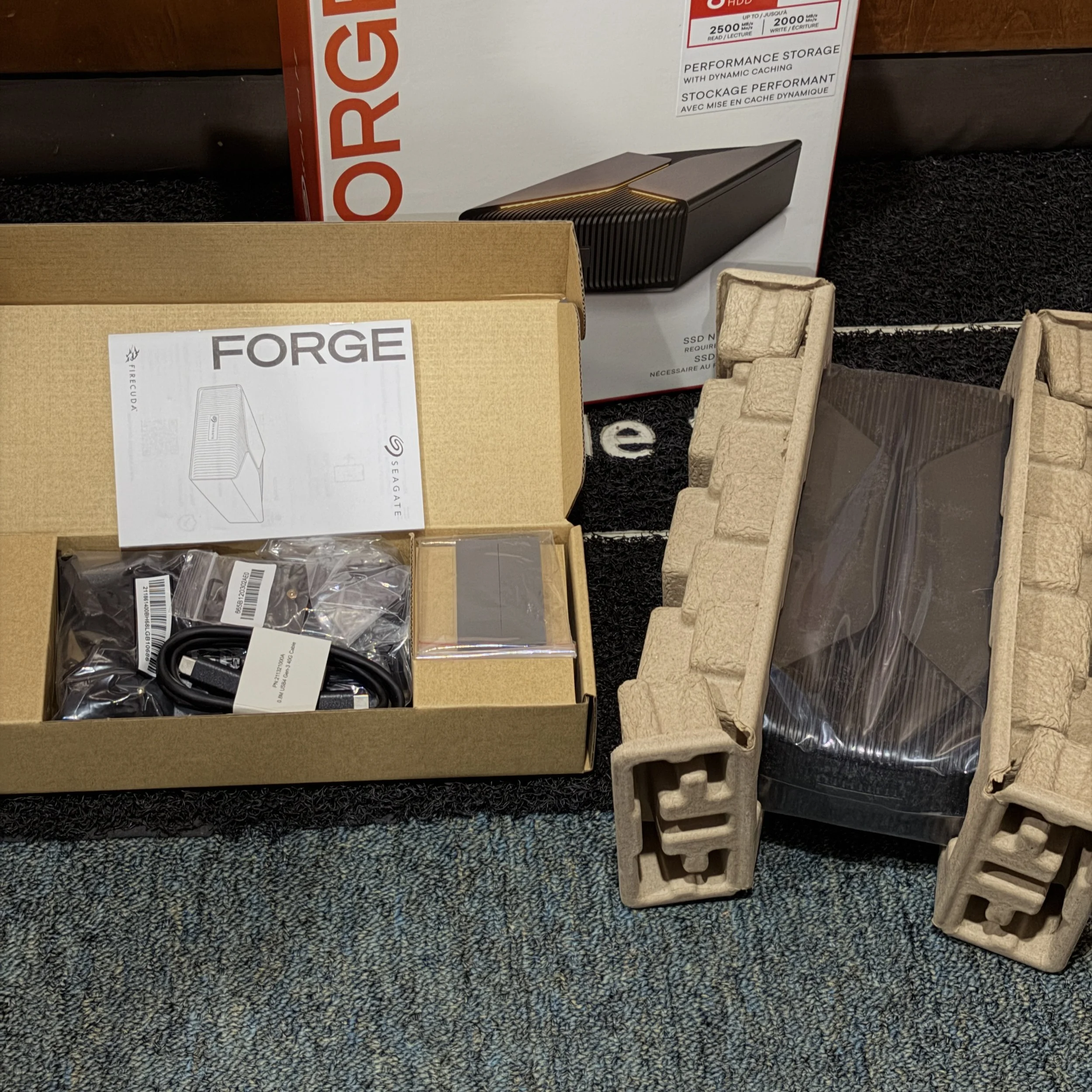
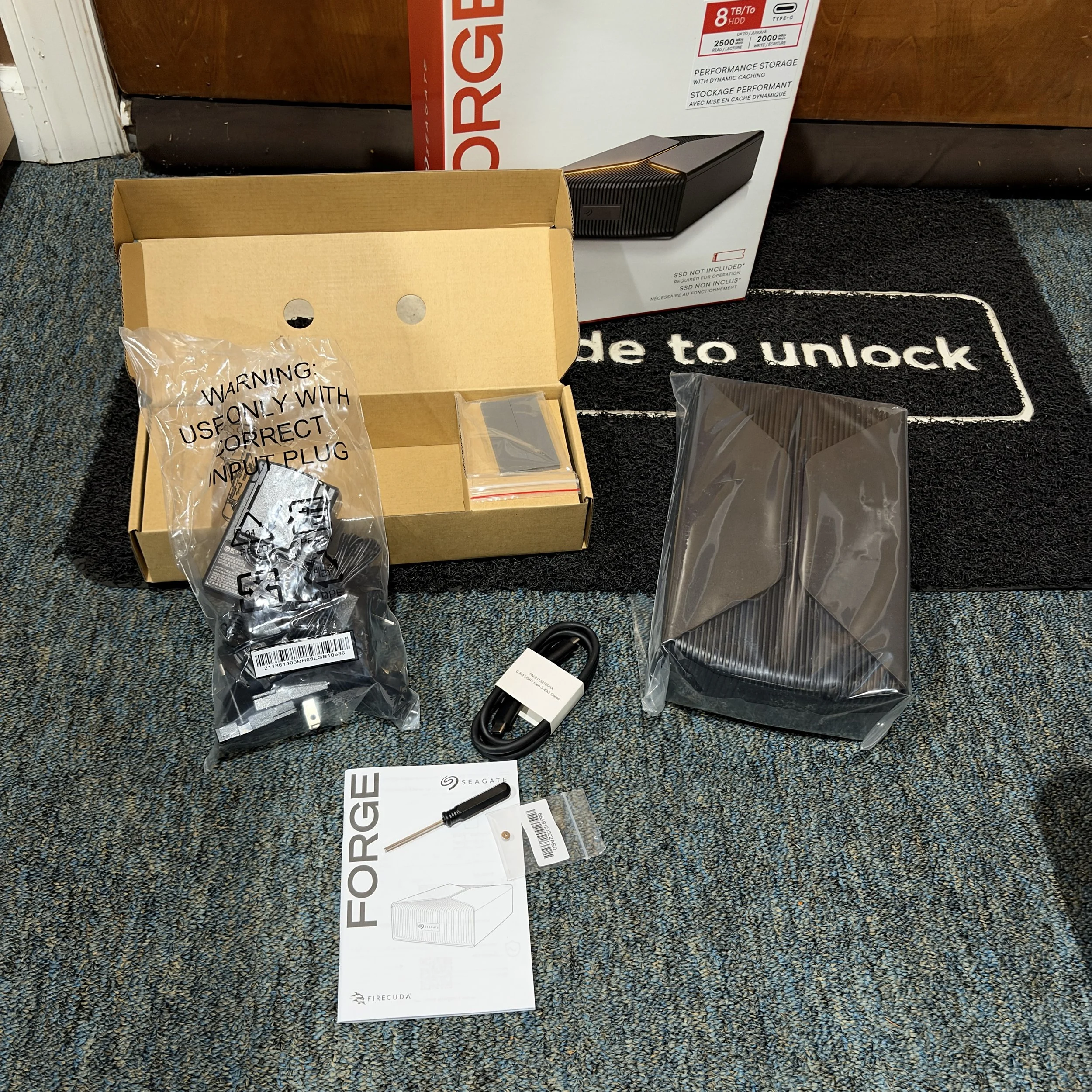
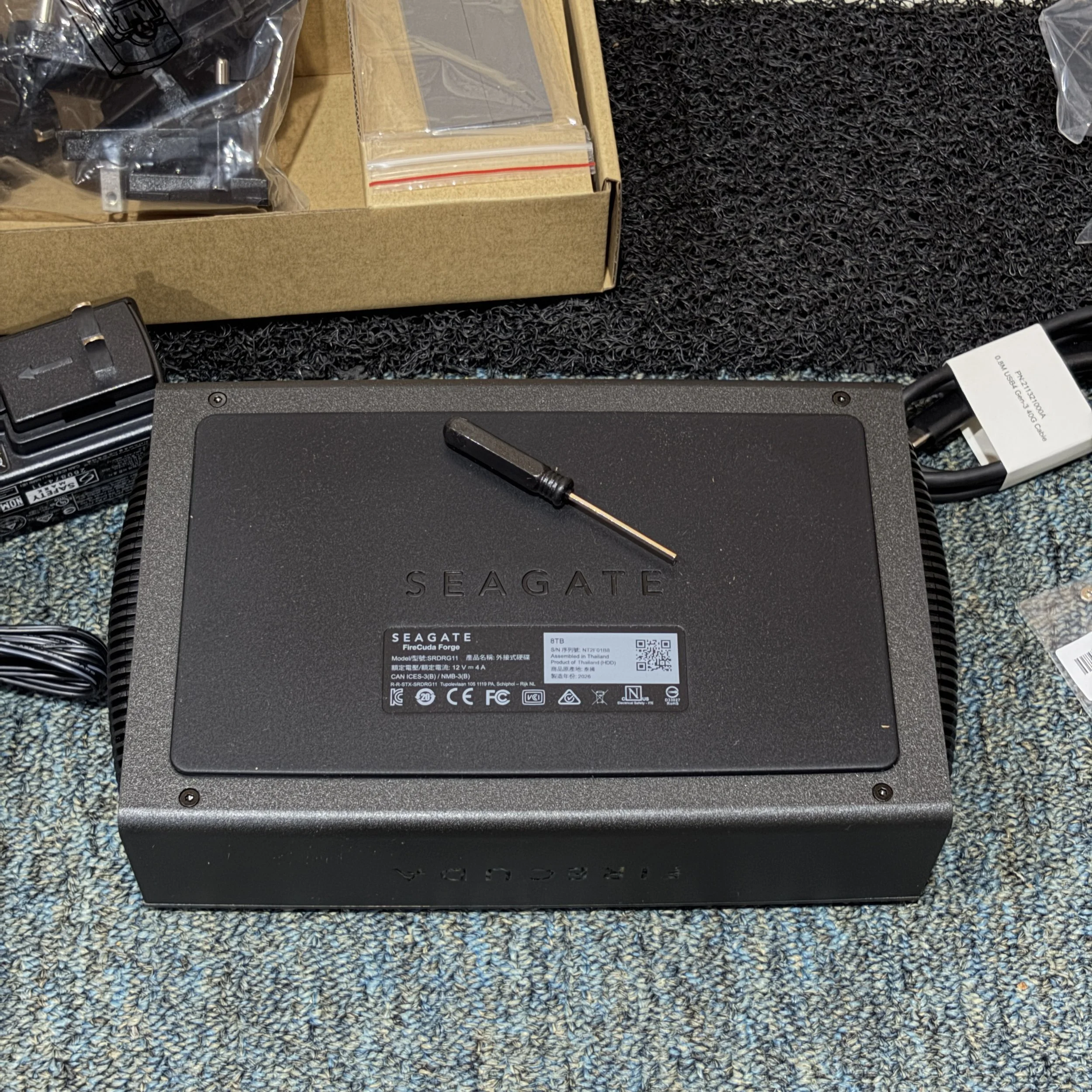
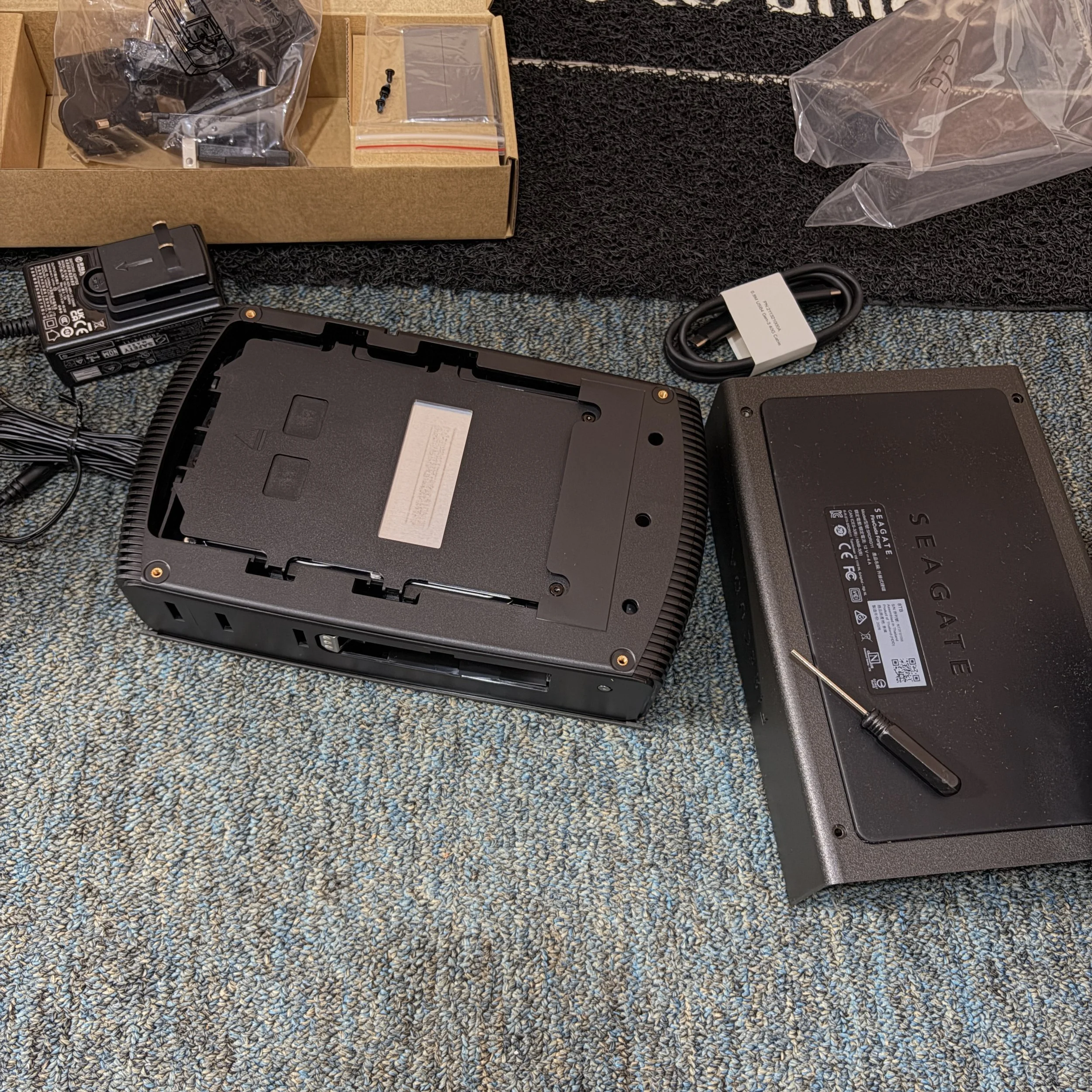
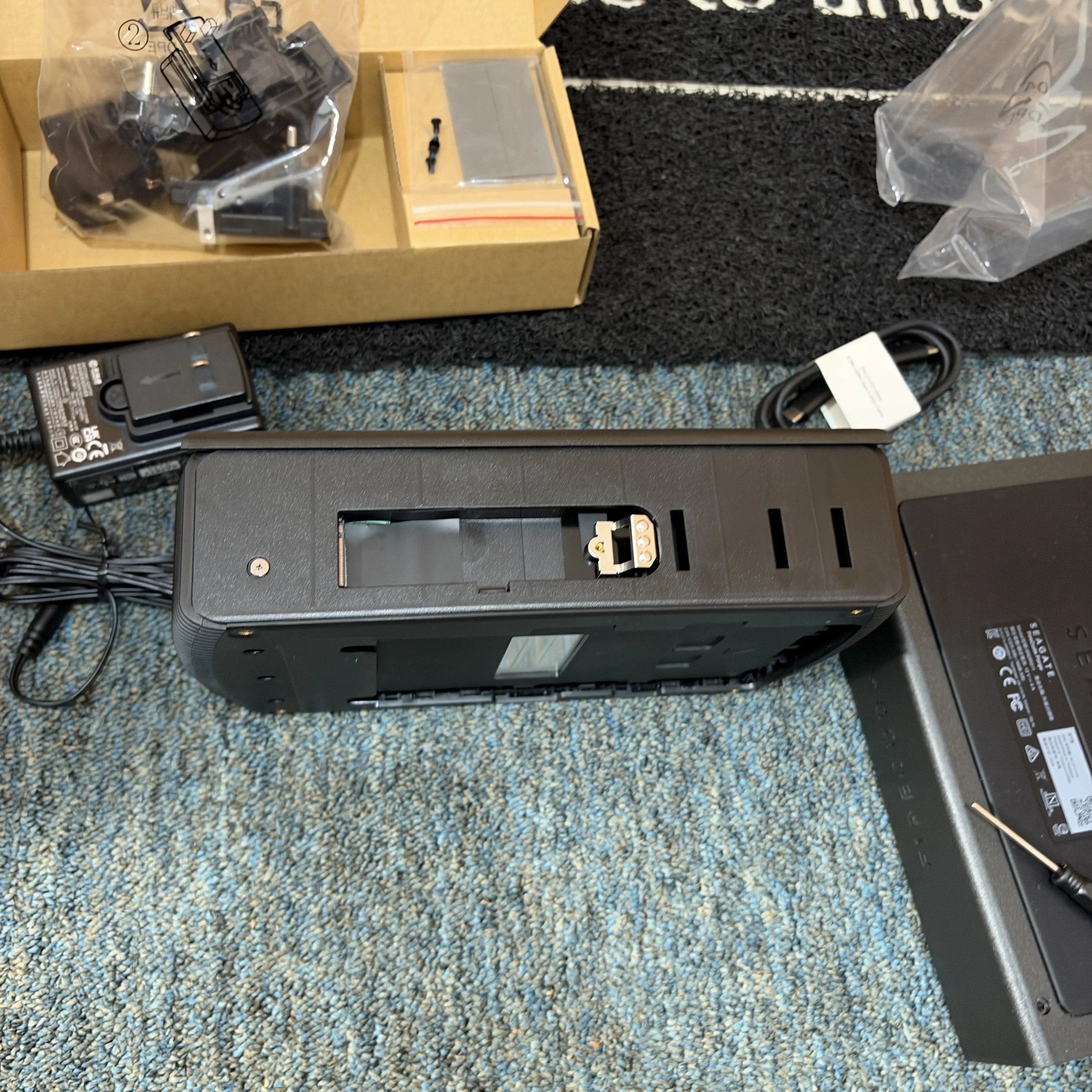
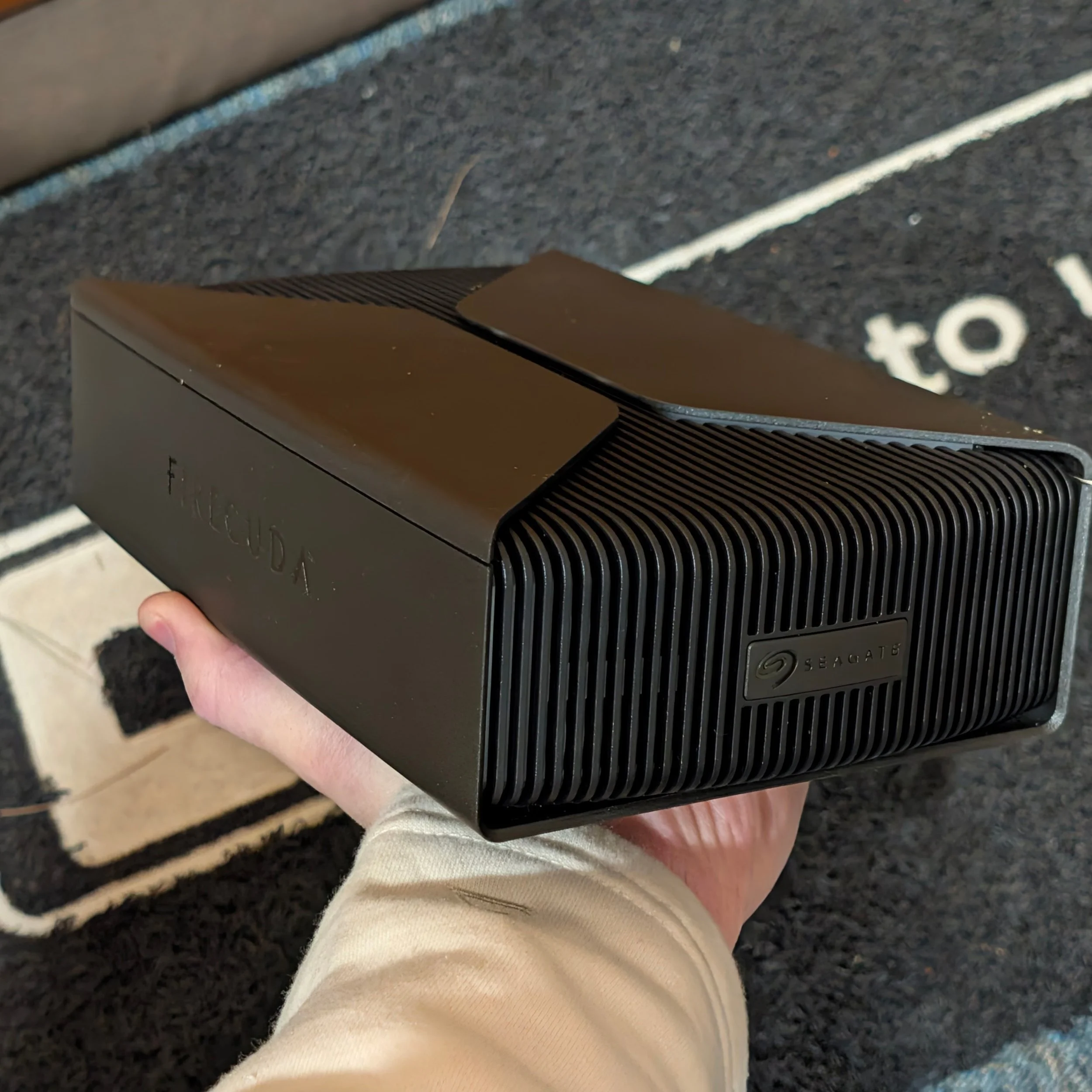
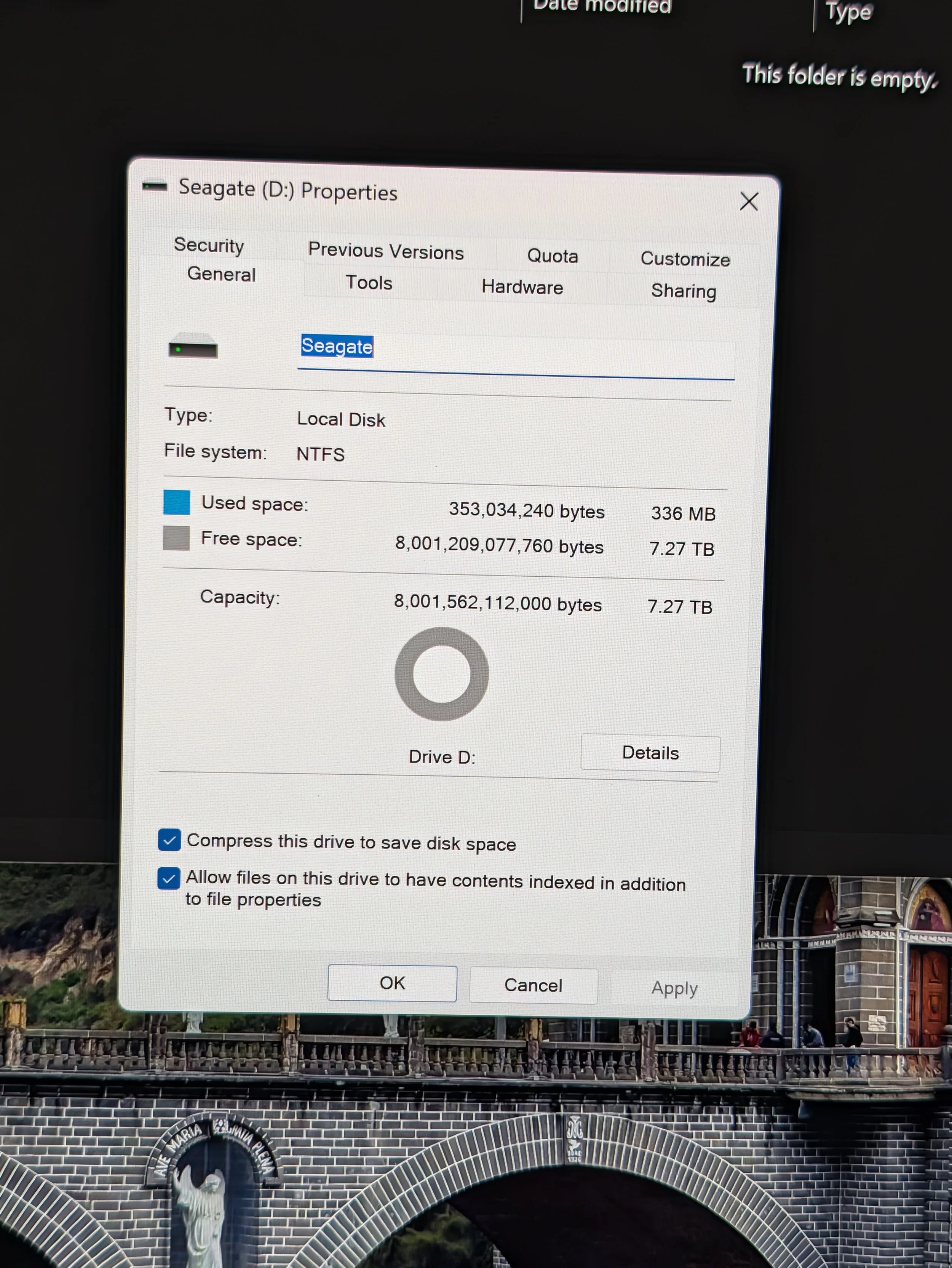
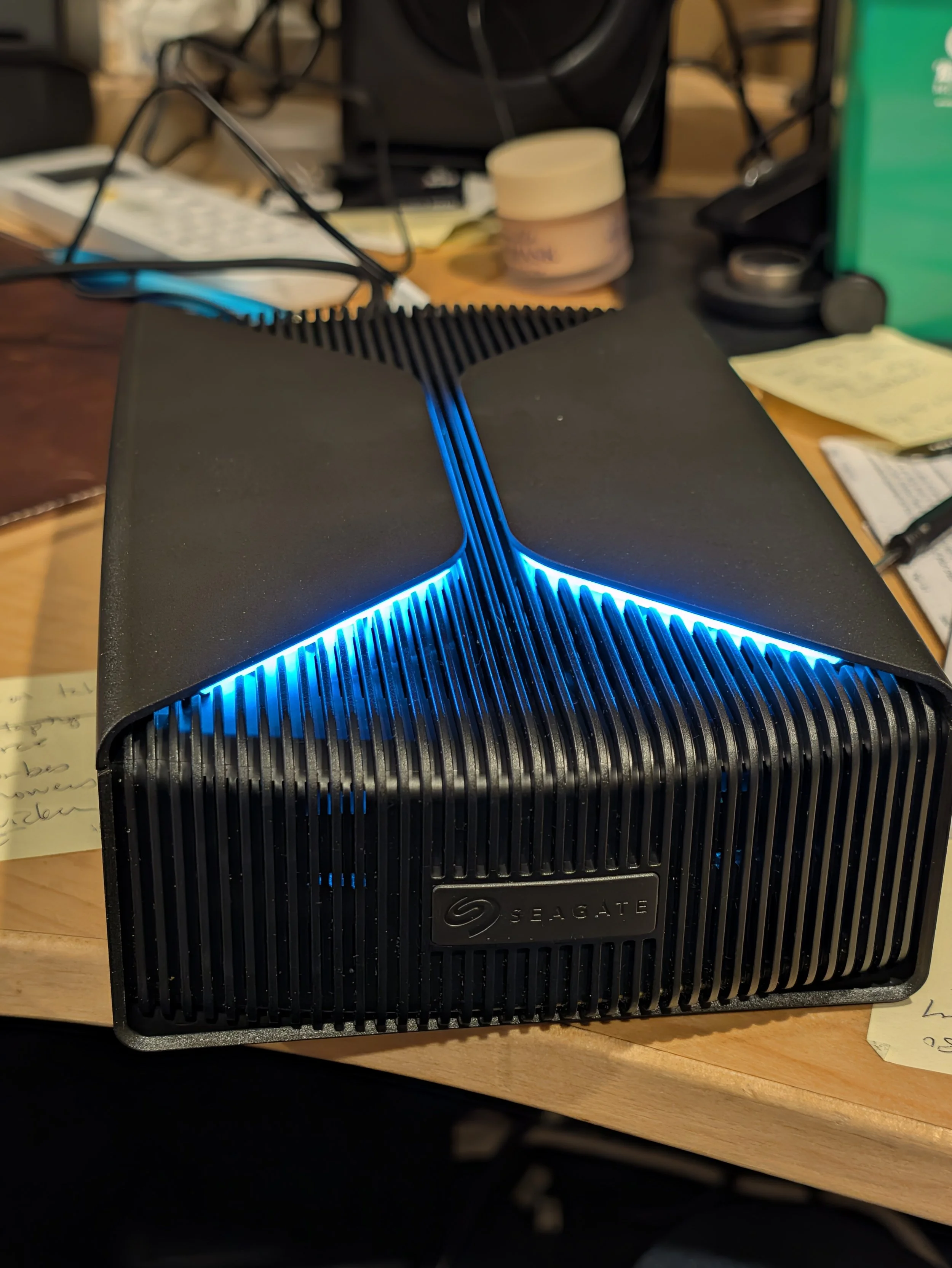
Seagate specifies an M.2 2280 NVMe SSD with modest specs: PCIe Gen3 or higher, 1TB maximum, ≥ 2,400/2,000 MB/s read/write, DRAM cache recommended. At time of writing, there are many options that meet or exceed this spec in the $150 range. The idea is that the target audience for Forge already has an SSD handy, and prices on SSDs are volatile, so why force consumers to re-buy storage that they already have? This is a mistake; if Seagate expects FireCuda Forge to appeal beyond early adopters it should offer a complete solution; in the meantime, Seagate and retailers will offer bundles. I found out the limitations of this strategy firsthand: the two M.2 SSDs I had on hand wouldn’t work: one had a heatsink and wouldn’t fit in the chassis, and the other wasn’t recognized (I’m still not clear why; it may have been too fast, or there may be an issue with the drive). To solve this problem I turned to Amazon, and $140 and one day later, I had a 1 TB Kingston SSD that worked without a problem.
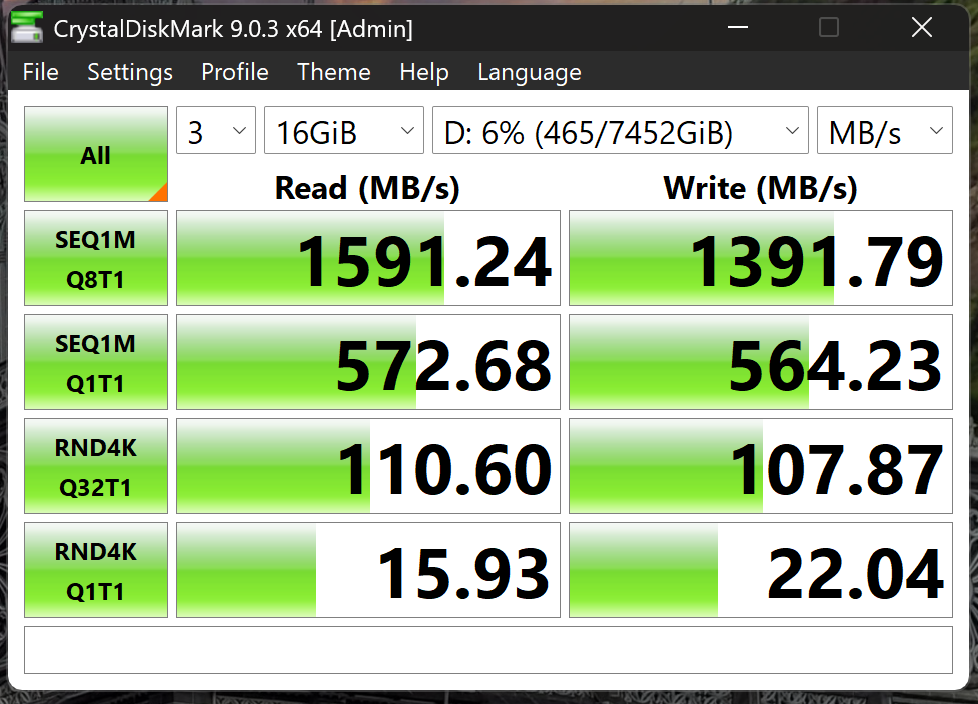
If you have the SSD and screwdriver on hand, the entire unboxing, setup, and connection should take less than ten minutes, including time to format the drive if necessary (FireCuda Forge will automatically format the SSD in NTFS when first connected to Windows, or ExFat if initially used with a Mac). From that point on, it looks like a gigantic SSD to your PC. My creative output is primarily text and image based (for now) and doesn’t require large local storage. However, my gaming and AI test rigs absolutely use huge files, and I am currently testing the FireCuda Forge as a way to rapidly switch between gaming and AI systems without having to re-download over 1 TB of data each time. It appears to be up to the task: large sustained transfers benchmarked just under 1,600 MB/s on reads and just under 1,400 MB/s on writes. That’s slower than the fastest SSDs, but as much as 8x faster than a typical HDD – and fast enough to play games directly. In real world use, Alkemi should be better than the benchmark as it learns my usage patterns. It will take time to prove that out, but out of the box it works as promised, providing the speed of an SSD with the capacity of a HDD at a price somewhere in the middle. That’s for the 8 TB system. Once you move up in HDD capacity and move beyond what SSDs offer, the FireCuda Forge becomes something you can’t get at any price without moving to SSD arrays. And as large SSDs get even more expensive, the FireCuda Forge’s value proposition improves further.
For Techsponential clients, a report is a springboard to personalized discussions and strategic advice. To discuss the implications of this report on your business, product, or investment strategies, contact Techsponential at avi@techsponential.com.
*Spelled that way on purpose because Seagate is kool. Also, it was easier to trademark.