
Googlebook: A Laptop Platform in Progress For Android Users
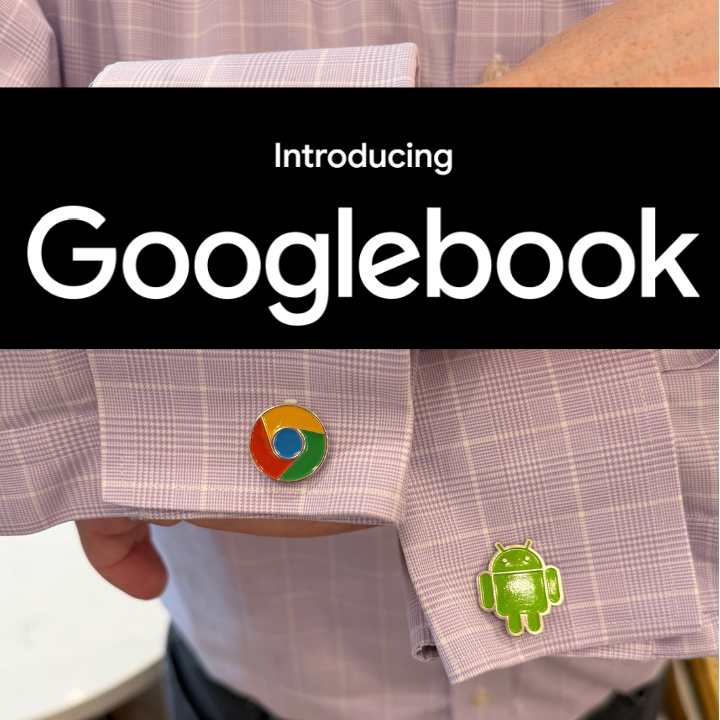
I don’t have proper Googlebook cufflinks yet.
Context
There are over 3 billion Android users, and Google has expanded Android from phones to tablets, wearables, automotive, and XR, but there hasn’t been a native PC platform for this user base. Microsoft has made efforts to provide some integration on Windows, but it’s always going to be bolted on. Android phone users can certainly buy a Mac, but Apple’s cross-device software integration is good enough that that an Android phone user buying a Macbook Neo will at least be tempted to switch to an iPhone in the future. Google’s ChromeOS was extended to run Android apps but it remains an online-first platform (and it isn’t going anywhere – Google took pains to promise that Chromebooks will be supported for at least the next decade, with additional new hardware coming this fall).
The Software
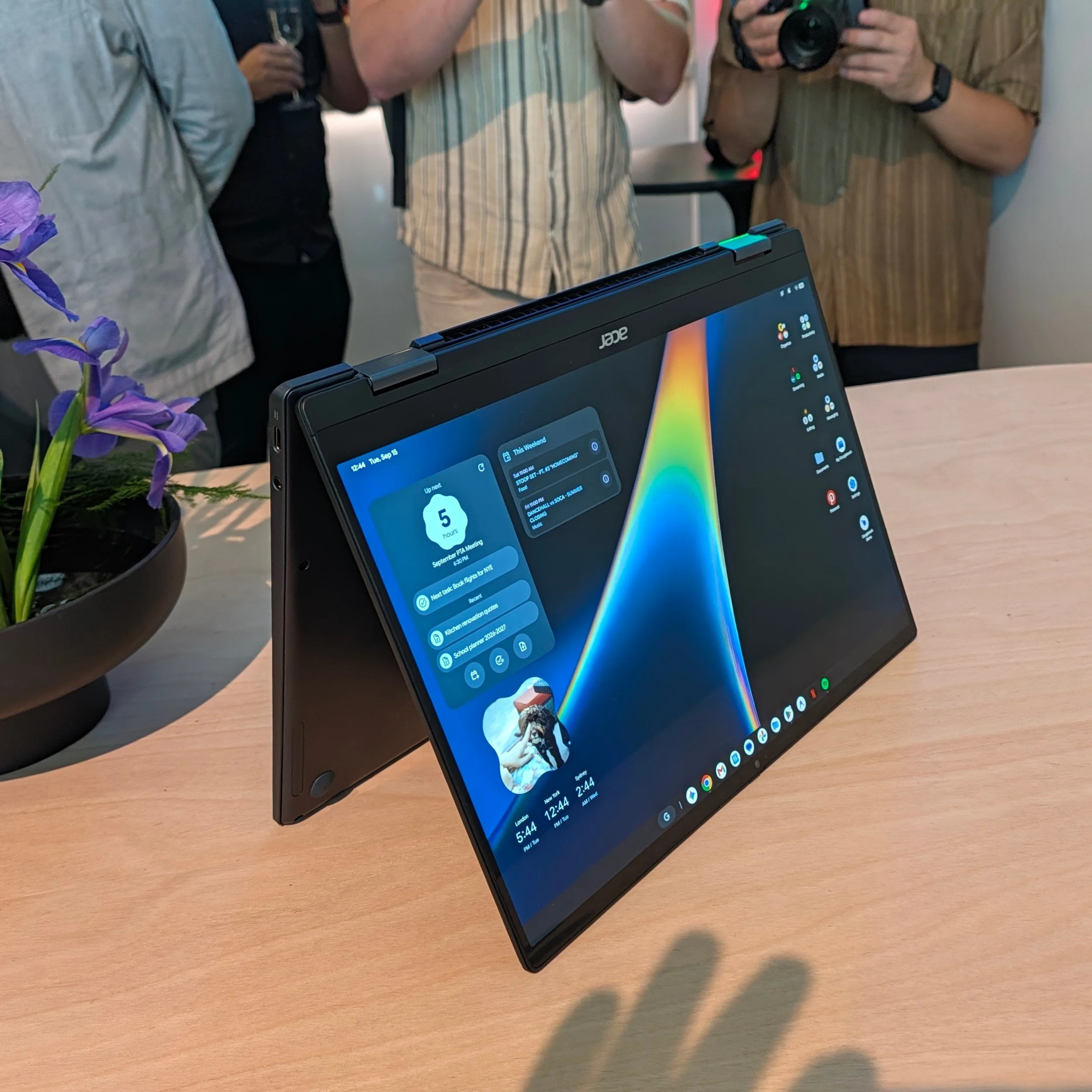
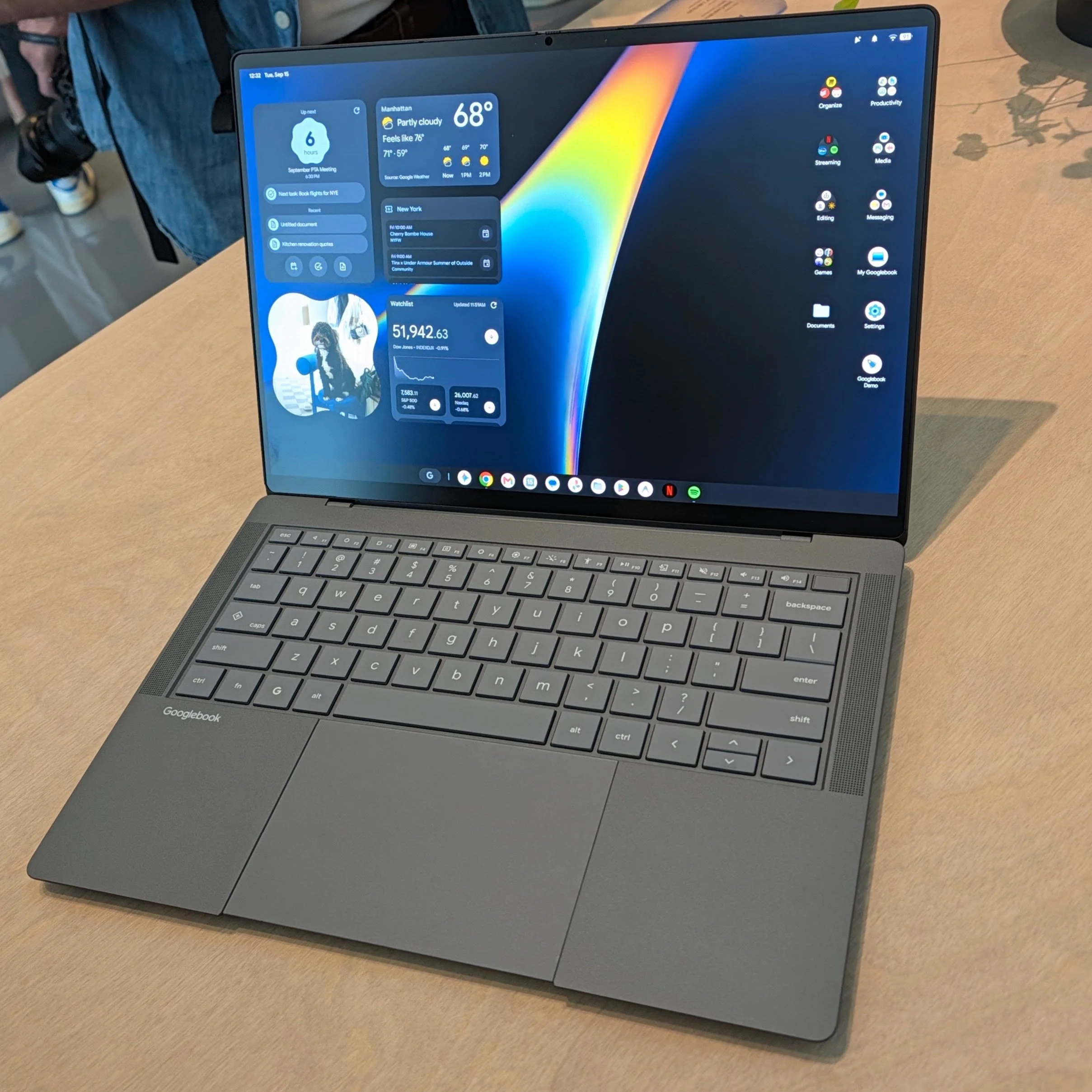
To strengthen Android and bring new Gemini AI experiences to the desktop, Google is launching a second PC OS that is based on the Android tech stack and runs ChromeOS as its web browser. Things that Apple ecosystem dwellers take for granted are fully present here: start tasks on your Android phone and continue on the Googlebook – or the reverse. Phone apps can run on the Googlebook in their own little virtual phone, and files are easily shared. There are also interface elements that will feel “right” to Android users, including a mobile-like control center and widgets, both pre-created and AI-generated. Google’s best idea here is Magic Cursor, which turns your pointer into a Gemini AI discovery tool exposing actions you can take on whatever is on screen. While not unique to Googlebook, Google also points out that you can run Codex, Claude, and Google’s own Antigravity agentic AI tools on a Googlebook. Crucially for Google’s ecosystem, developers can write a single codebase targeting Android phones, tablets, and laptops.
The Hardware
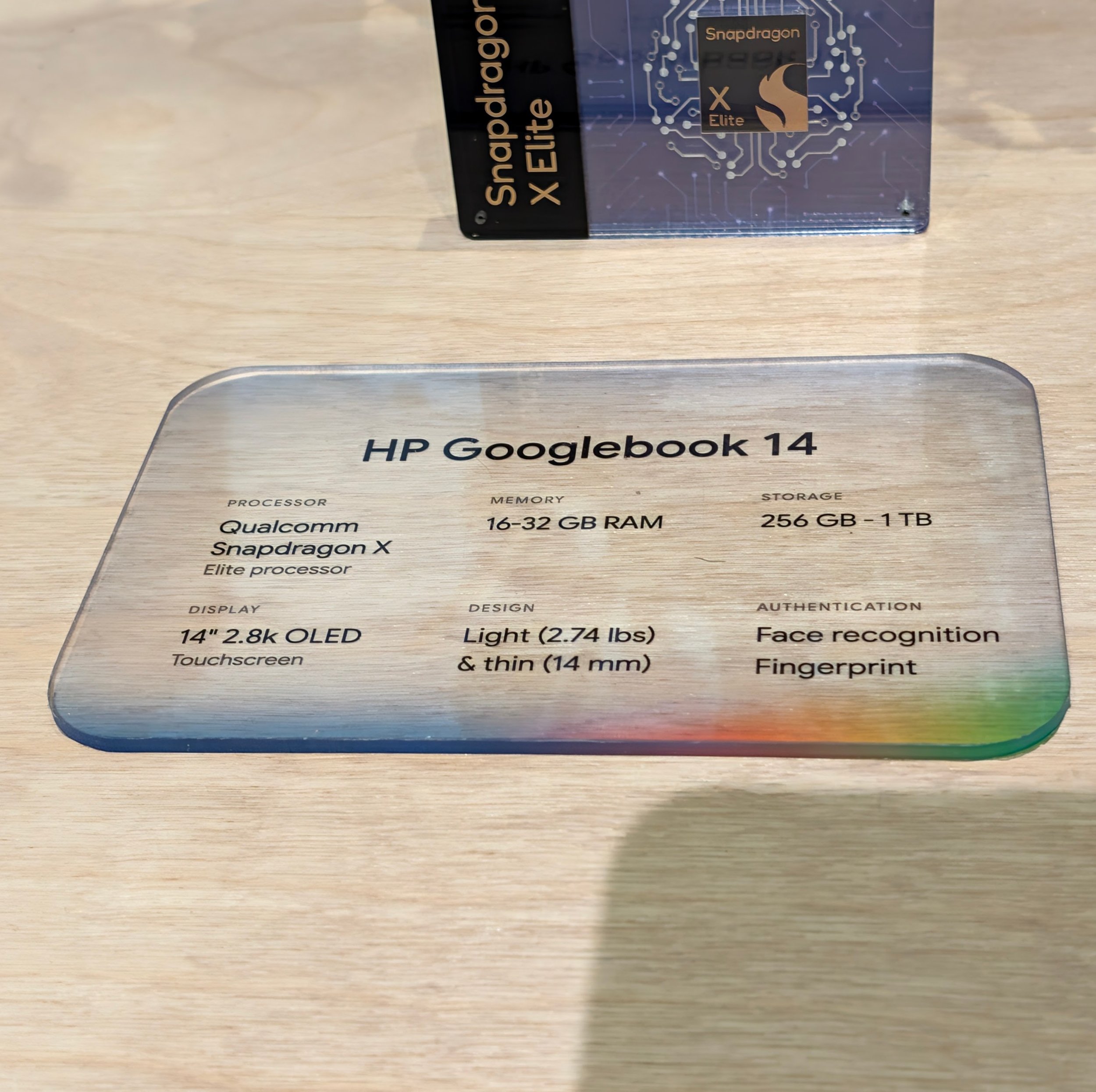
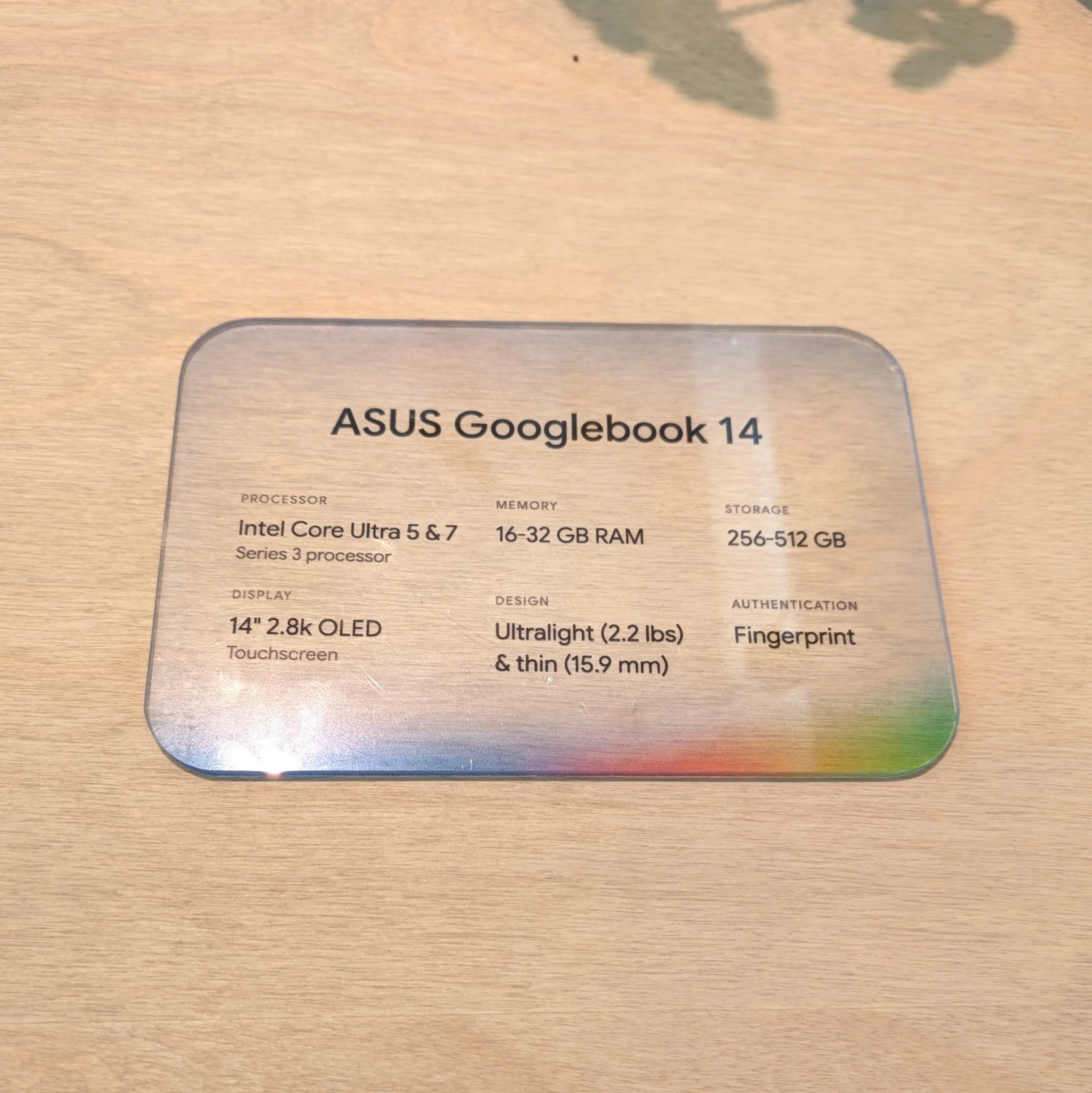
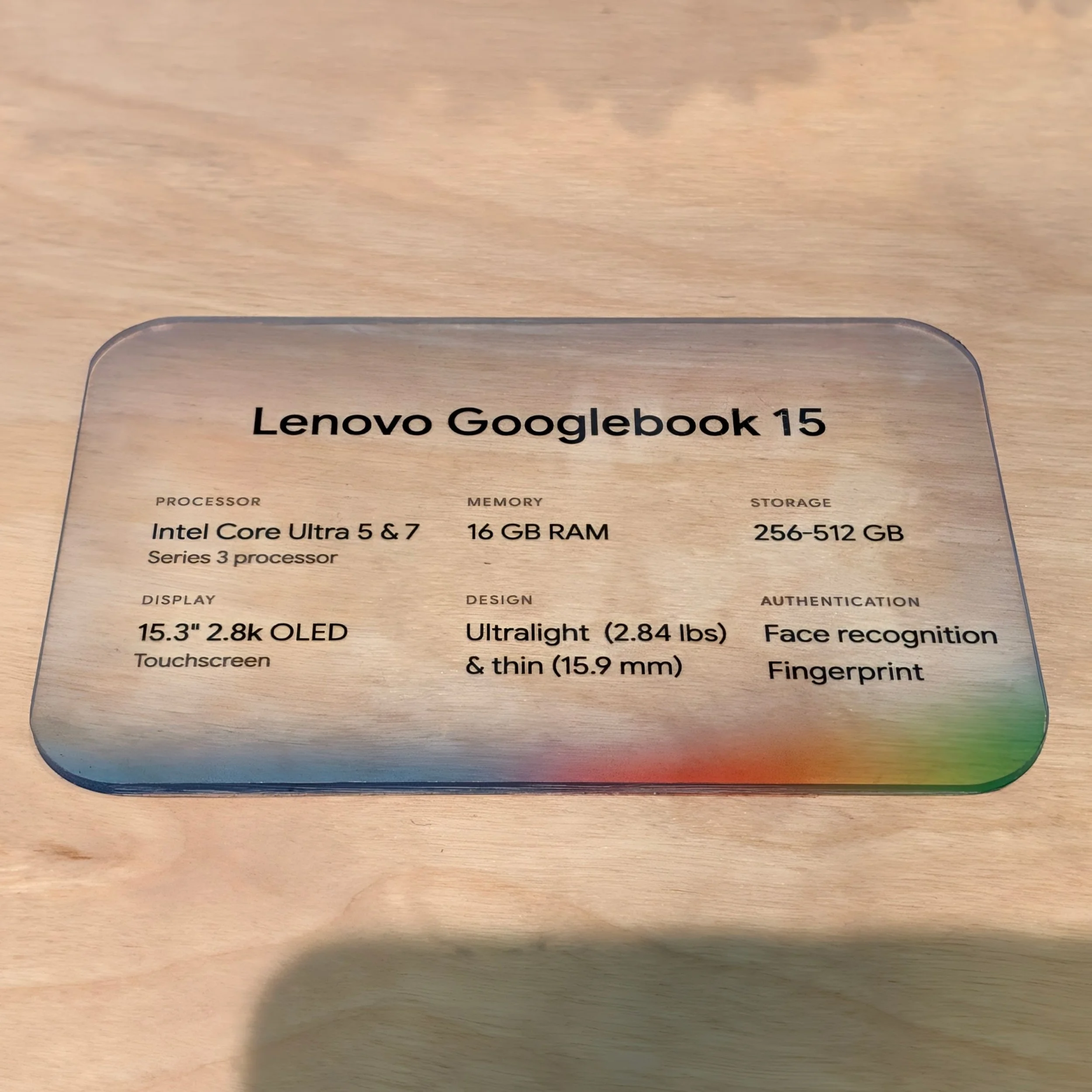
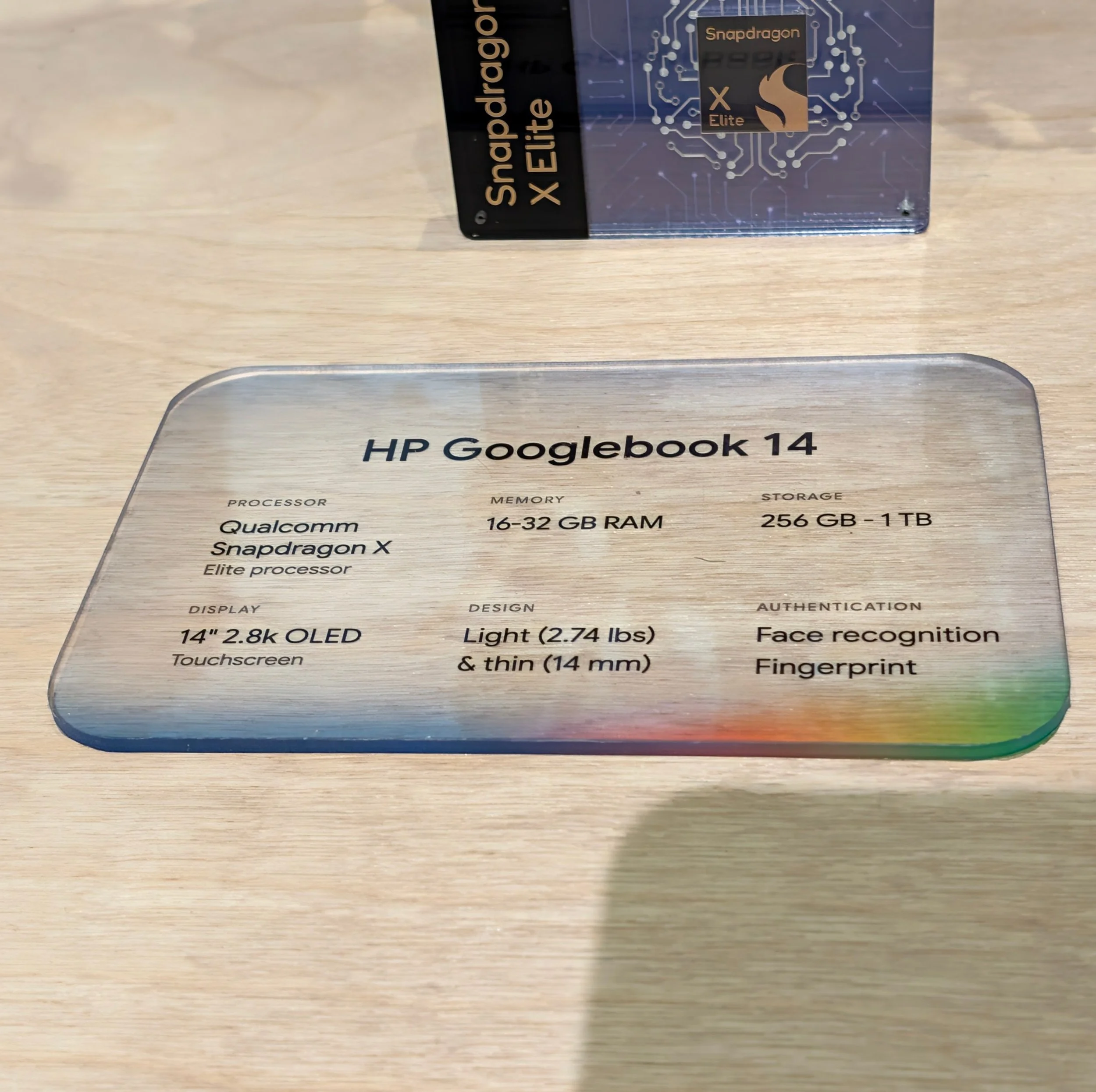
Google is exercising a lot of control over Googlebook configurations. All will have 16 GB – 32 GB of memory, 2.5K or better displays with touchscreens (necessary to run legacy Android apps), at least 256 GB storage. Most have haptic trackpads, too (Dell is the outlier), and premium materials like aluminum, magnesium, and carbon fiber. This puts laptop pricing in the $900 - $1,500 range, and top SKUs will likely end up near $2,000 as component prices rise. Googlebooks are not cheap Chromebooks.
There are three silicon platforms for Googlebook, reflecting Google’s long history in both phones (Qualcomm, MediaTek) and Chromebooks (MediaTek again and Intel). The tech stack doesn’t appear to require any special consideration: Intel is using its Core Ultra series 3 processors – which is better than what it offers for Chromebooks – and Qualcomm is using last year’s Snapdragon X Elite. MediaTek likely could have used an off-the-shelf Kompanio chip from its Chromebooks, instead it is offering the Dimensity CX C10 Max, a 3nm all-big-core CPU, 11 core GPU, and NPU 890 with 55 TOPS.
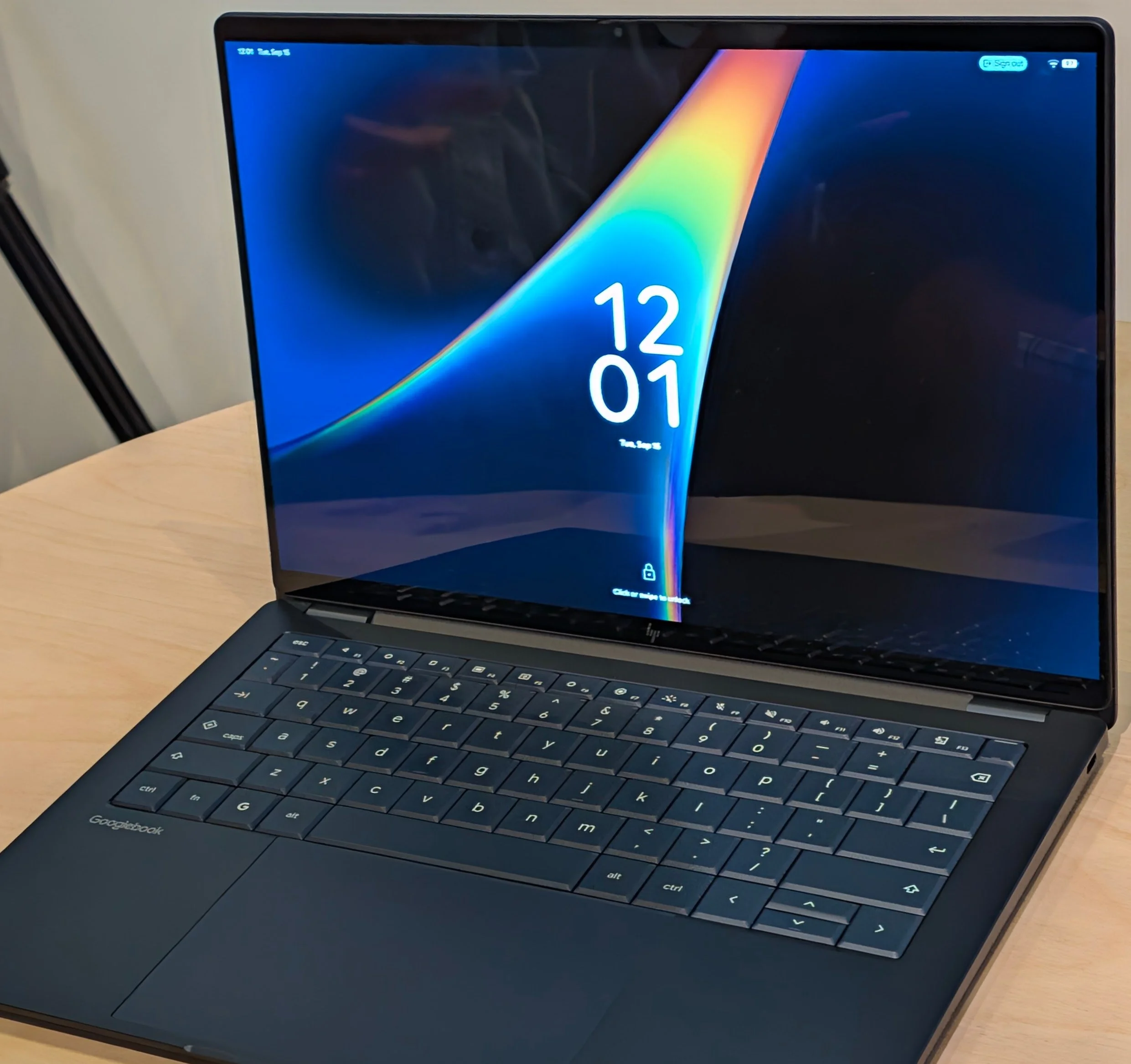
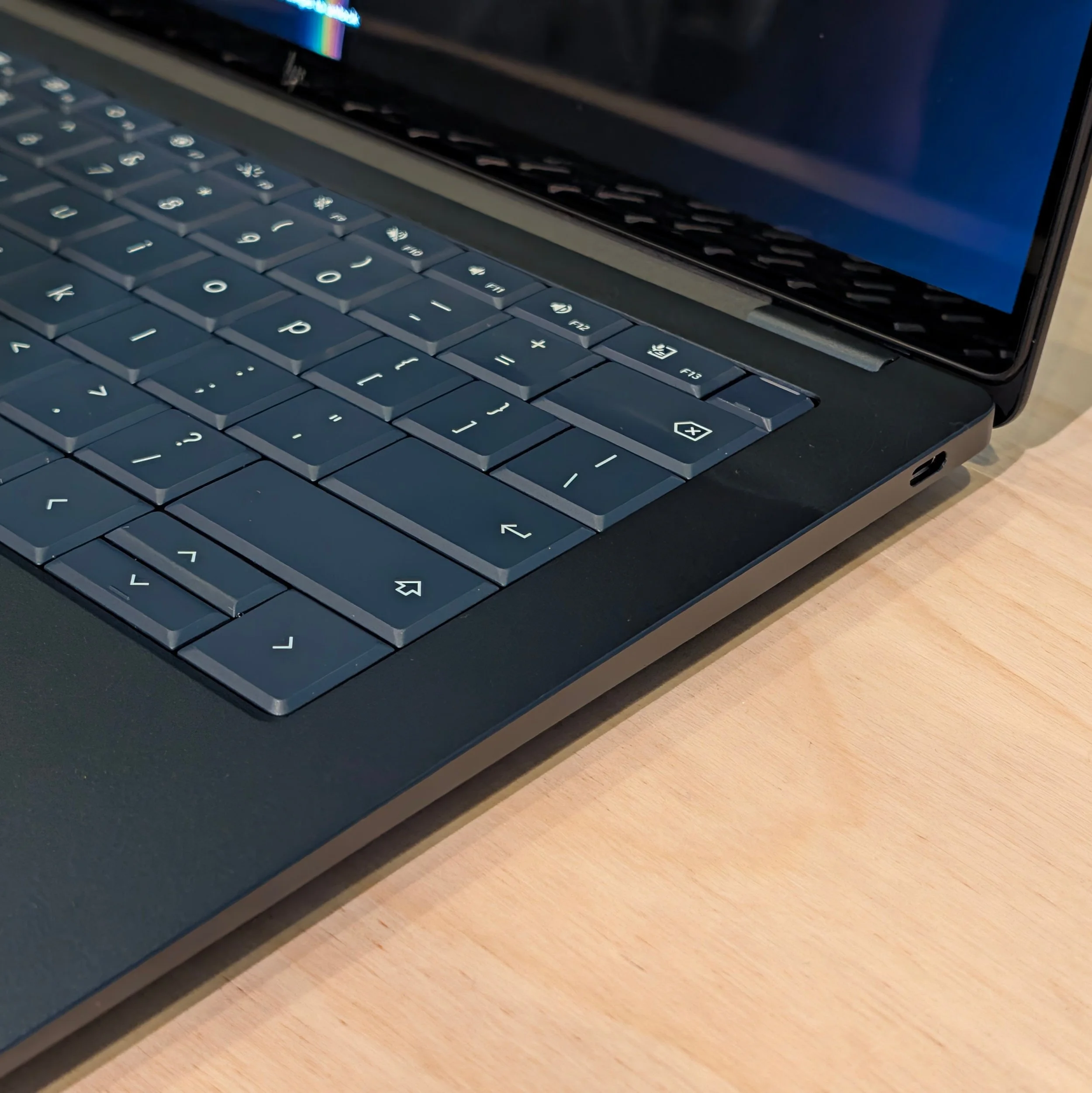
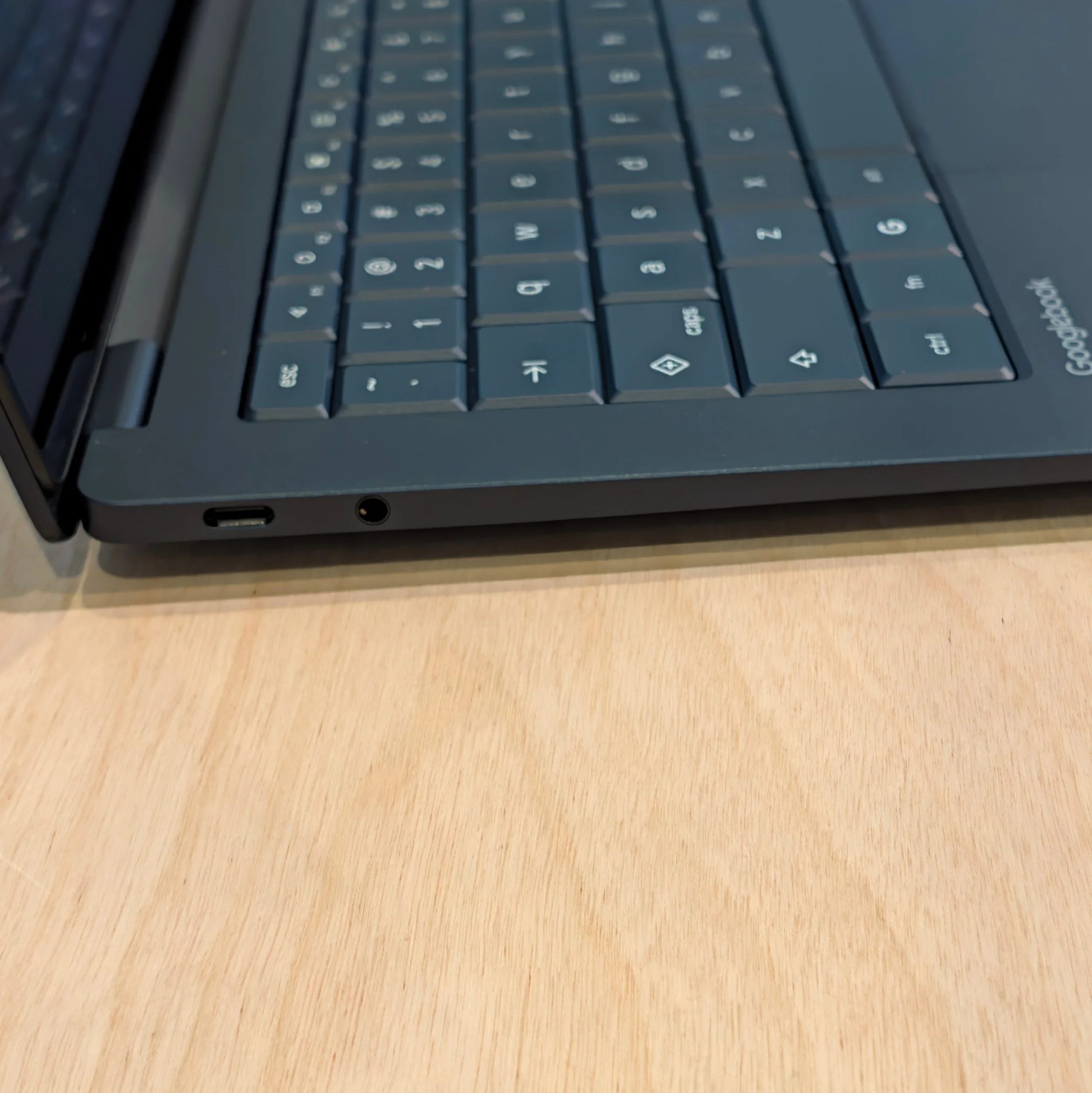
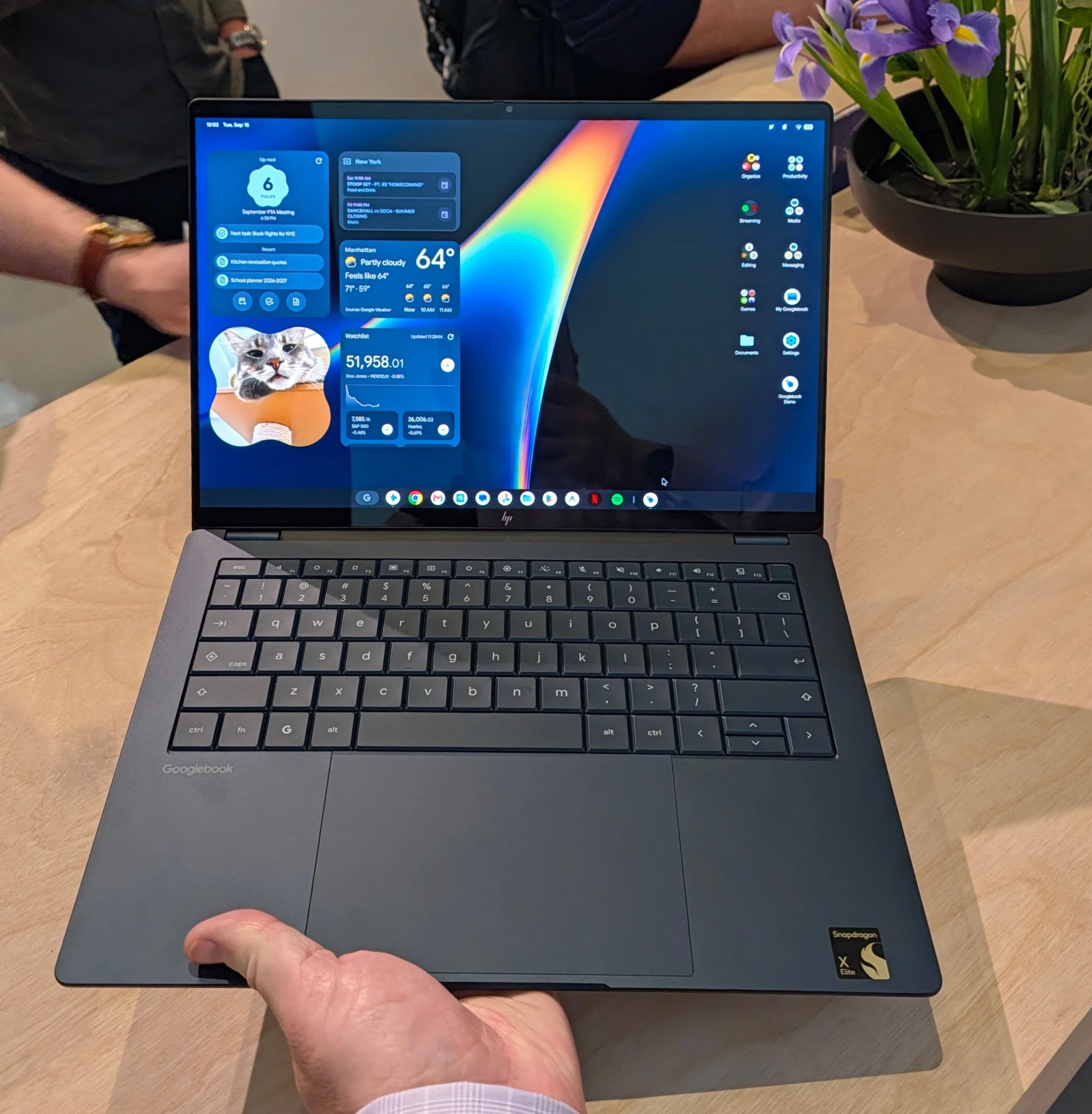
The world’s largest PC OEMs have all signed up to build Googlebooks and seem enthusiastic about the platform. We’ll see how many come back with new designs next year if the initial run doesn’t sell well. Google held a launch event in NYC and Lenovo, Dell, ASUS, Acer, and HP each showed off a single Googlebook.
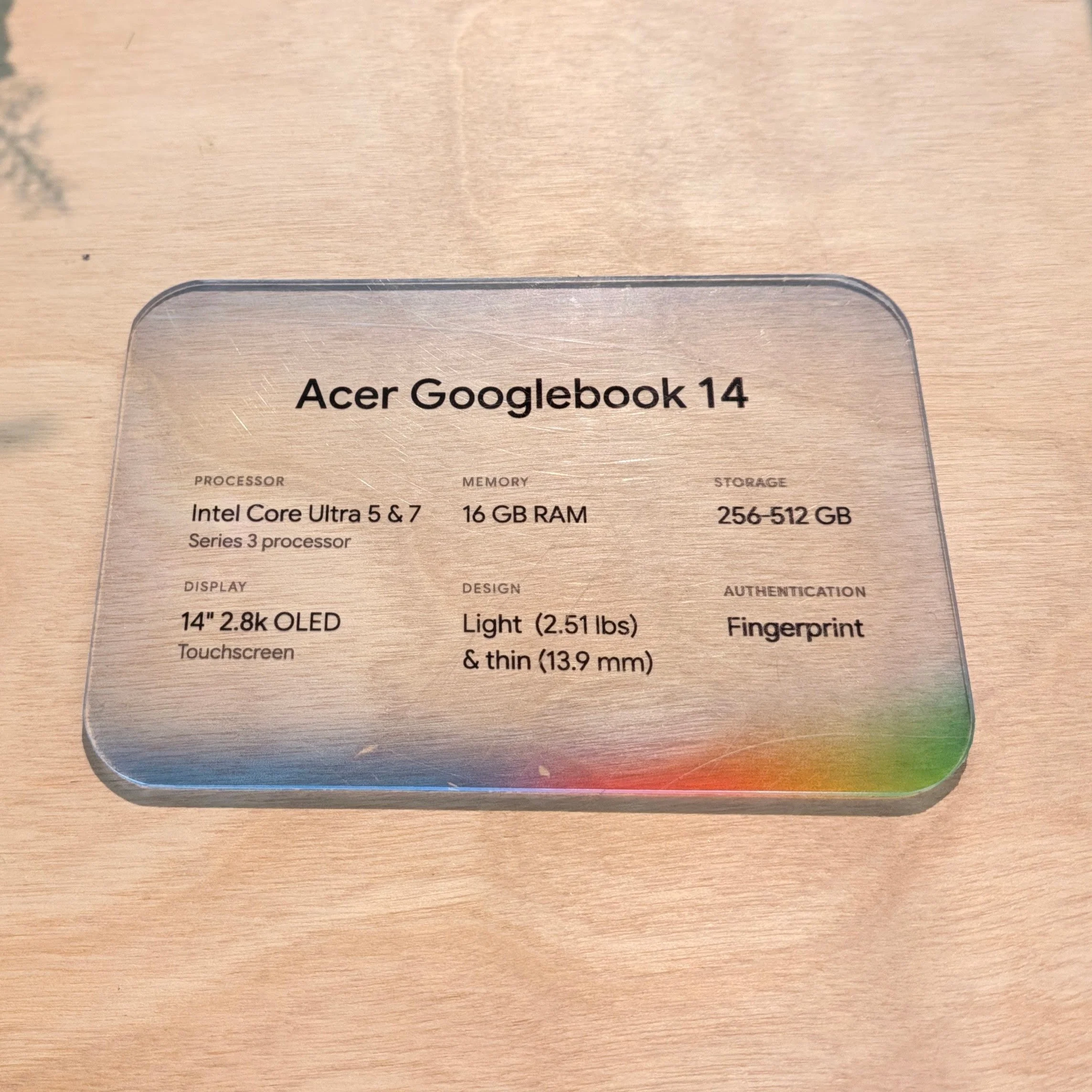
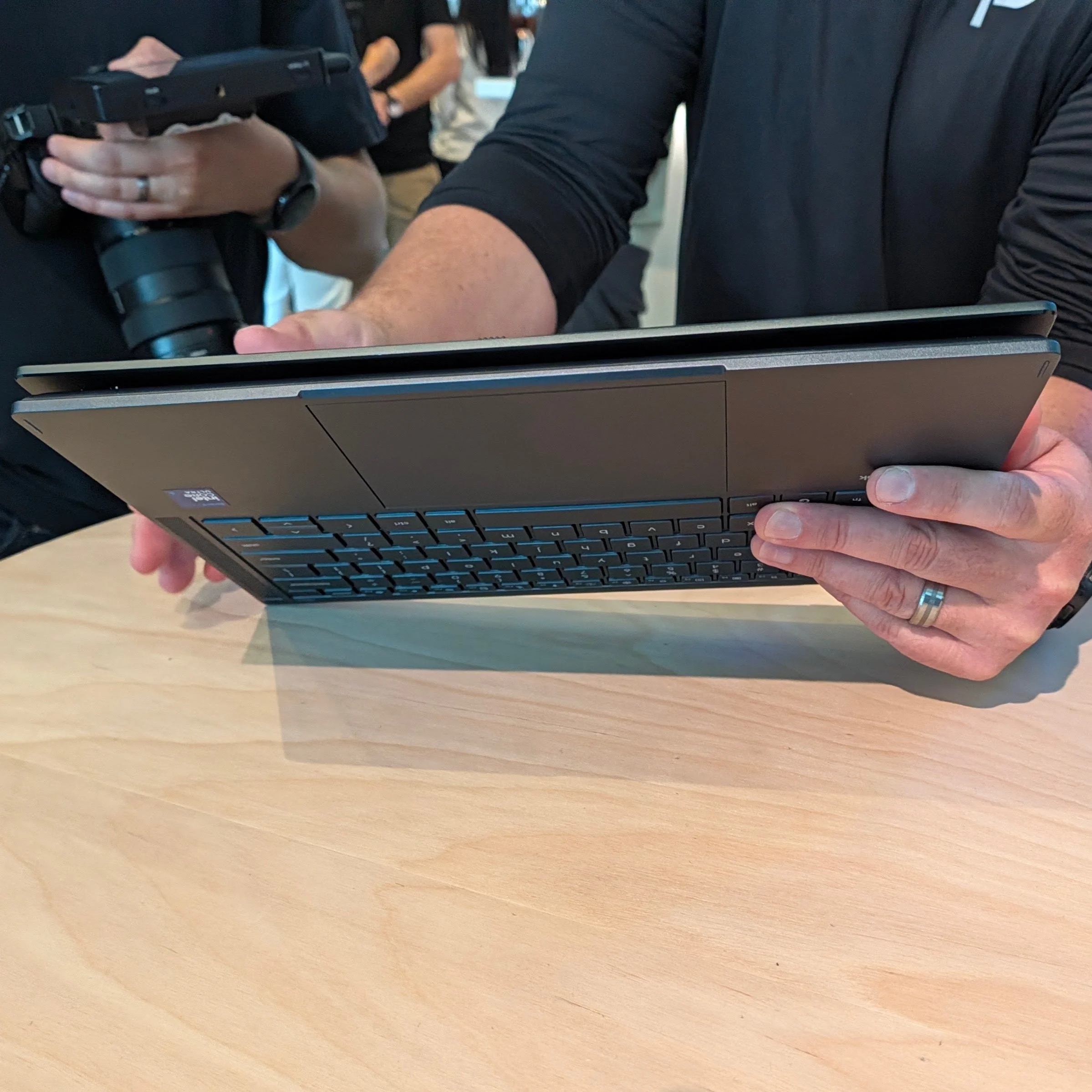
Acer is the least expensive ($900, a Best Buy deal listed as “limited time”) and has the only convertible.
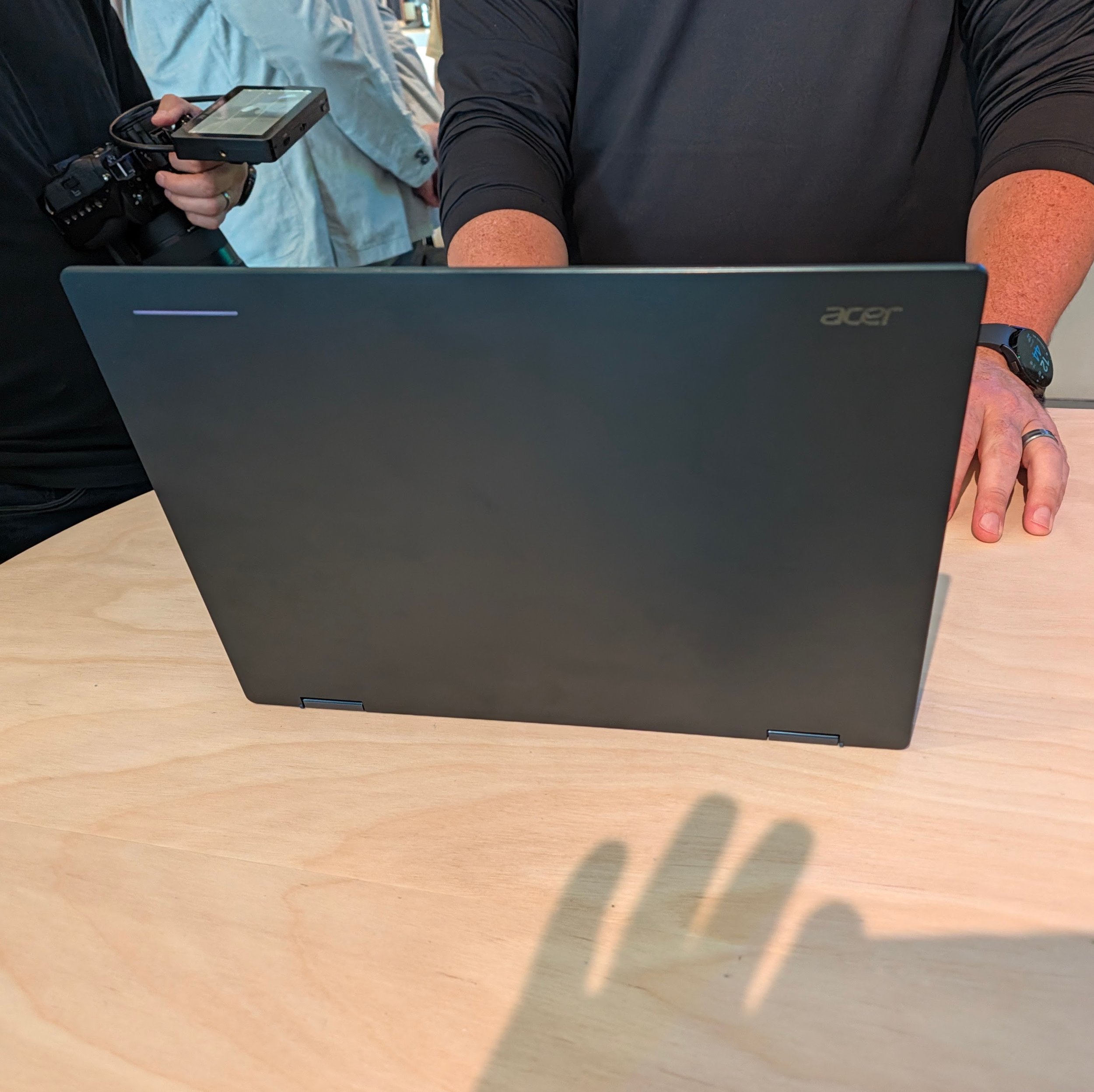
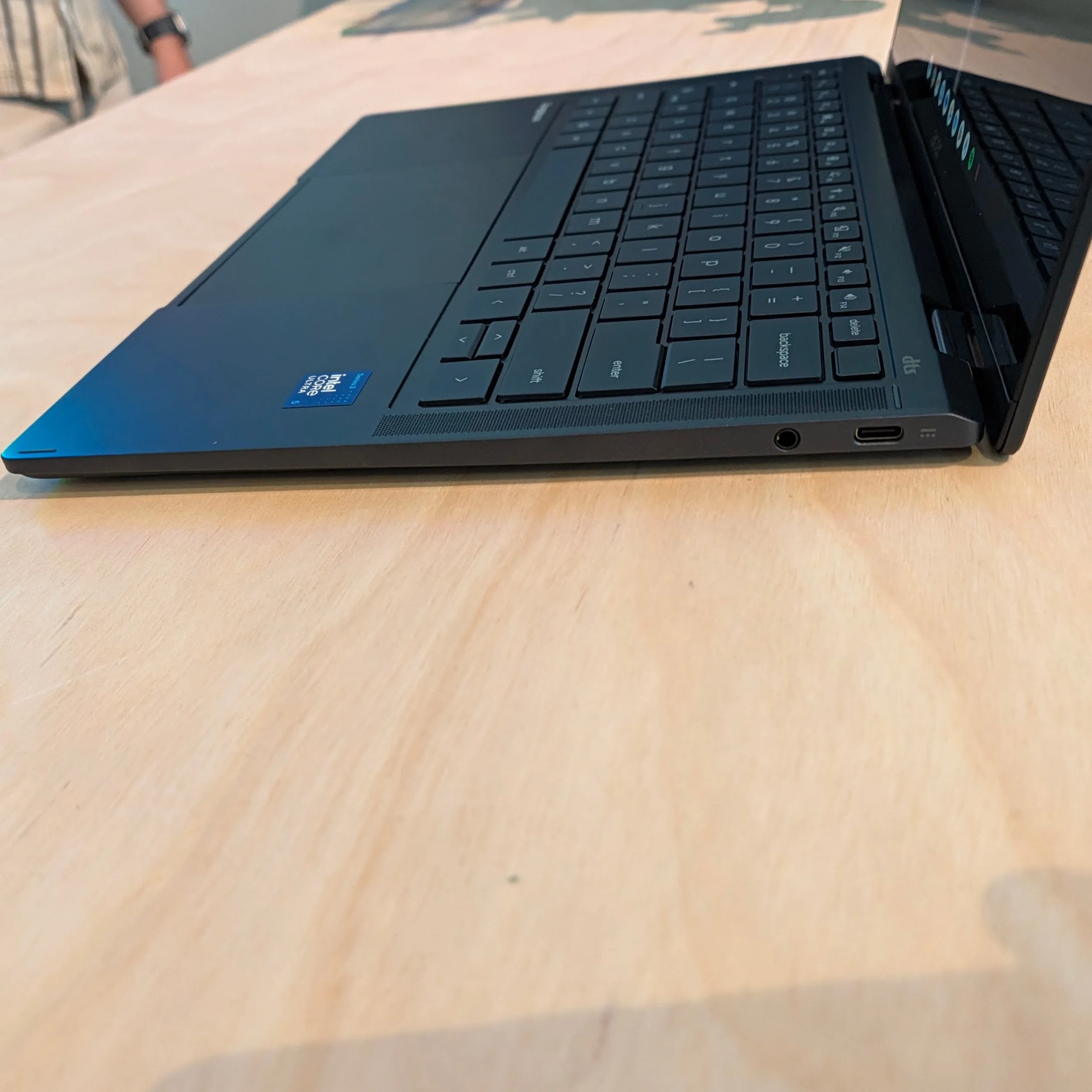
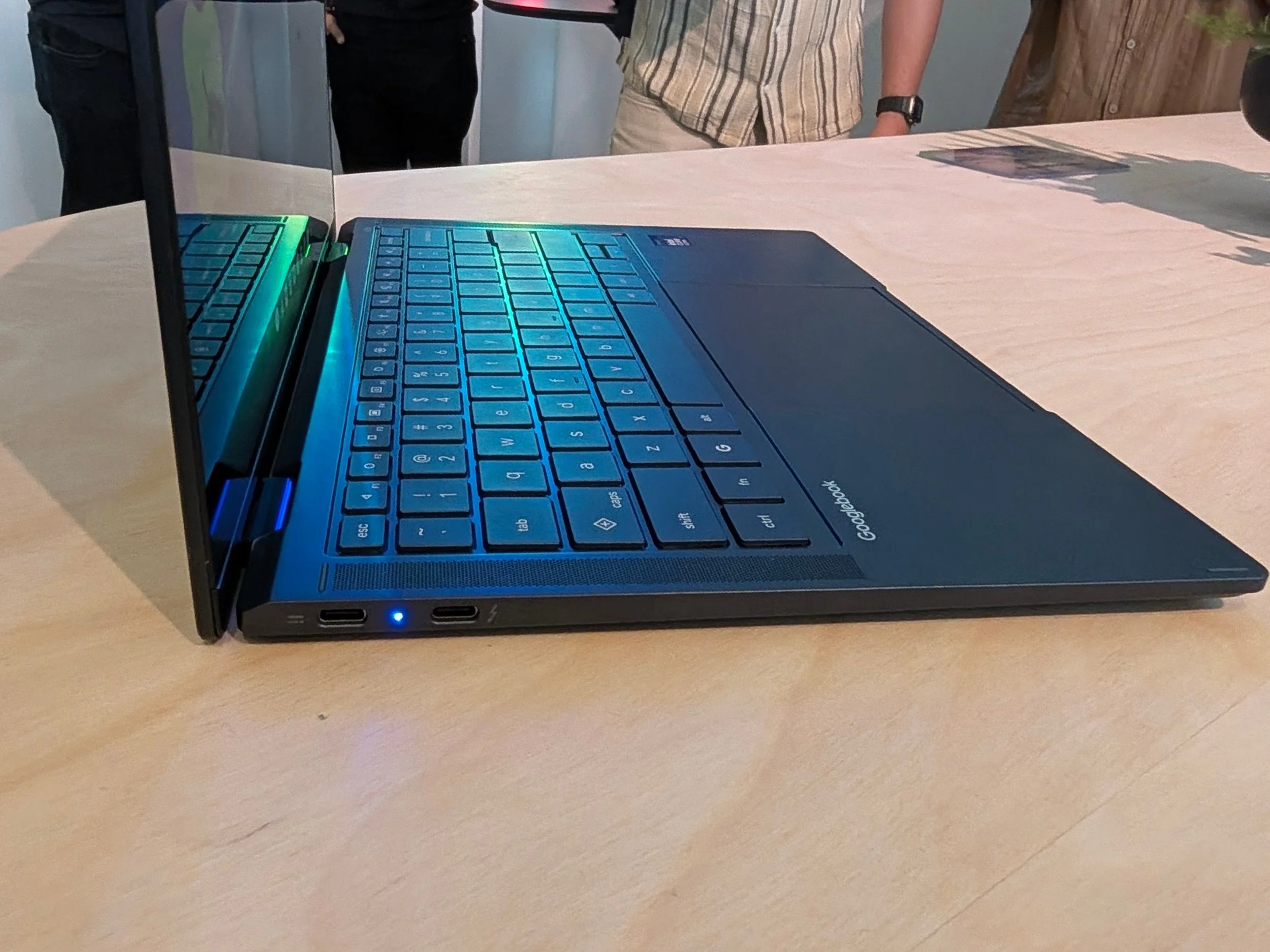
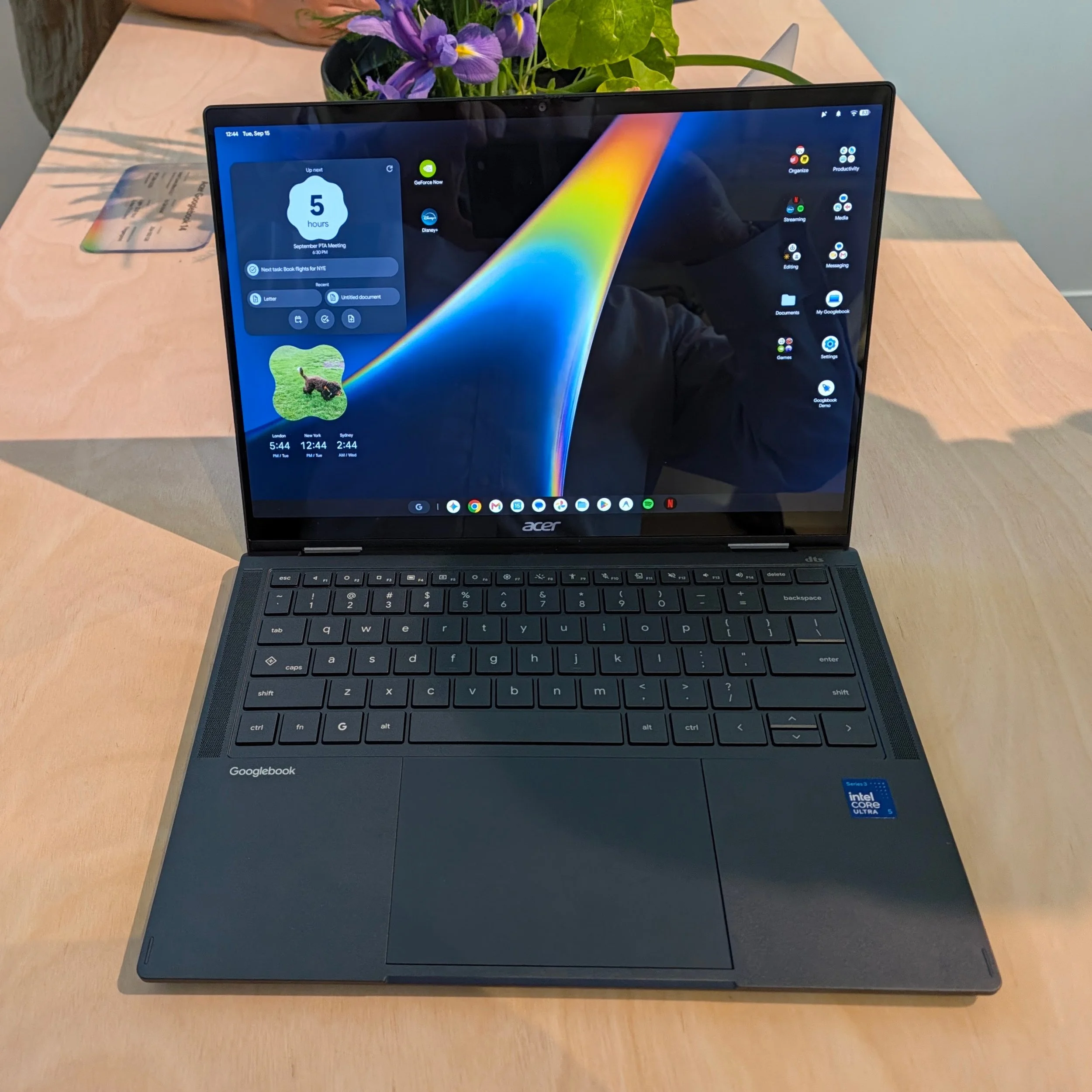
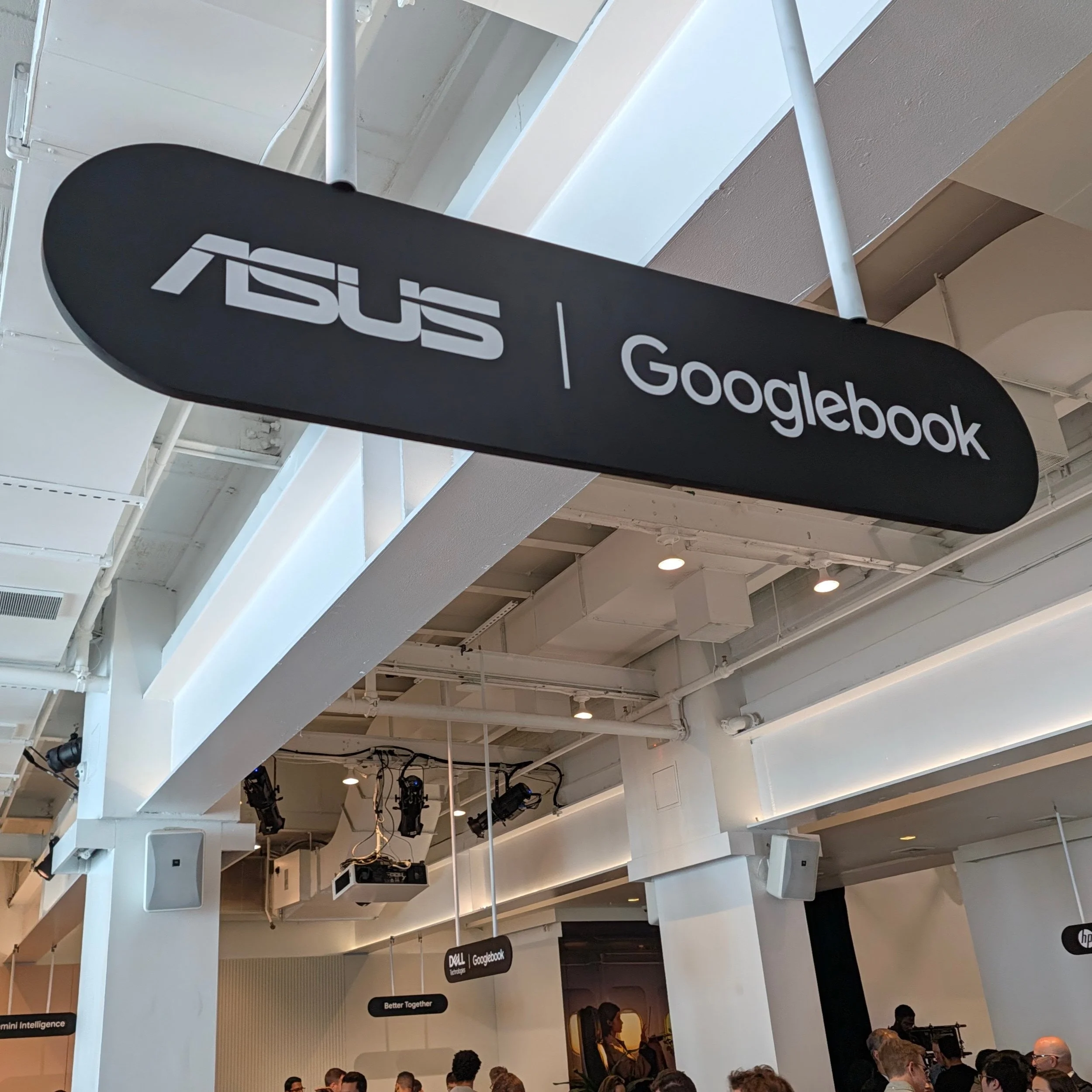
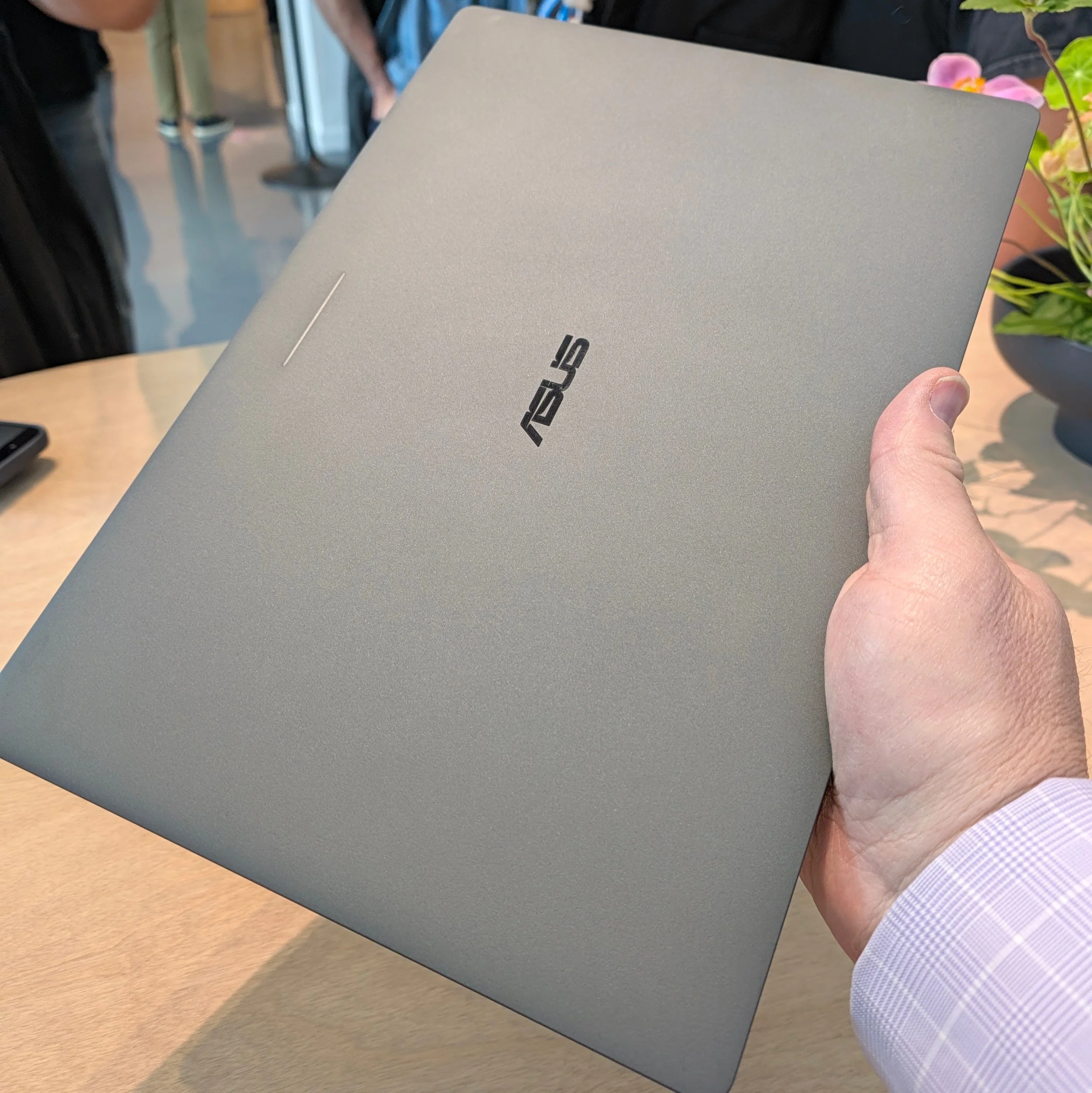
ASUS is technically the lightest (Dell is a tenth of a pound heavier) yet fits in a 70 Whr battery, an OLED panel and a full array of ports for $1300.
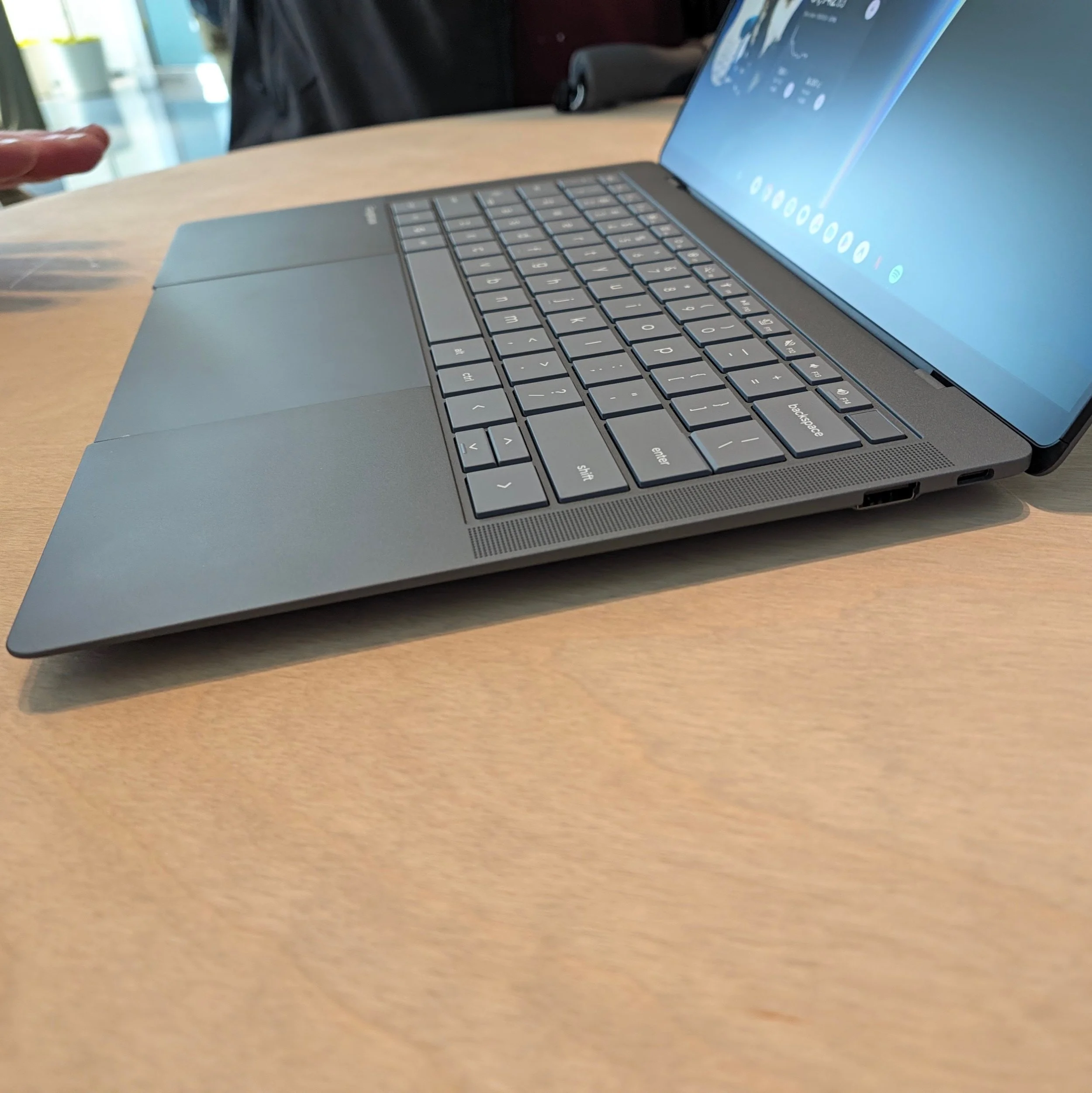
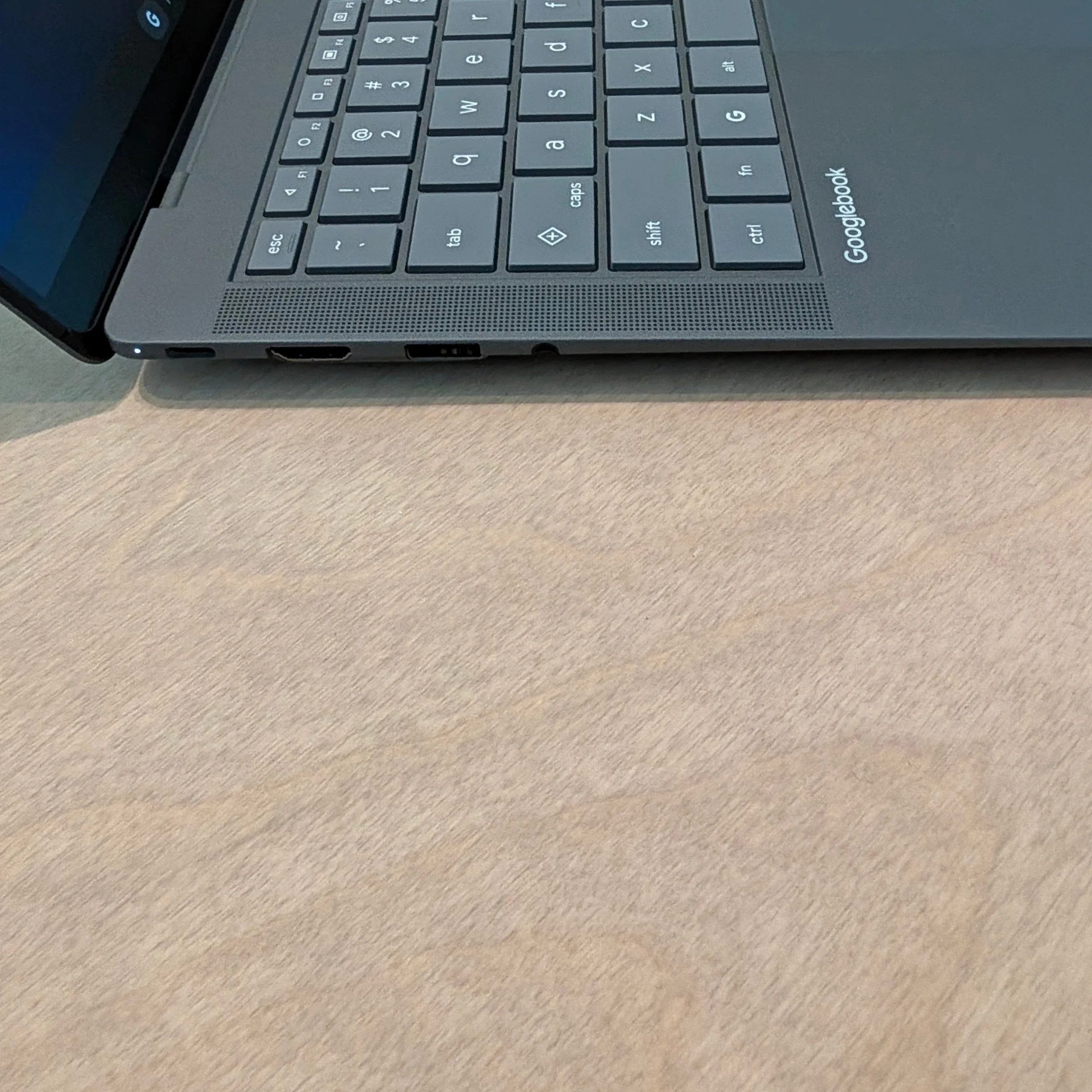
Lenovo has the largest 15” display in a chassis that is still lightweight thanks to a ridged carbon fiber bottom panel.
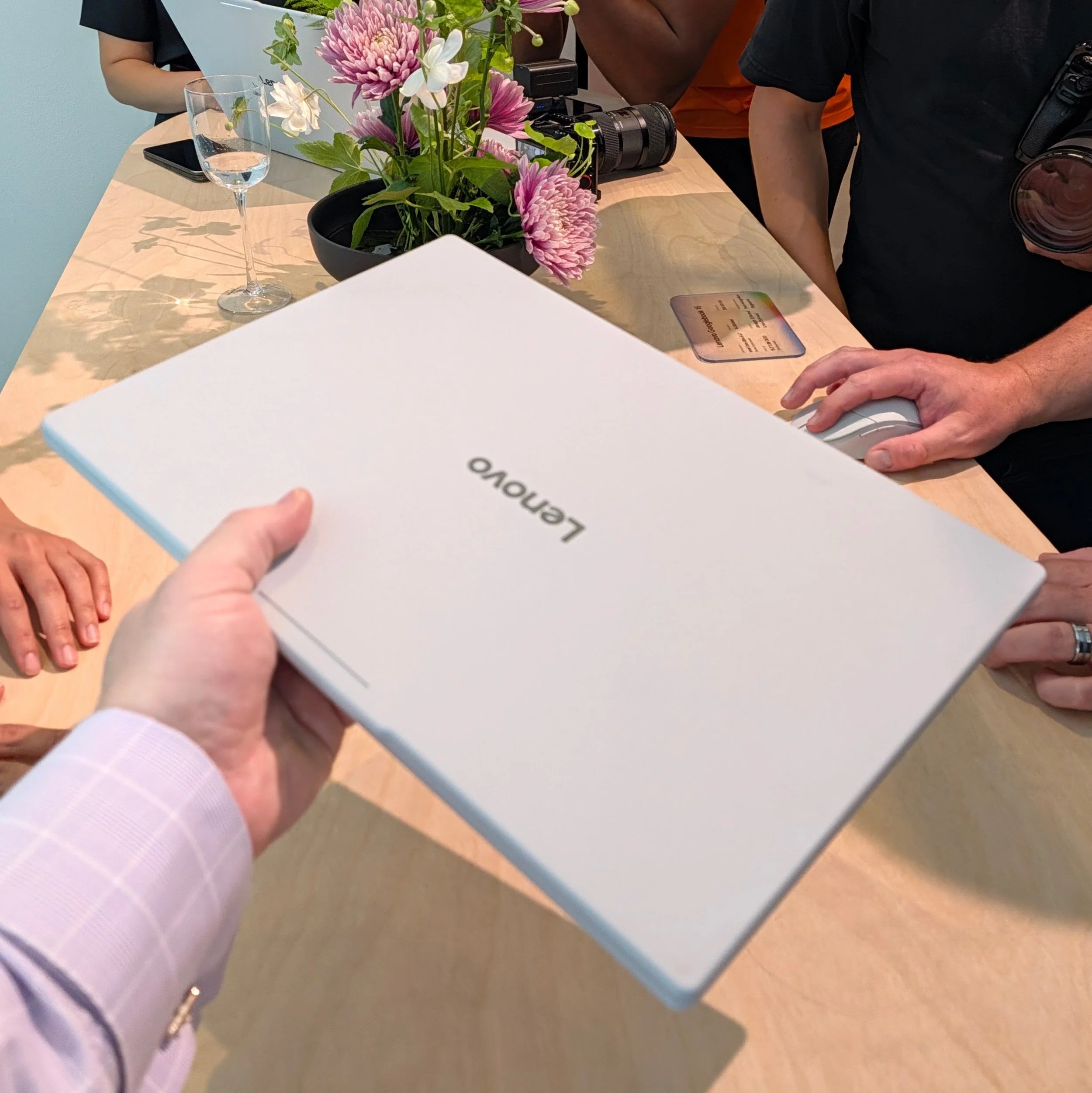
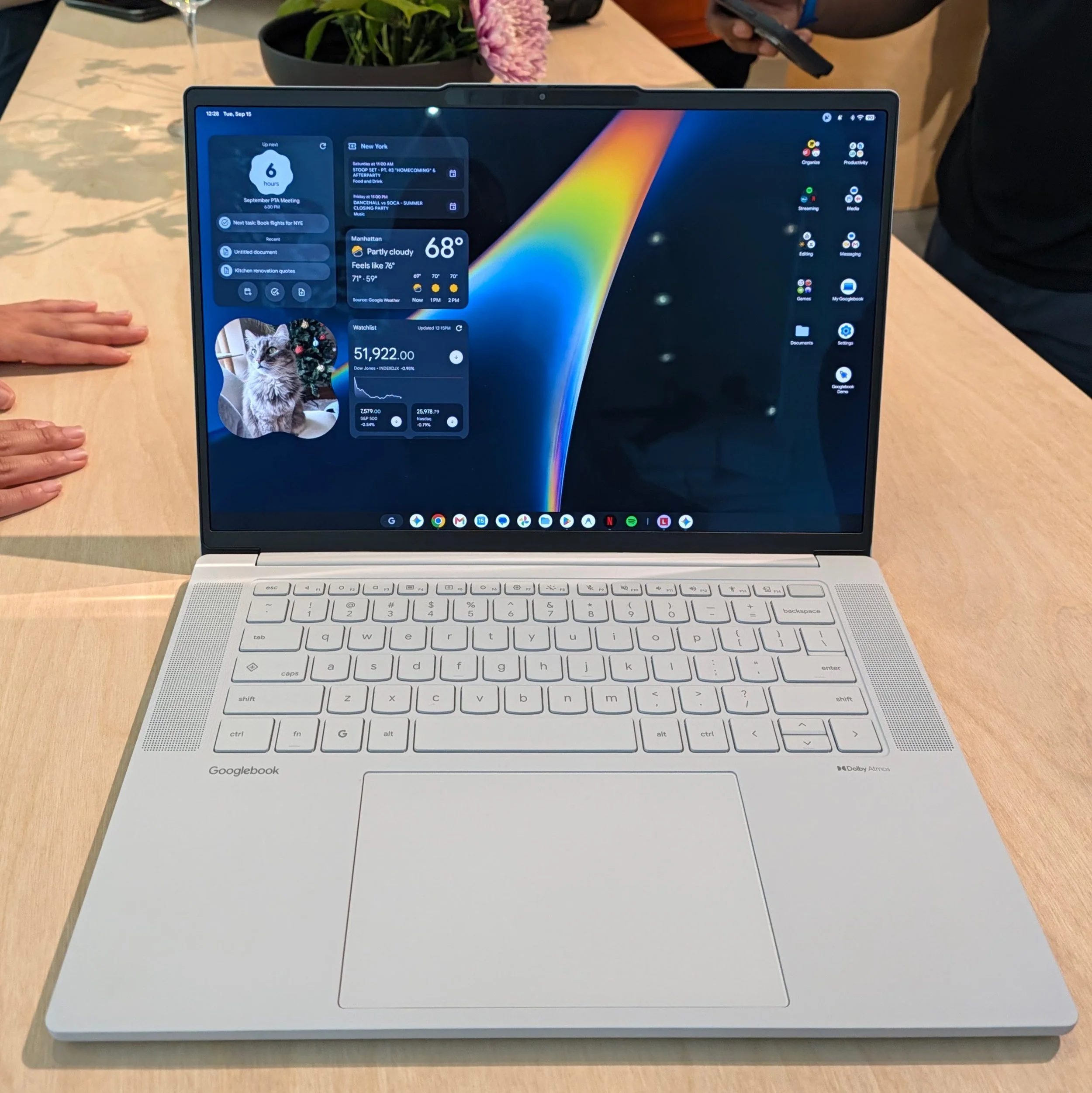
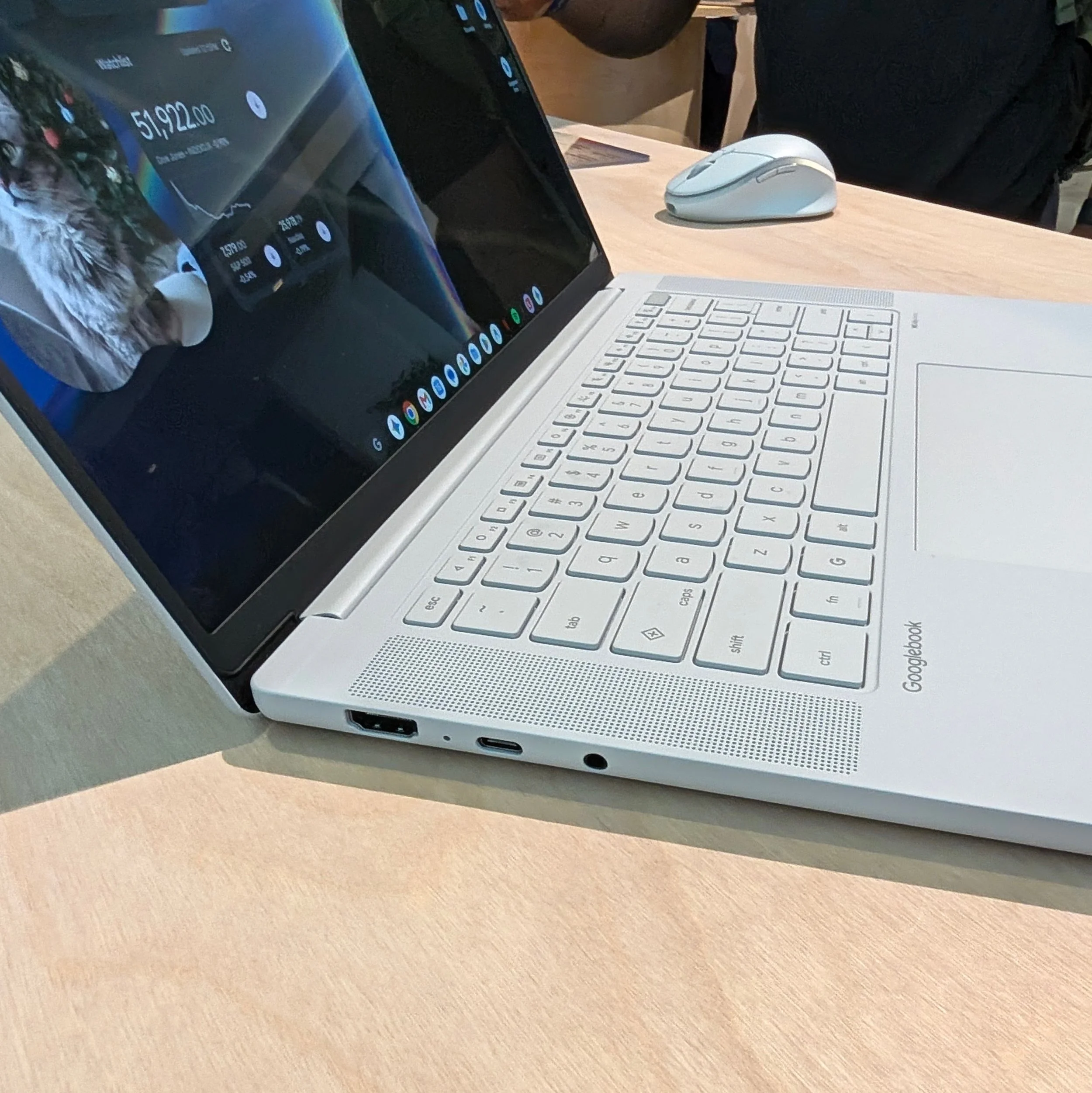
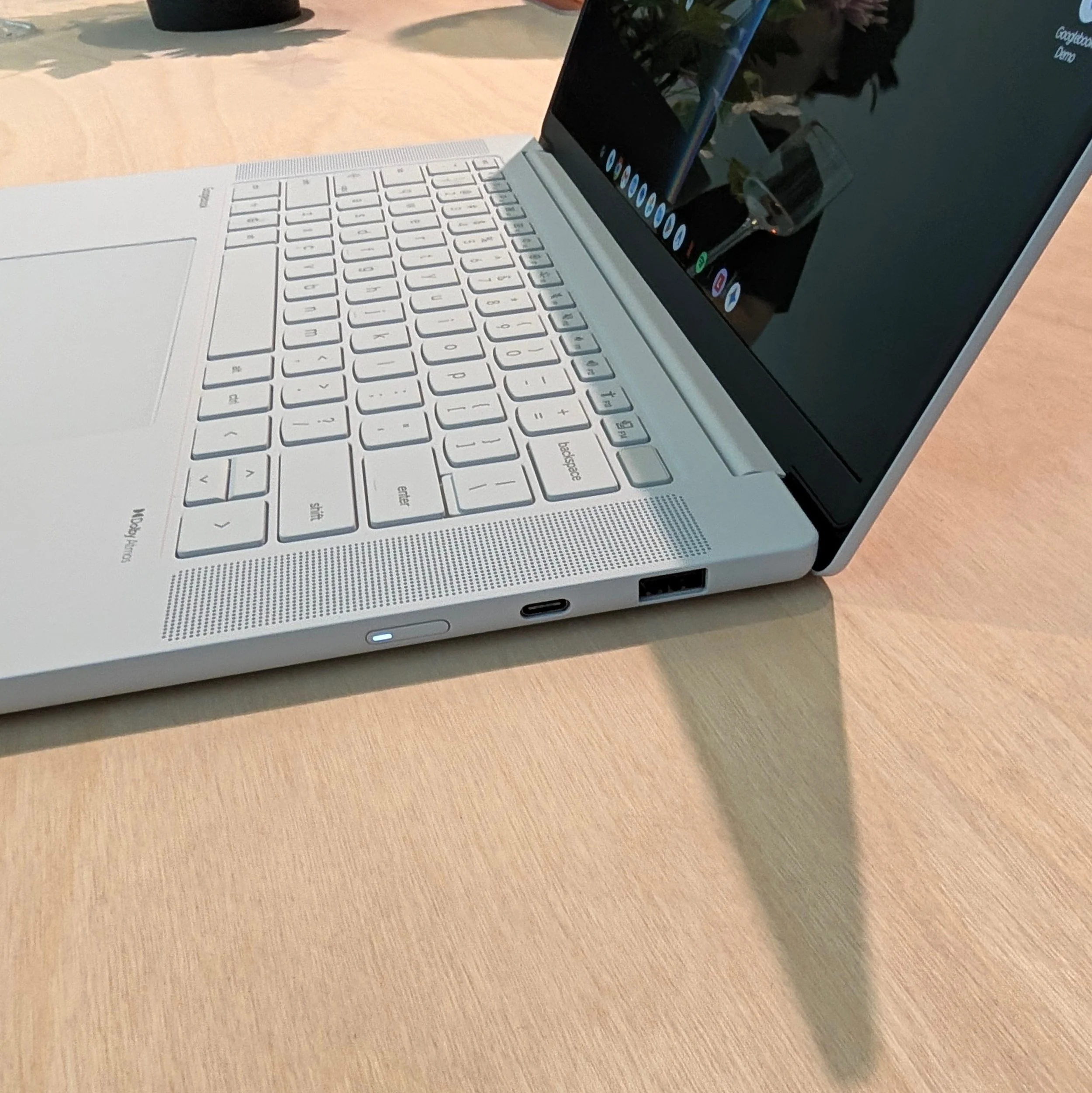
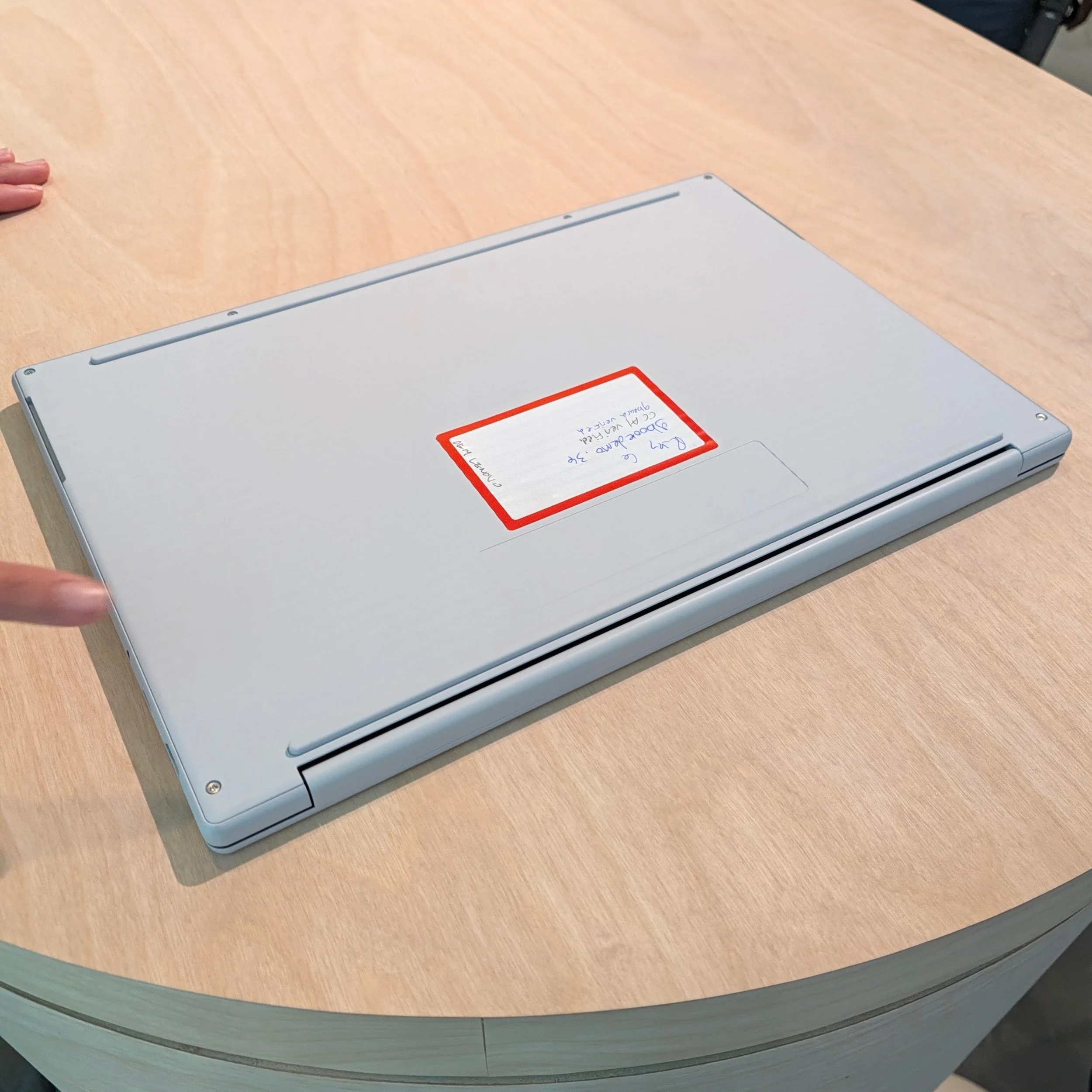
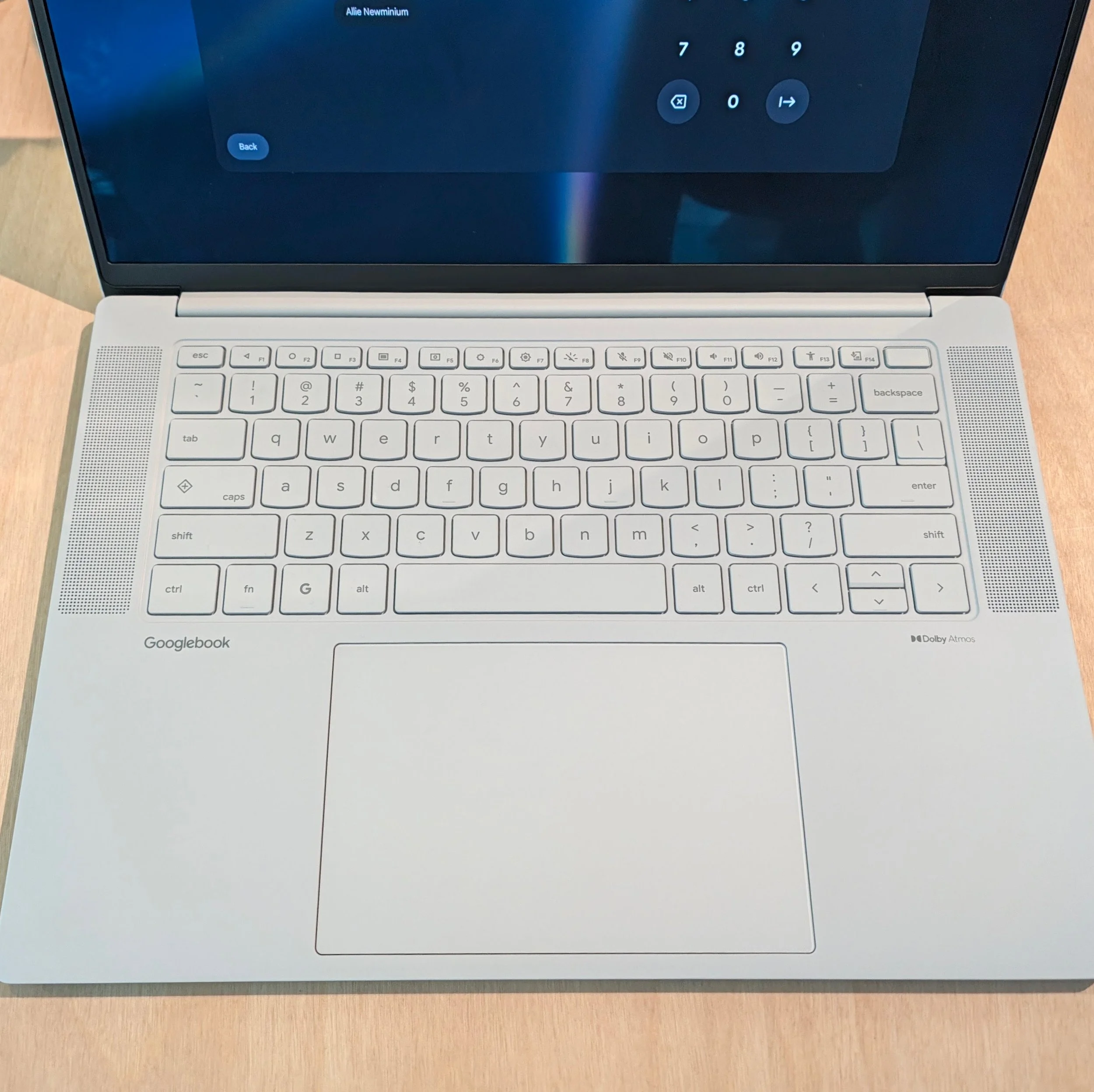
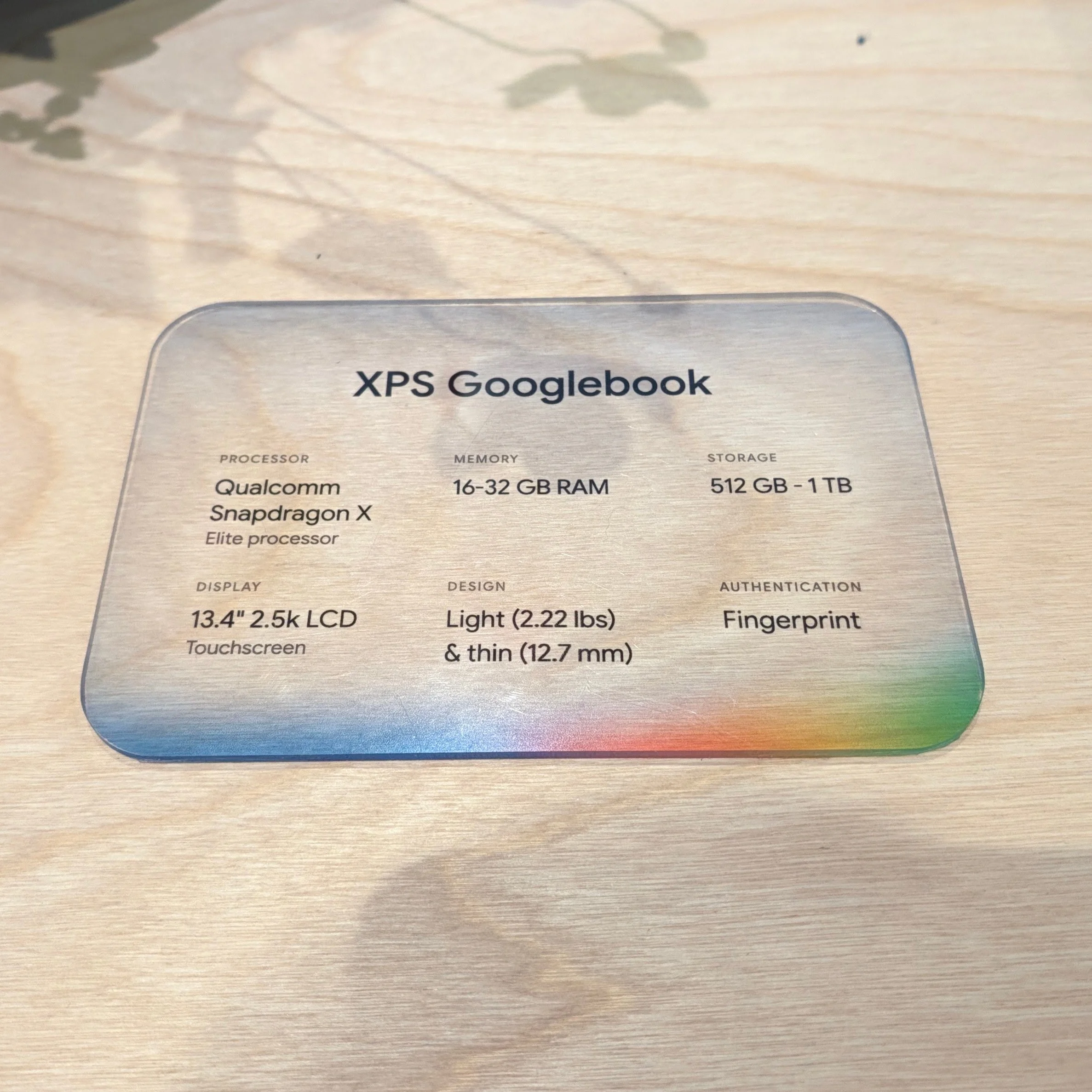
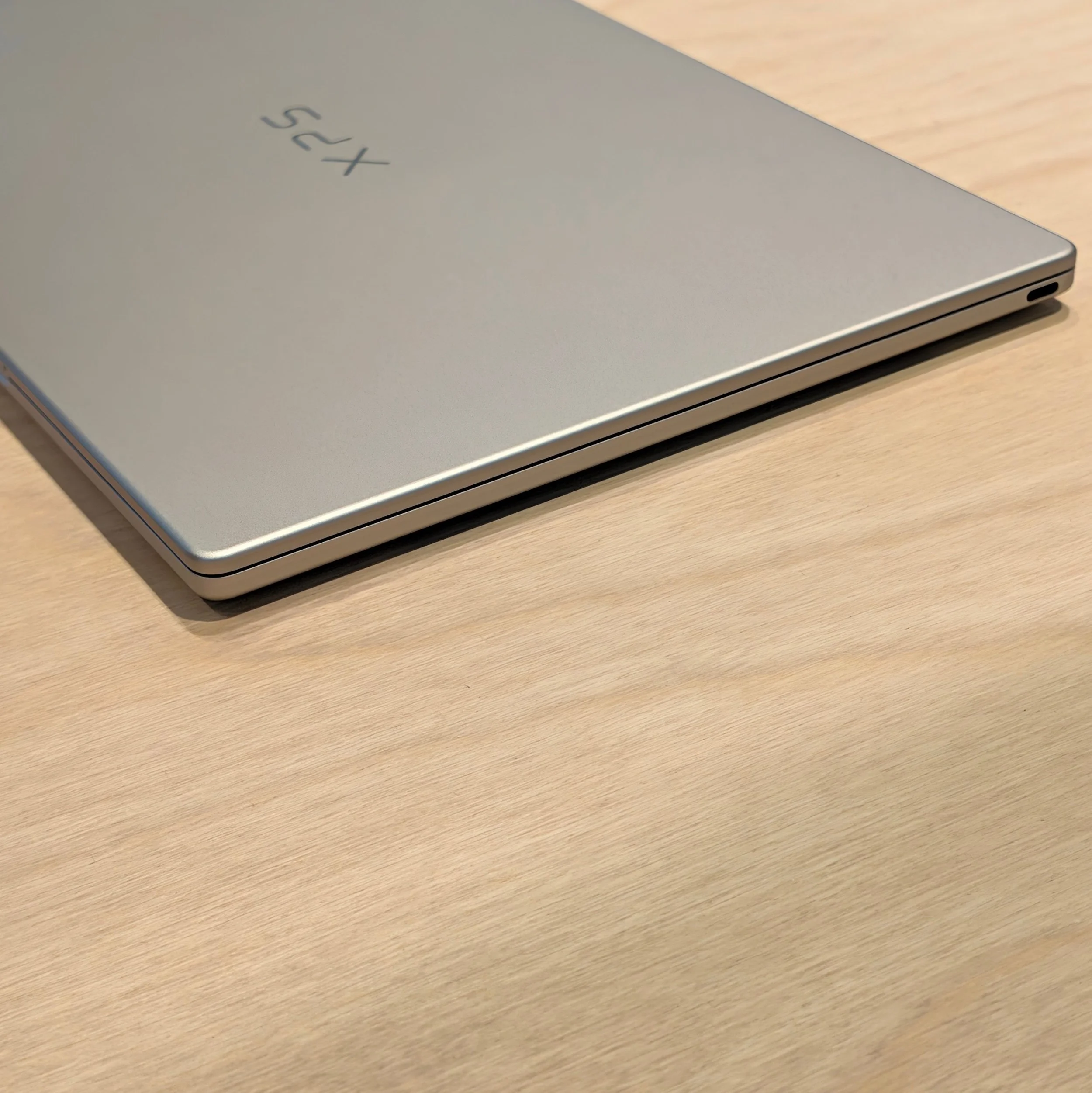
Dell is the only Googlebook with an IPS display panel – the rest have OLED – but it is using a similar exceptionally thin design to its newest Windows XPS laptops, runs a Qualcomm Snapdragon X Elite, and it starts at 512 GB of storage. Dell also has the smallest port selection – just two USB-C – but its entry really does look stunning.
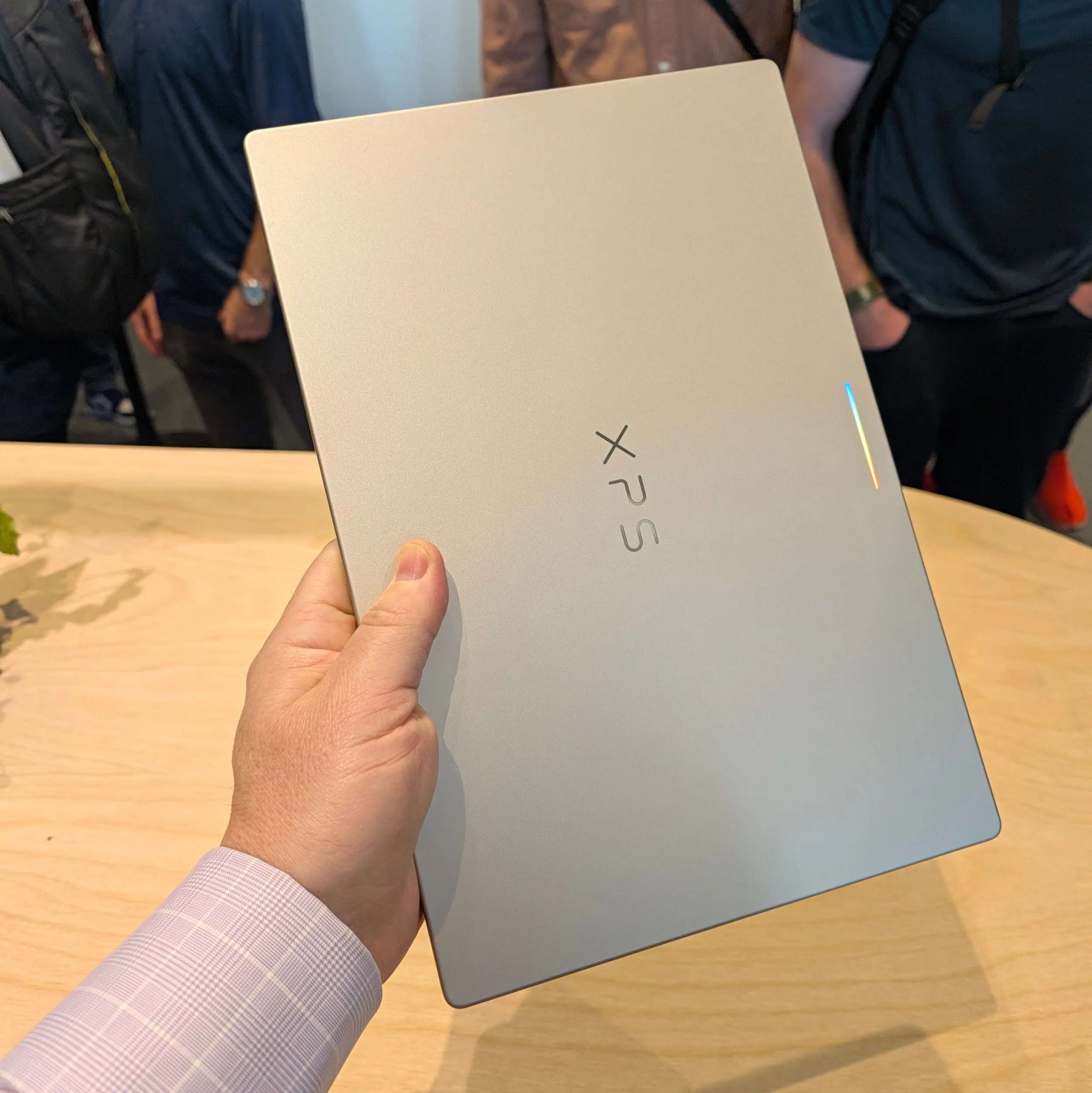
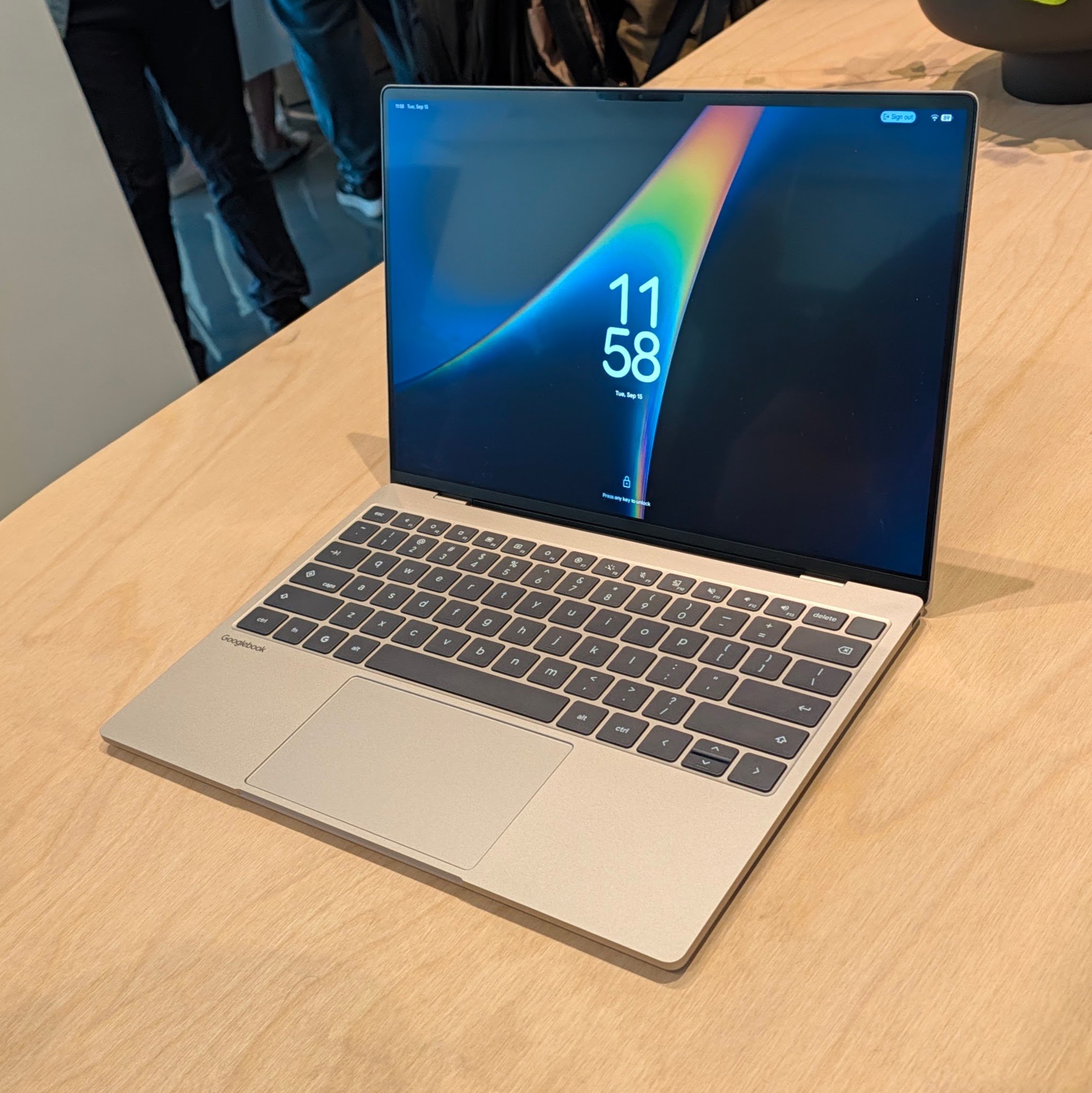
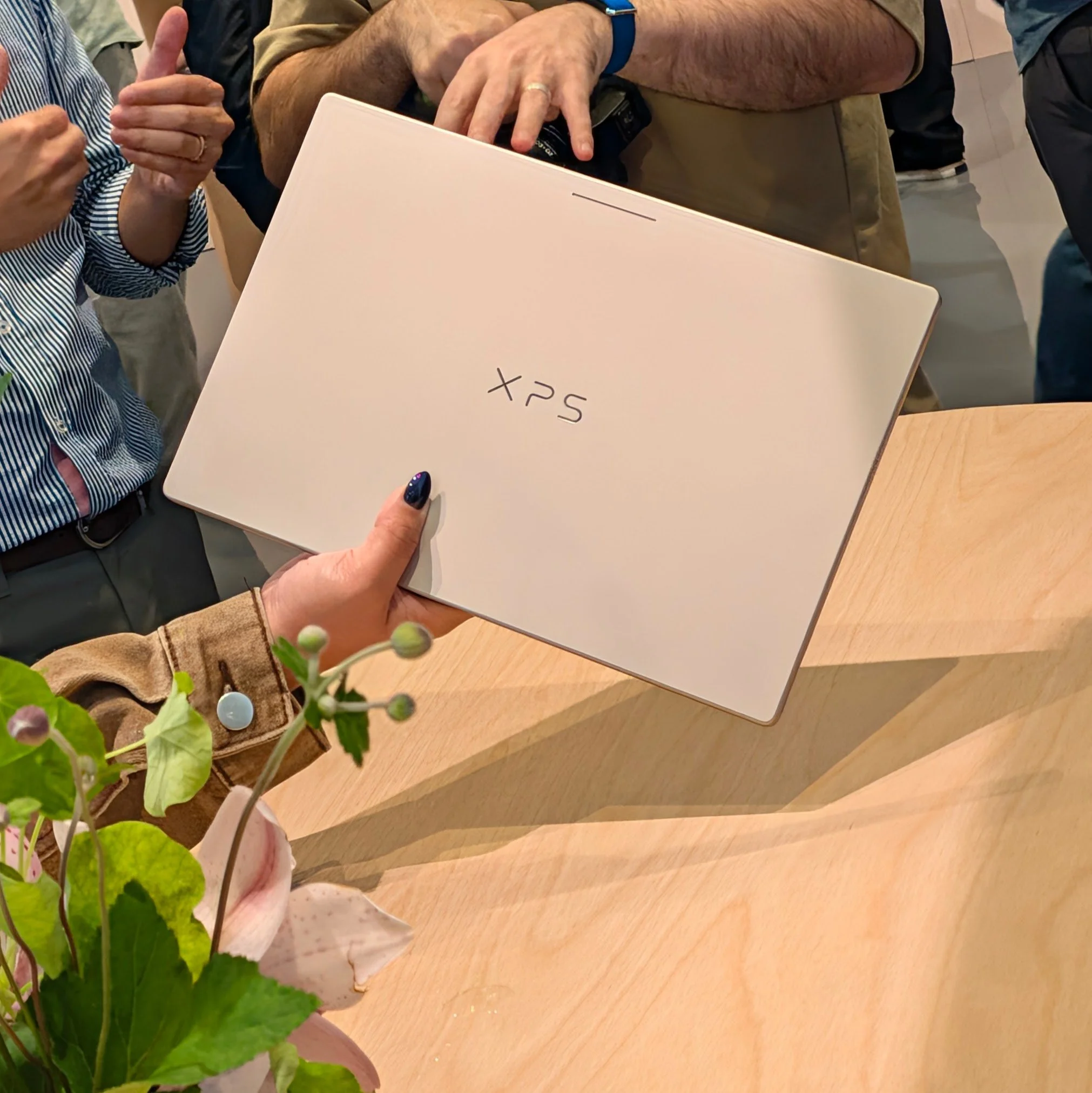
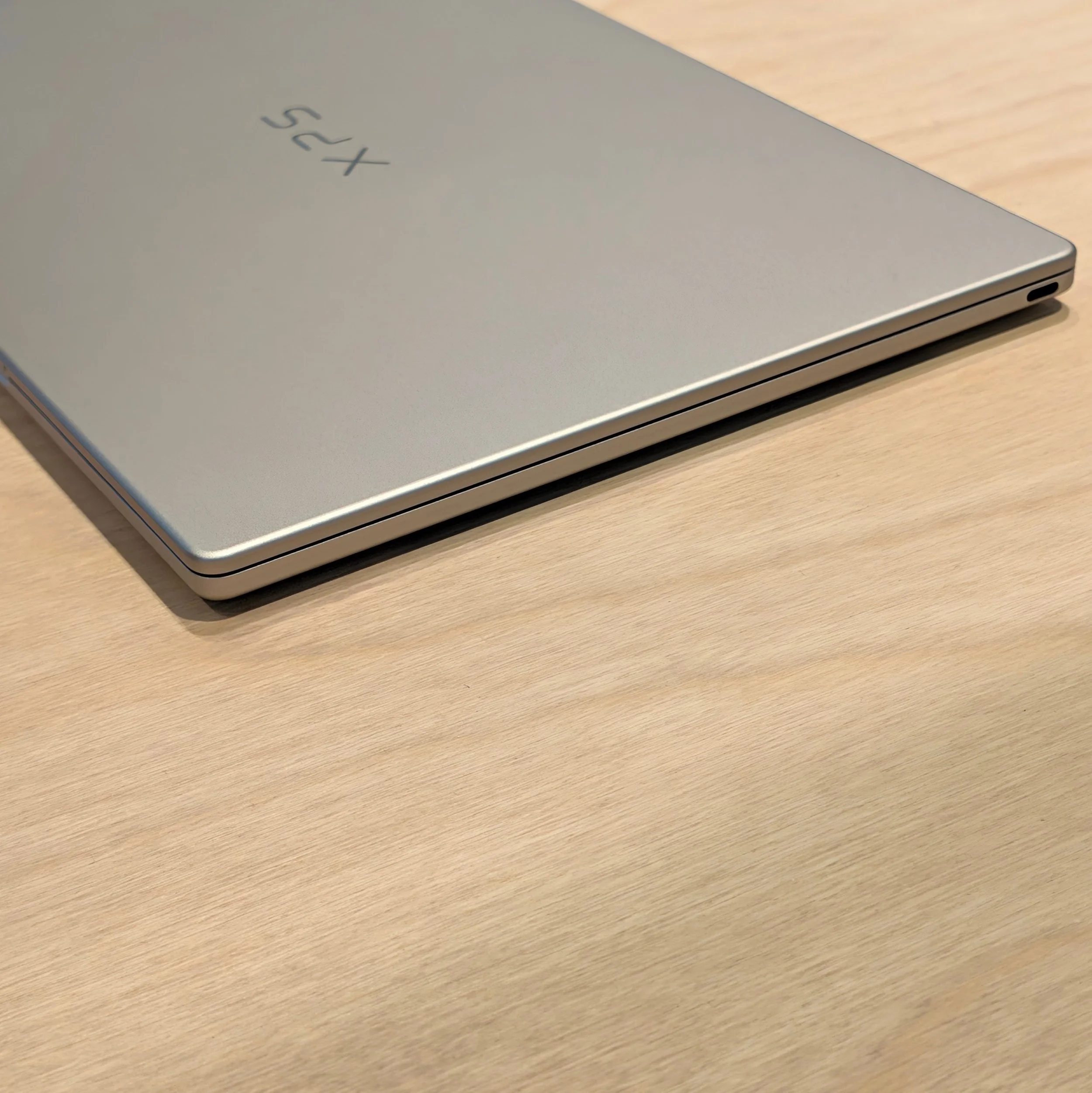
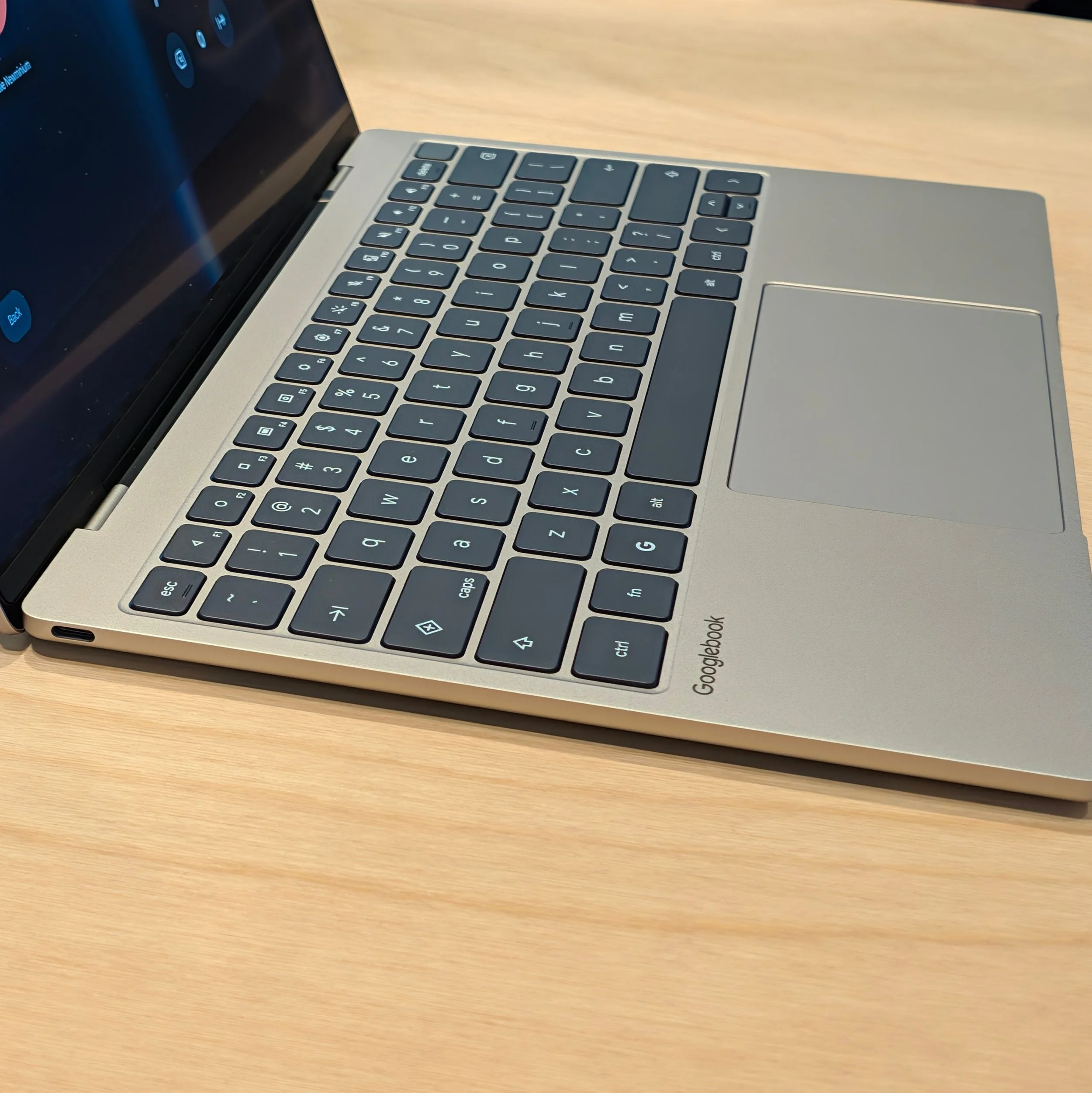
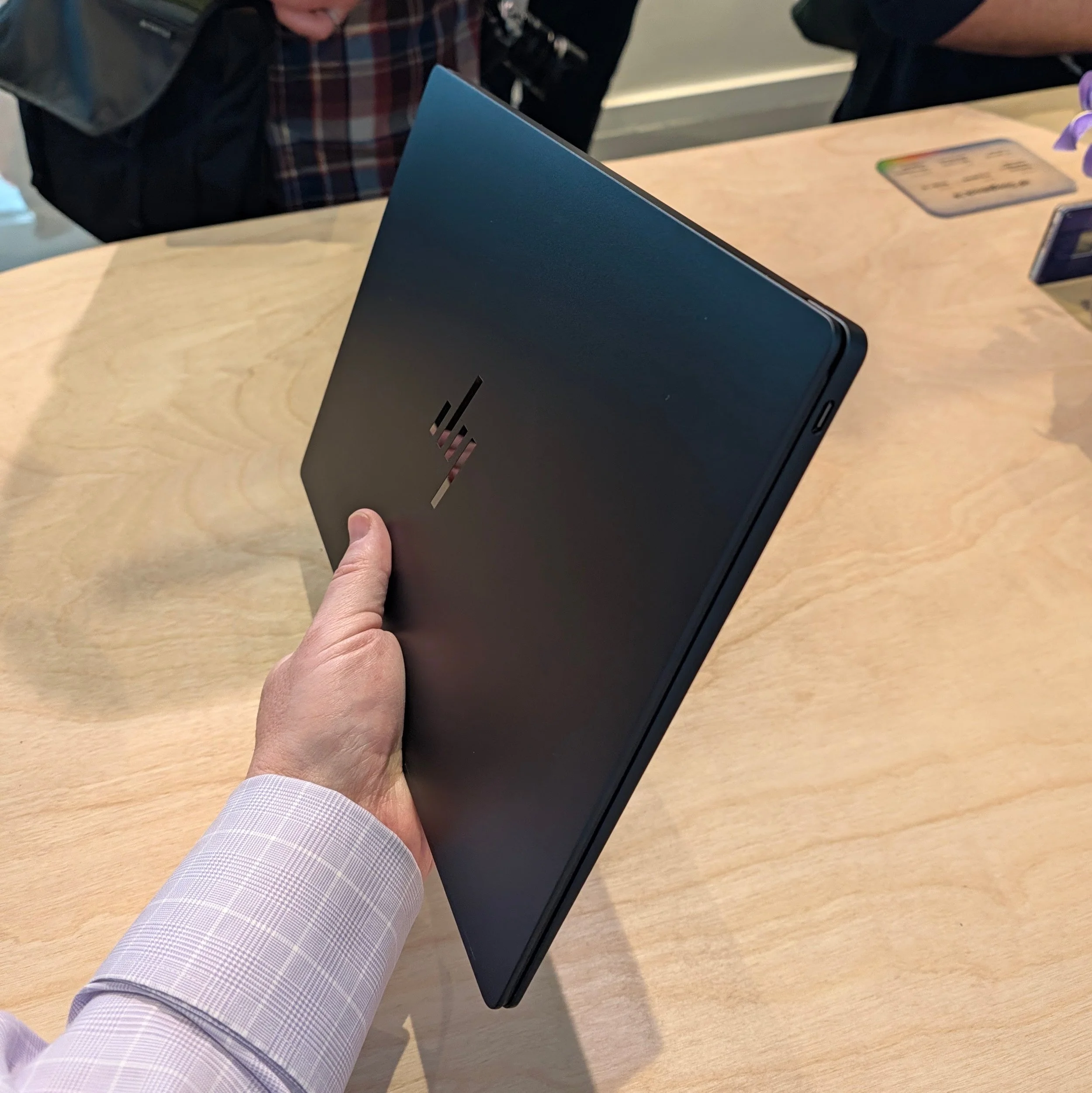
HP is the other vendor that went with Qualcomm’s Snapdragon X Elite in a design that balances weight, design, and specs, though it could use a few more ports for the price ($1300).
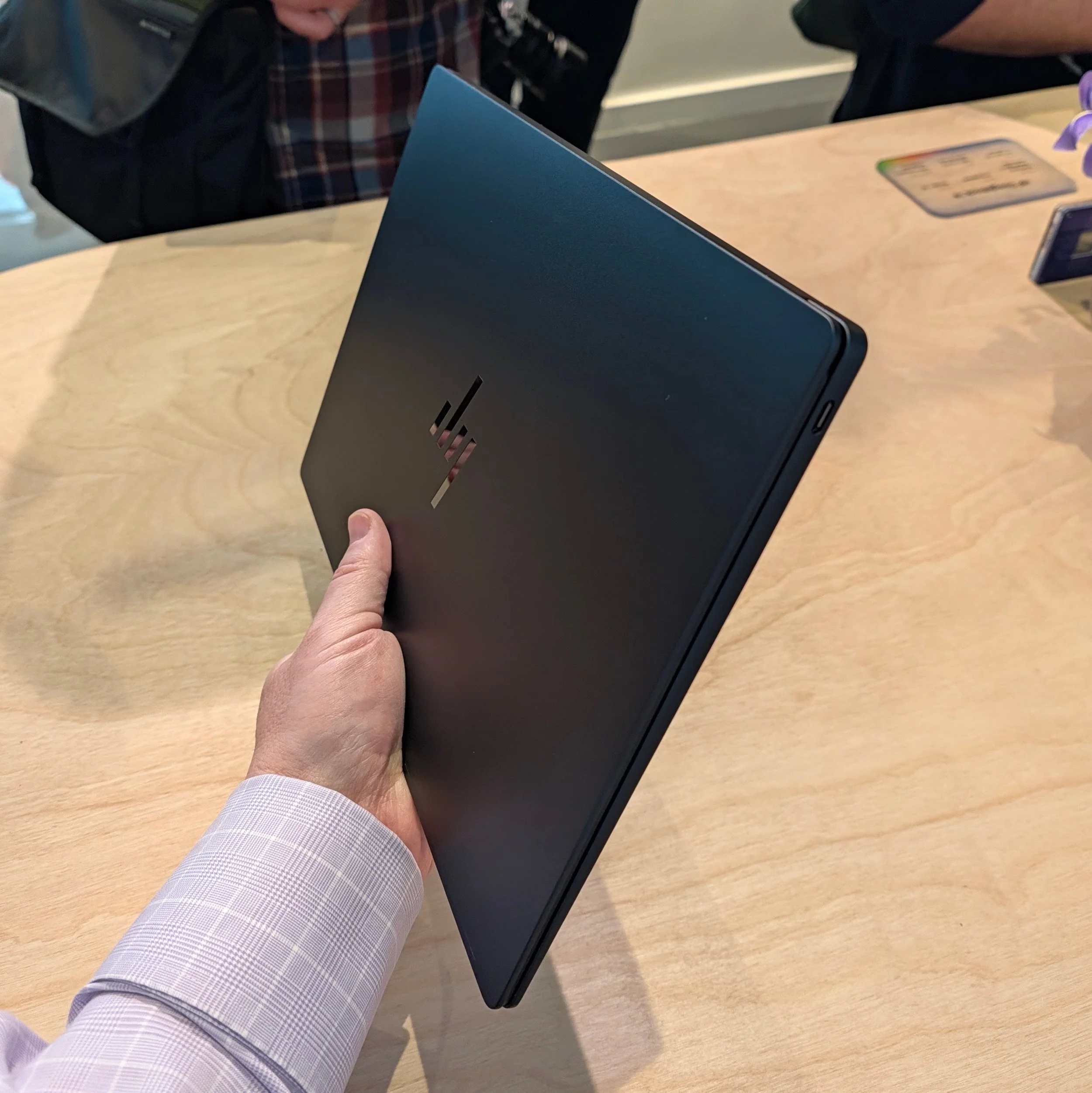
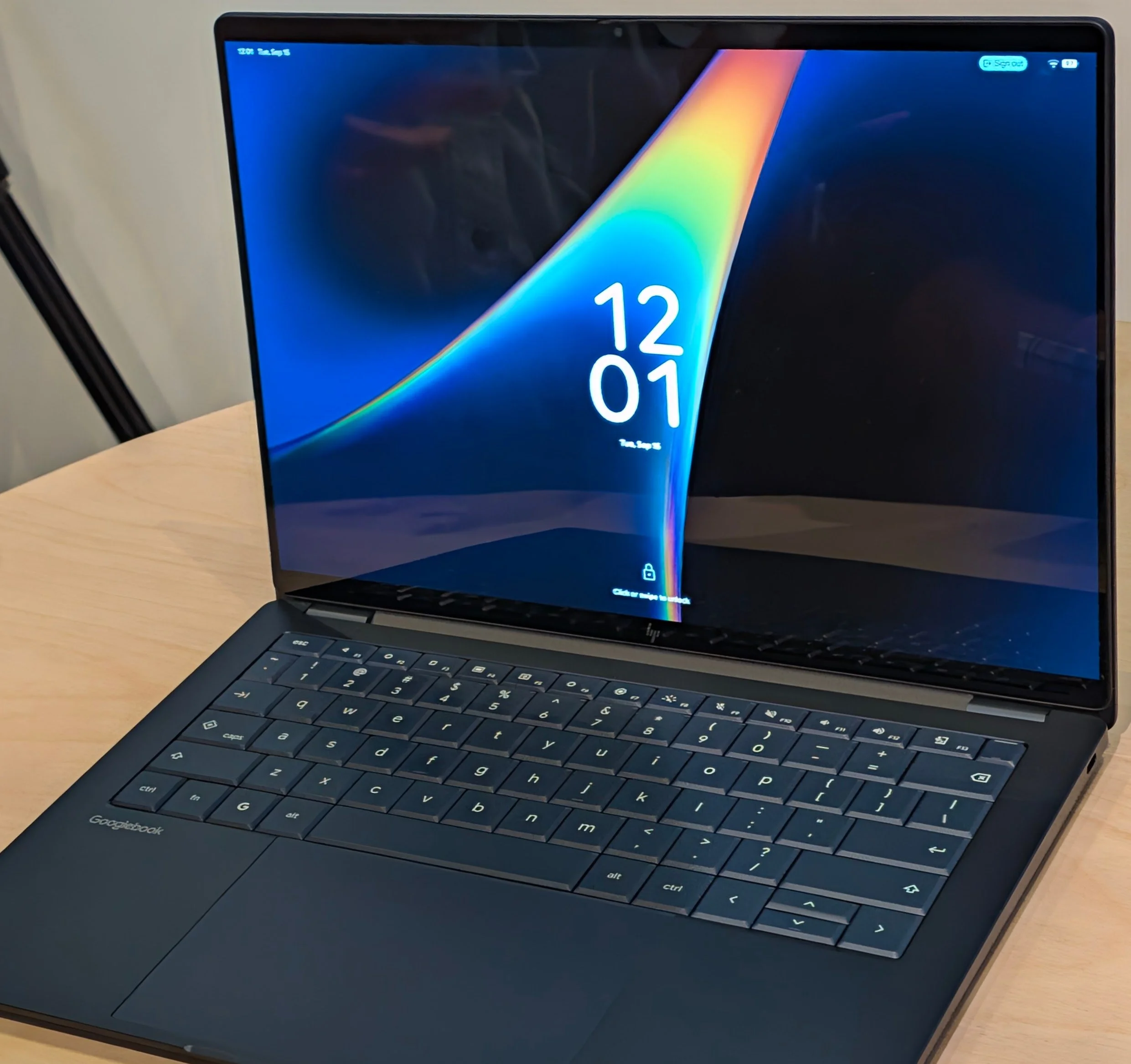
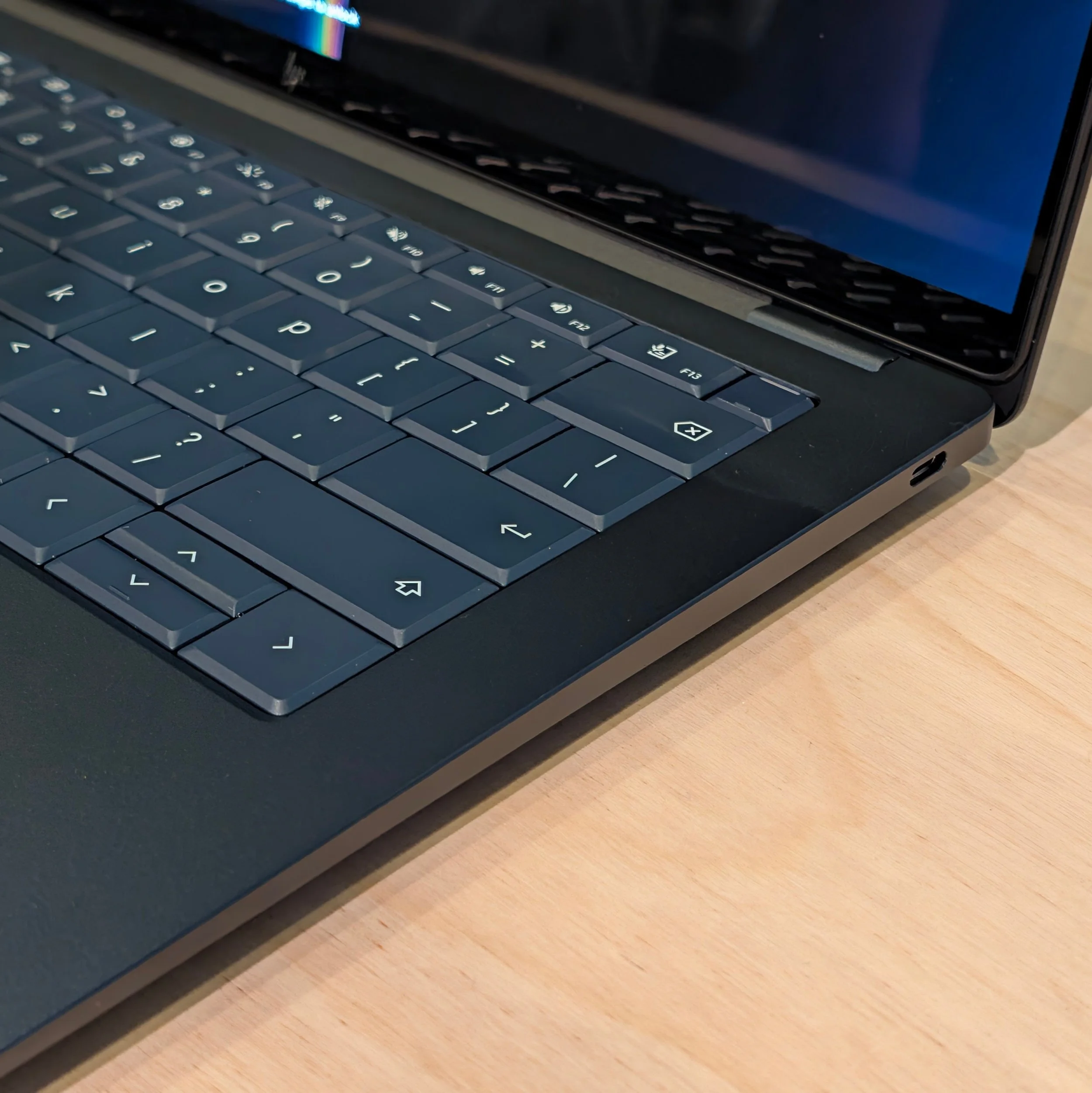
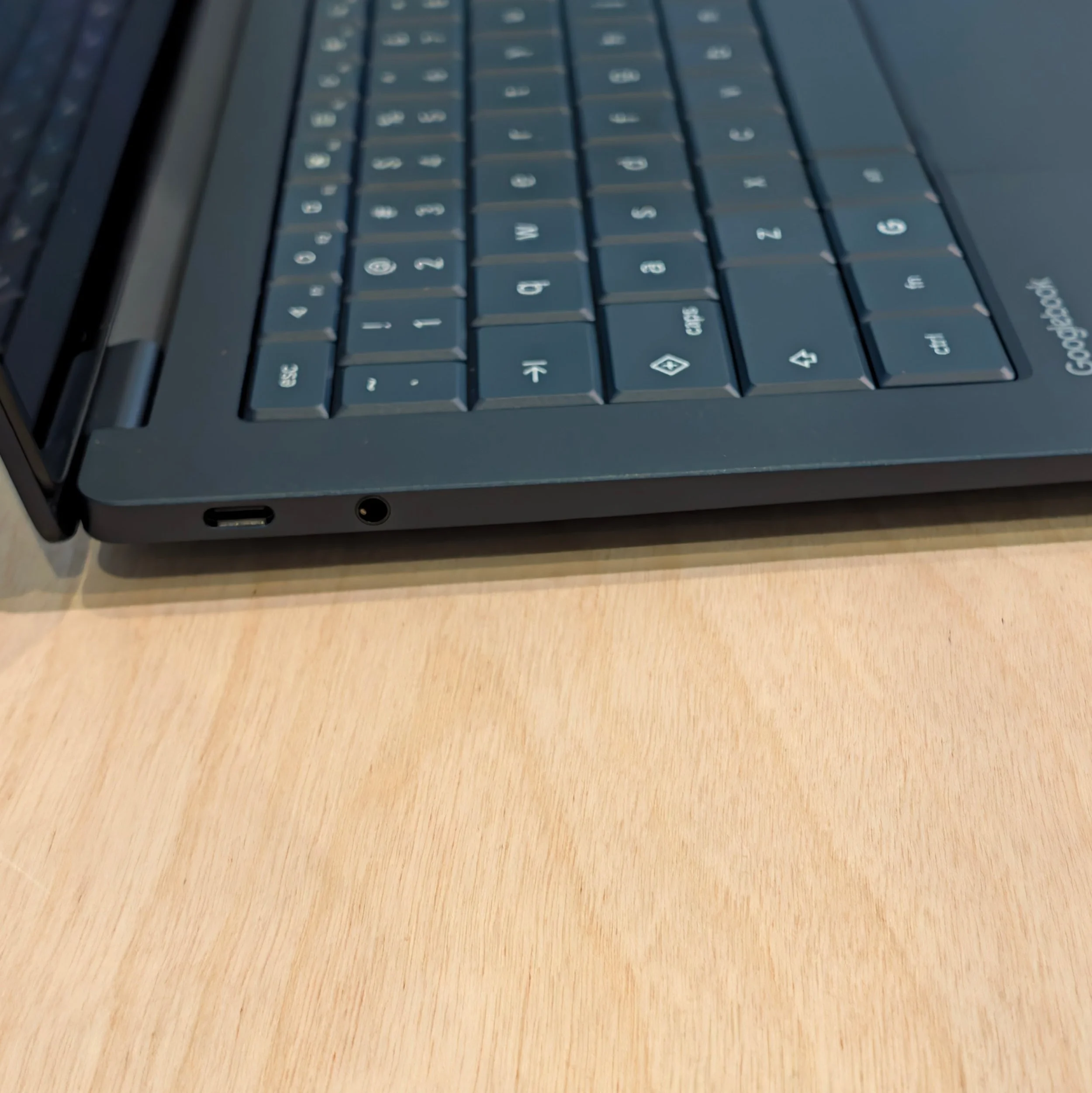
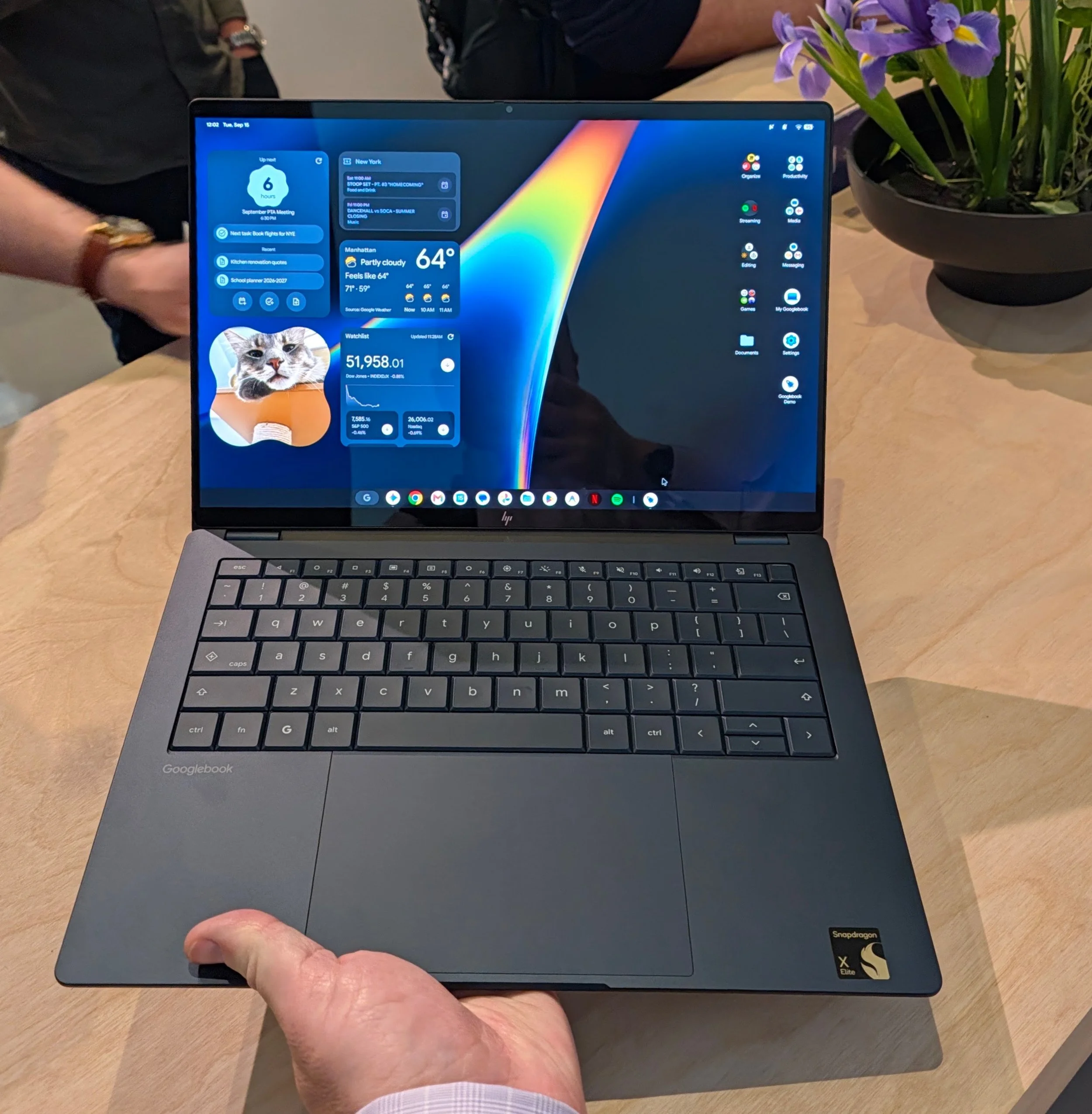
No one had MediaTek-powered Googlebooks on display at Google’s New York launch event, but details will be released soon (I’ve had to rewrite this sentence multiple times as embargoes shifted).

The Challenge
Googlebooks need to convince buyers that they offer a better experience than comparably priced and spec’d Windows and MacOS laptops. At launch, they don’t.
For productivity, Googlebook relies on Google Workspace, which has been optimized for the larger displays/keyboards/trackpad, but Microsoft 365 users will be stuck with either the Android or web versions. Neither can match their Windows or Mac counterparts.
For creators, there are web apps like Canva and Android apps like the recently expanded Capcut. Professional tools are largely missing. Some members of Adobe’s Creative Suite are listed as logos on the Googlebook apps page, but they are only available in deeply compromised Android versions. There are no professional video editing suites, and Googlebook lacks the endless array of music apps, tools, and plug-ins for MacOS and iPadOS.
Games are a mixed bag. Google genuinely can point to the millions of Android games, some with large followings. Only a fraction of them have been optimized for the larger screen and physical controls, but if you’re interested in casual and puzzle games supported by intrusive advertising there’s a nearly endless supply. AAA titles mostly don’t exist for Googlebook, so Google is providing a workaround: streaming. A full year of NVIDIA GeForce subscription is included with purchase. In many cases, this can result in higher performance than running the same games natively on a similarly spec’d Windows laptop, but with plenty of downsides – you won’t be playing anything with a poor connection, existing libraries are useless, and you won’t be able to buy new ones when they go deep on sale on Steam.
Googlebooks in the enterprise will benefit from Google’s investment in security; all Googlebooks have a Titan C security chip. There are plenty of Intel vPro and HP Wolf enterprise laptops with locked-down bootloaders at similar price points, but this is still nice to see as a baseline on what be thought of as a consumer offering. Google also has basic MDM covered from its long history with ChromeOS and Android. However, Googlebook is more to manage than a Chromebook; a Googlebook is still a distinct endpoint with its own storage, not primarily a virtual workspace deployed on login like a Chromebook. Enterprise apps run into the same productivity and creativity challenges as consumers: outside of the browser, options are limited or de-featured, and there aren’t any reasons for IT managers to push for Googlebooks over Windows or Macs (or, if the workload is cloud-based, Chromebooks).
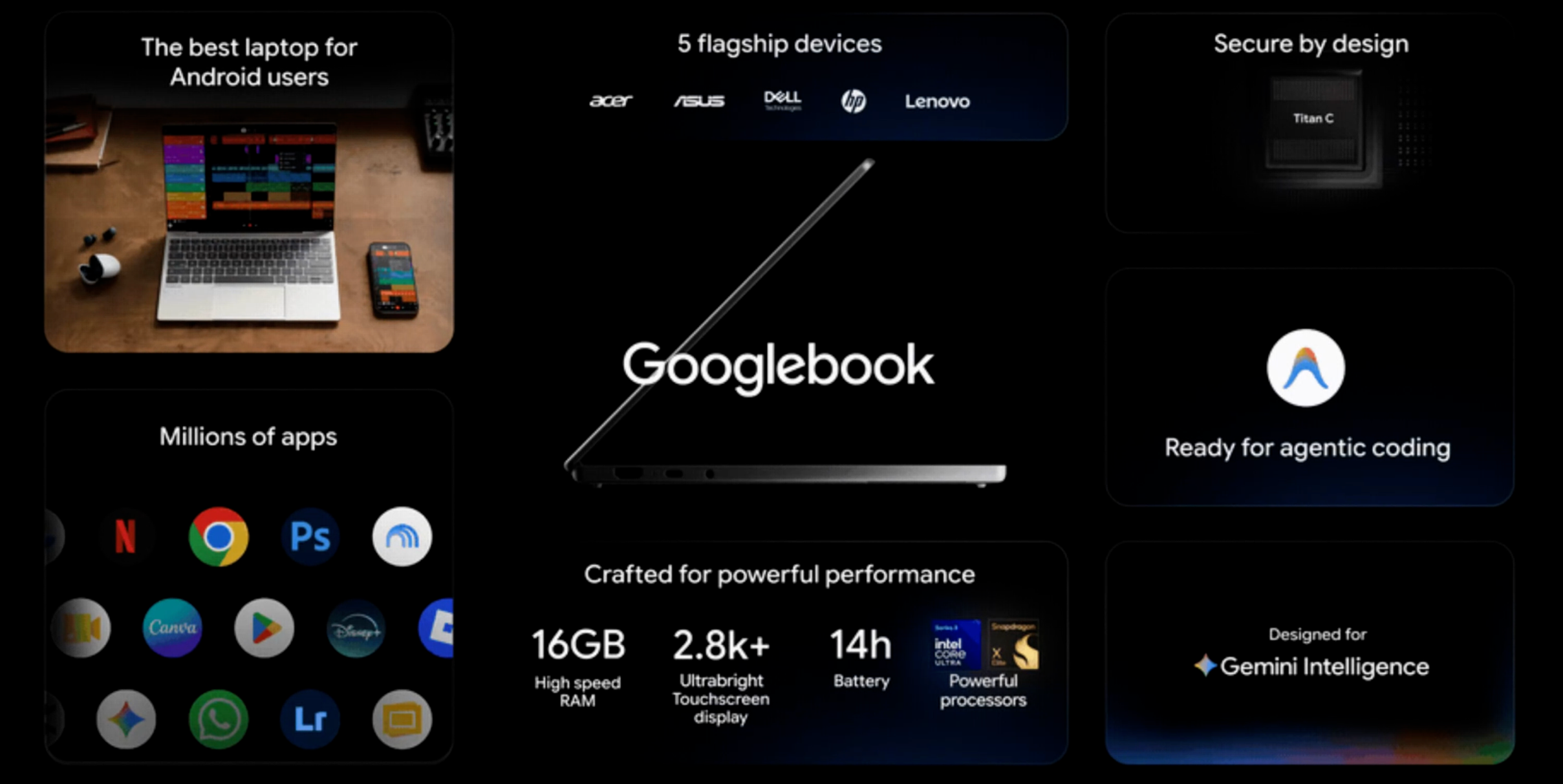
Googlebooks are not dramatically more expensive than traditional laptops with similar specs, but they’re certainly not cheaper. The least expensive Googlebook is $900, and, with 16GB of RAM and an OLED display, that Acer Googlebook 14 is likely the best value. ChromeOS runs well on small amounts of memory, but mandating 16 GB means that Googlebooks should perform extremely well but will always be at a cost disadvantage to 8 GB systems running MacOS, Windows, and ChromeOS. There is a new crop of Windows laptops aiming at the MacBook Neo – like Dell’s XPS and Lenovo’s IdeaPad Vibe – that cost less than most Googlebooks. These nicely designed affordable Windows laptops come closer to Googlebook pricing when spec’d with 16GB, but then they run a much wider selection of apps. There are also Windows Snapdragon X laptops in the channel that have come down in price now that Snapdragon X2 laptops are out.
How Deep is Google’s Commitment to Googlebooks?
Google has a terrible reputation for launching products with great fanfare and then cancelling or abandoning them*, but Google has been working on a PC platform for a long time. It cycled through Pixelbooks, Android tablet convertibles, and Chromebook Plus before launching Googlebook – and each iteration has built on at least some of the existing code and app base. Google was able to get a strong base of hardware and silicon partners because it is building on this history with Googlebook, but the OEMs will only stick around and continue building Googlebooks if the first round sells well enough to justify the investment. That brings us to the familiar apps-and-installed-base chicken-and-egg problem common to many new OS platforms. To overcome the app gap, Google will need to coax a significant response from app developers who have been slow just to make their phone apps scale properly on tablets, let alone rewrite them for more information density and feature depth. Finally, Google needs to earn its marketing tagline that it is building an Intelligence System rather than an Operating System. With enough innovation, that could ease the app problem if you can do things on Googlebook with ease/cost/capability advantages over other platforms. Right now, Googlebook is a laptop that Android users will find familiar but limited outside the browser, with a few nice touches around AI discoverability.
For Techsponential clients, a report is a springboard to personalized discussions and strategic advice. To discuss the implications of this report on your business, product, or investment strategies, contact Techsponential at avi@techsponential.com.
*I will never stop reminding Google that it owns Google Voice – which uses the Google brand! – that has not had meaningful updates in over a decade. Literally the least it can do is secure the app with RCS, but I would happily pay for a whole host of features: read receipts, emoji integration, international texting, better group texting, literally any of the spam and security protection from Google Messages, expanding virtual number support beyond six numbers, Gemini integration, and whatever bug is preventing my iPhone 18 Pro from updating its number.