
Apple Mac Mini M6 Review
Context
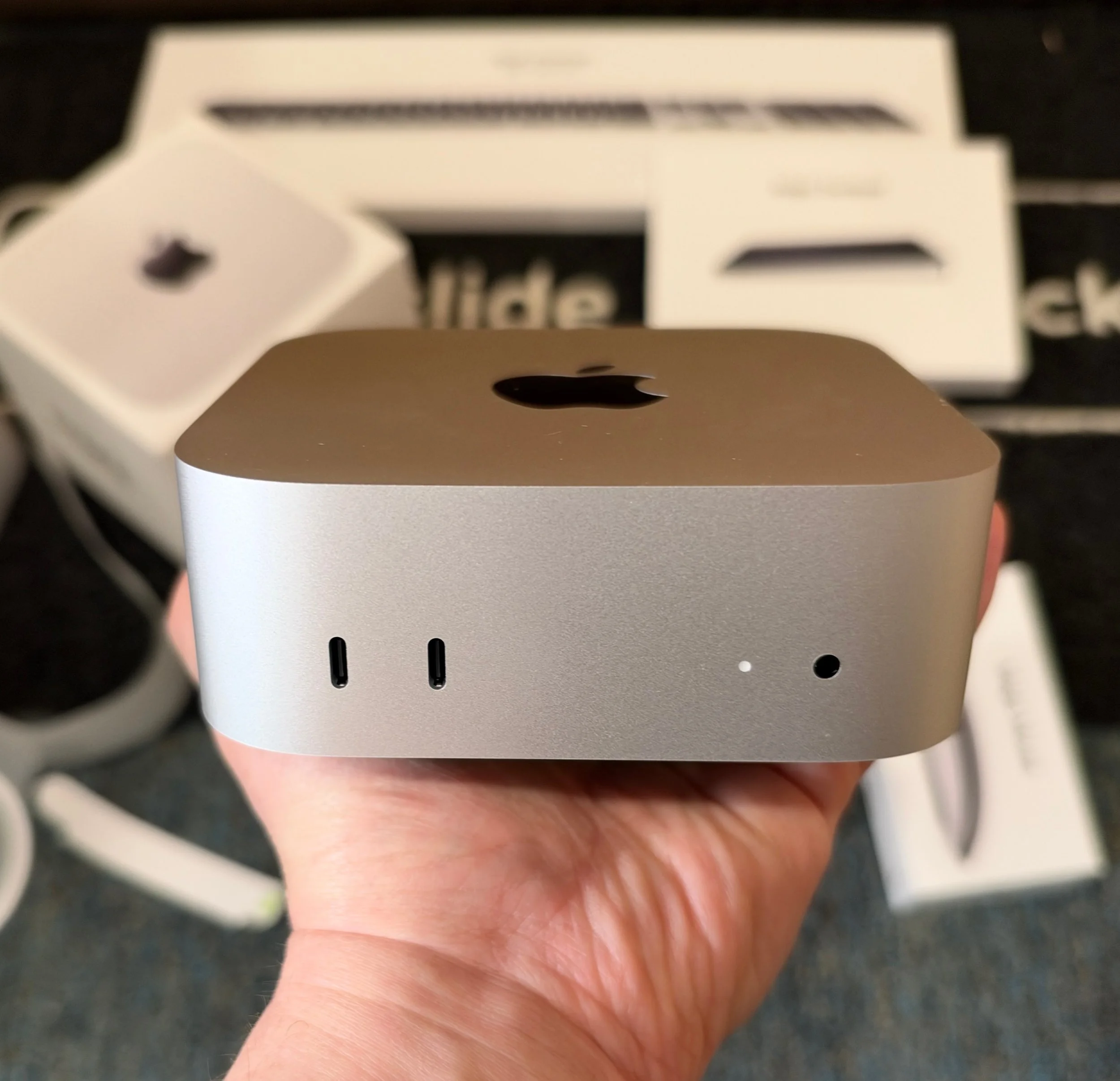
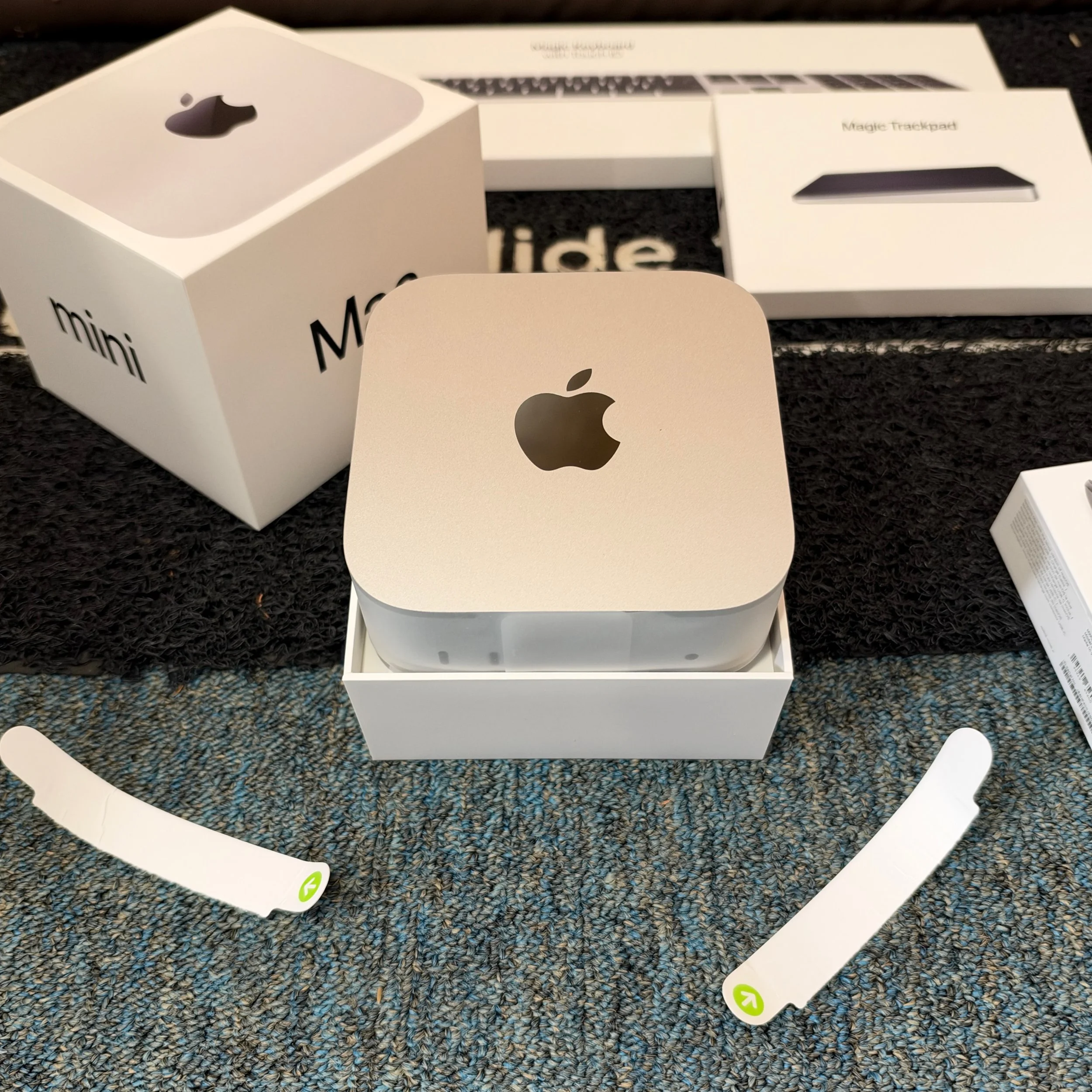
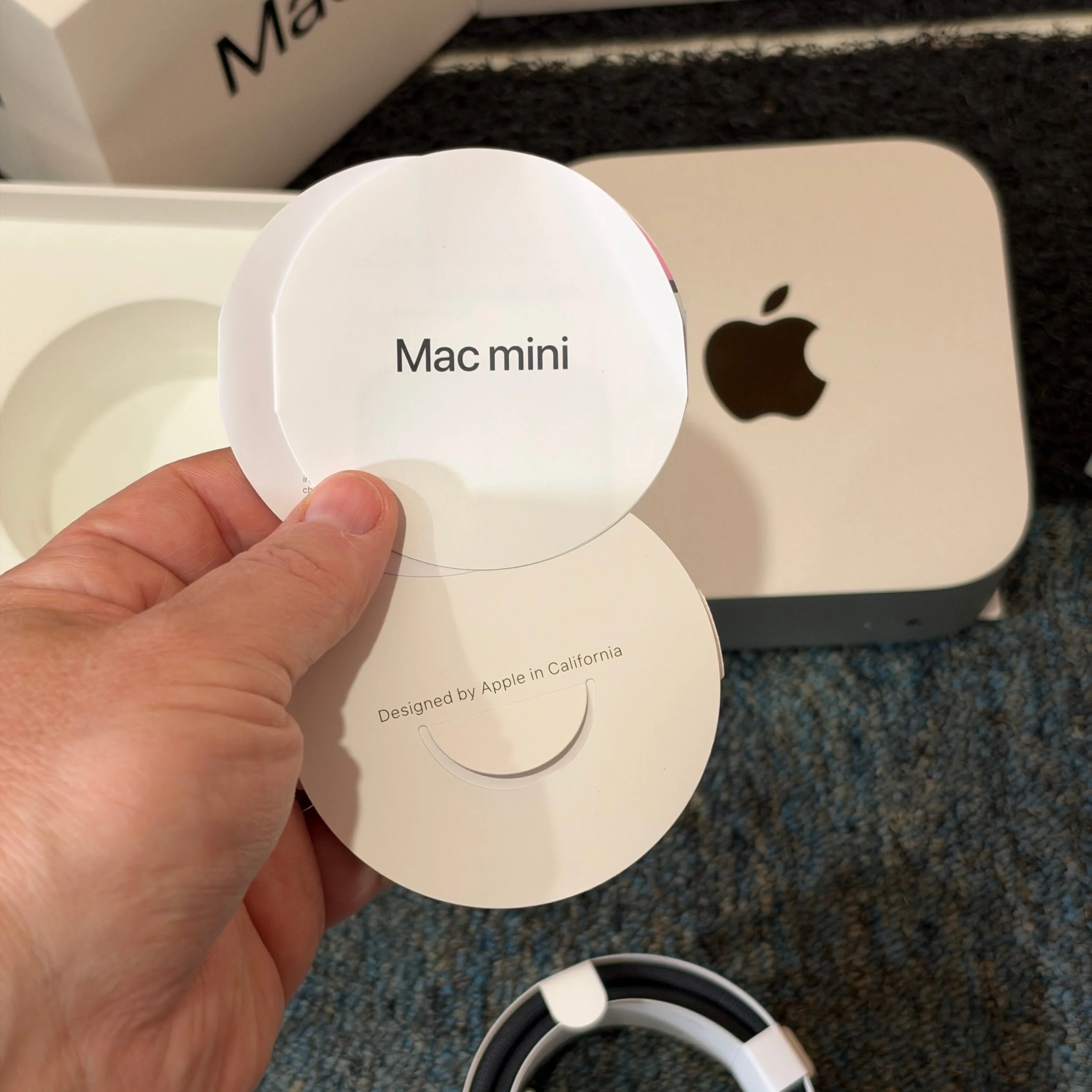
Apple sent over its latest Mac Mini for review in the middle of Techtember. This is a preliminary review because I would still like to run additional apps and benchmarks. (That’s true across everything that keeps showing up this season, even just within Apple’s product line. I’m also testing the new iPhone, Watch, AirPods, and Beats headphones). However, I have run a the M6 through enough workloads to answer a key question. When Apple announced the new Mac Mini, Mac Studio, and two new Apple Silicon SoCs to power them, I wrote that, “the Mac Mini M6 has no PC equivalent.” Despite travel, other industry analysis and obligations, I wanted to get in as much time on the Mac Mini as possible to see if I was right, or if I need to issue a correction.
The Mac Mini as a Mac, Not As An AI Box
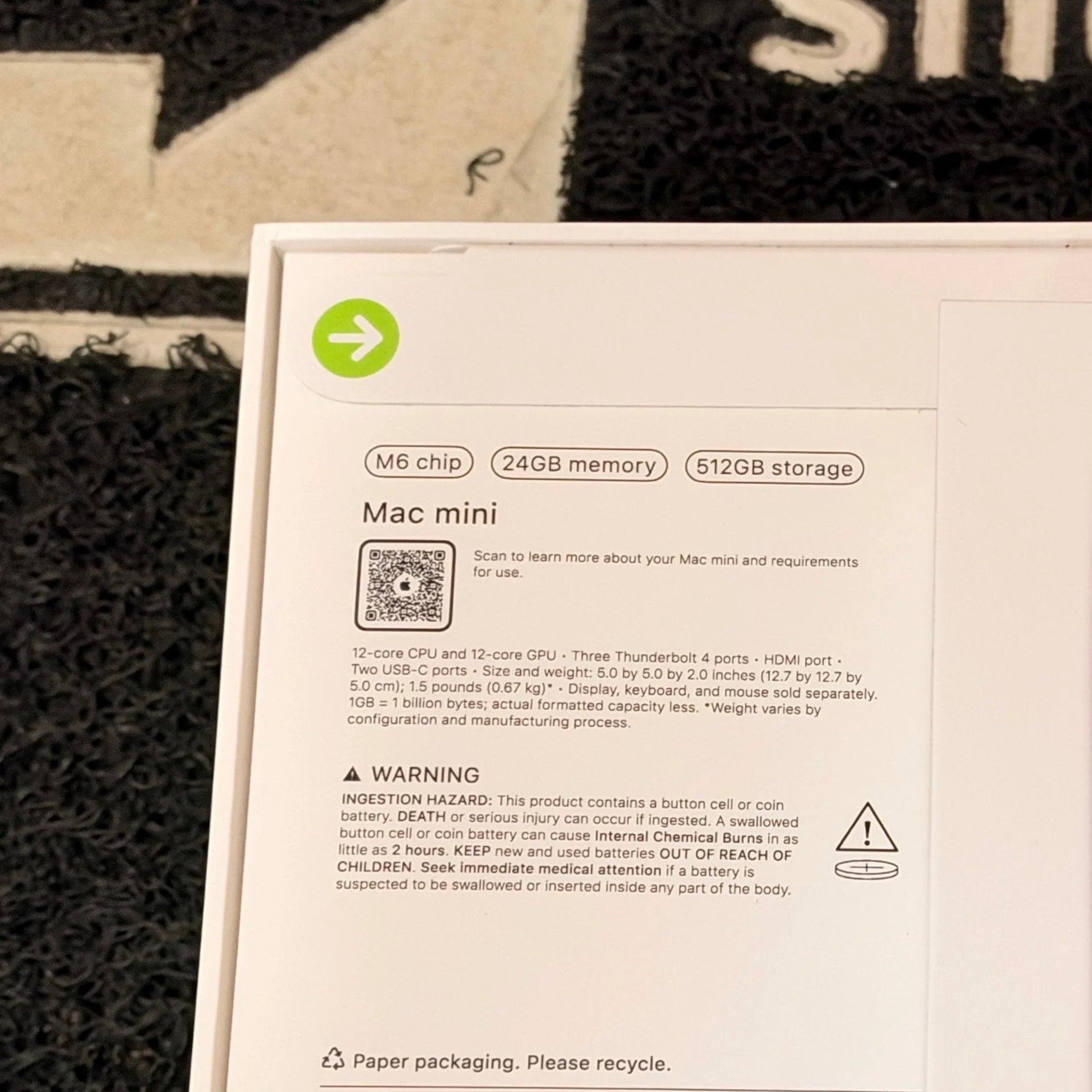
Based on sales of the prior Mac Mini M4, Apple expects a lot of people to buy Mac Mini M6 to run agentic AI, either as a single unit, or in clusters of up to four. To maximize the size of the models run locally, these machines are typically spec’d with as much RAM as they can afford – a rapidly shifting factor these days, but it can be cheaper to pay for RAM locally than tokens in the cloud. It also allows experimentation and queries either on sensitive data or sensitive topics that you don’t want going out to the public cloud and model owners. However, my thesis wasn’t that you can’t find equivalent performance to a Mac Mini for AI workloads on Windows or Linux – you can, though not at the same price point. Apple’s performance claims for the M6 suggested to me that the Mac Mini is setting a new bar for price/performance as an all-purpose desktop PC. To test that, I asked Apple to send me a base configuration. Apple …didn’t. But it’s not too far off: instead of the base $899 model with an M6 chip, 16 GB RAM, and 256 GB of storage, they sent the M6 with an extra 8 GB of RAM (24 GB total, an upcharge of $200) and a 512 GB SSD (another $200, and an upgrade that most customers should probably make). My benchmark results were therefore skewed a bit more positively on the GPU and AI benchmarks where the added shared RAM has the biggest impact.
About that price: the Mac Mini M4 launched at $599 with 16 GB RAM and 256 GB storage. Today’s entry level jumps two processor generations but is $300 higher because RAMaggedon is pushing up prices for everyone. There is also some margin padding on a product that Apple feels confident has no direct competition: iPhone prices only jumped $100 year over year; the iPhone remains Apple’s most important product overall and is more price sensitive.
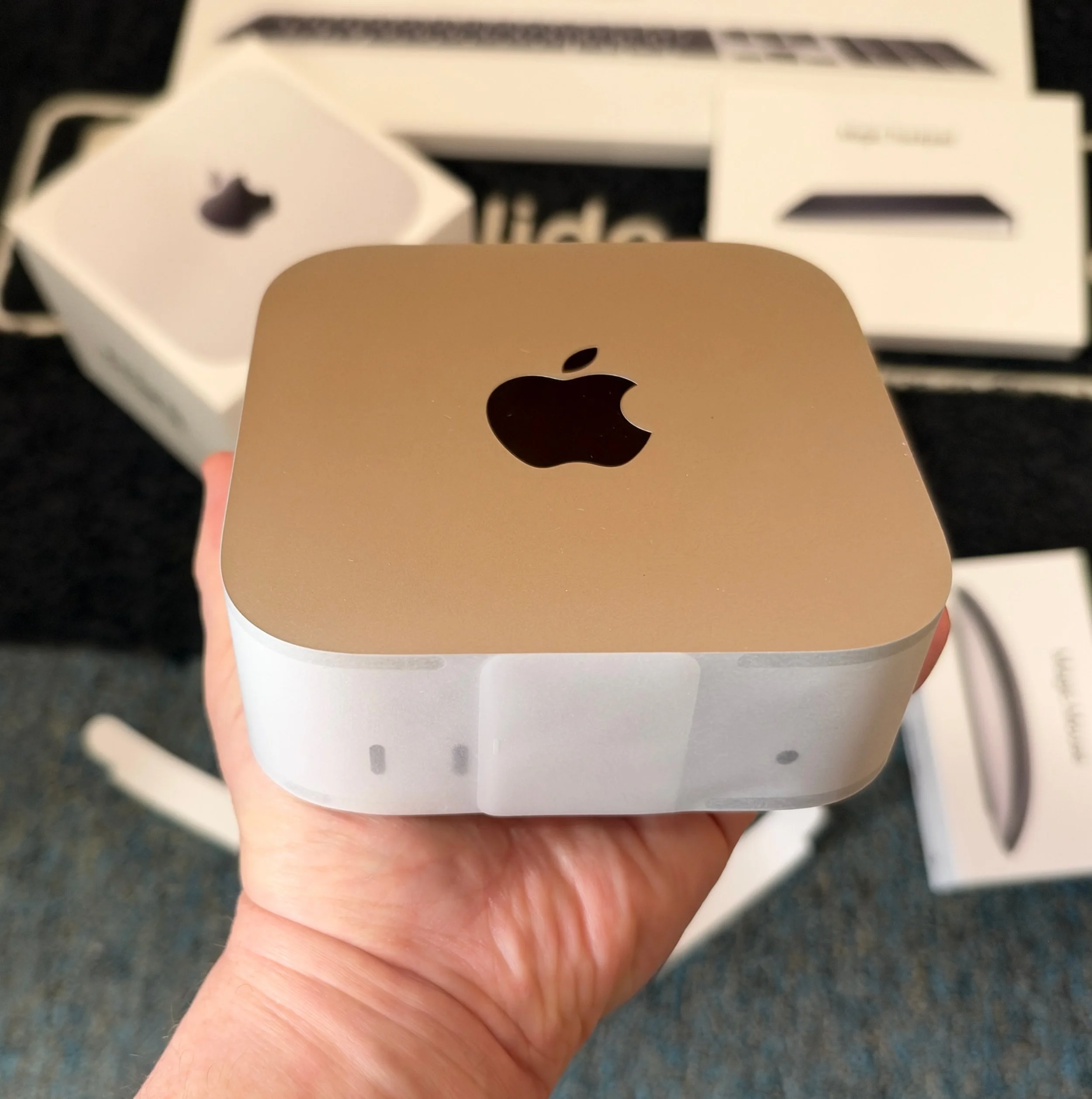
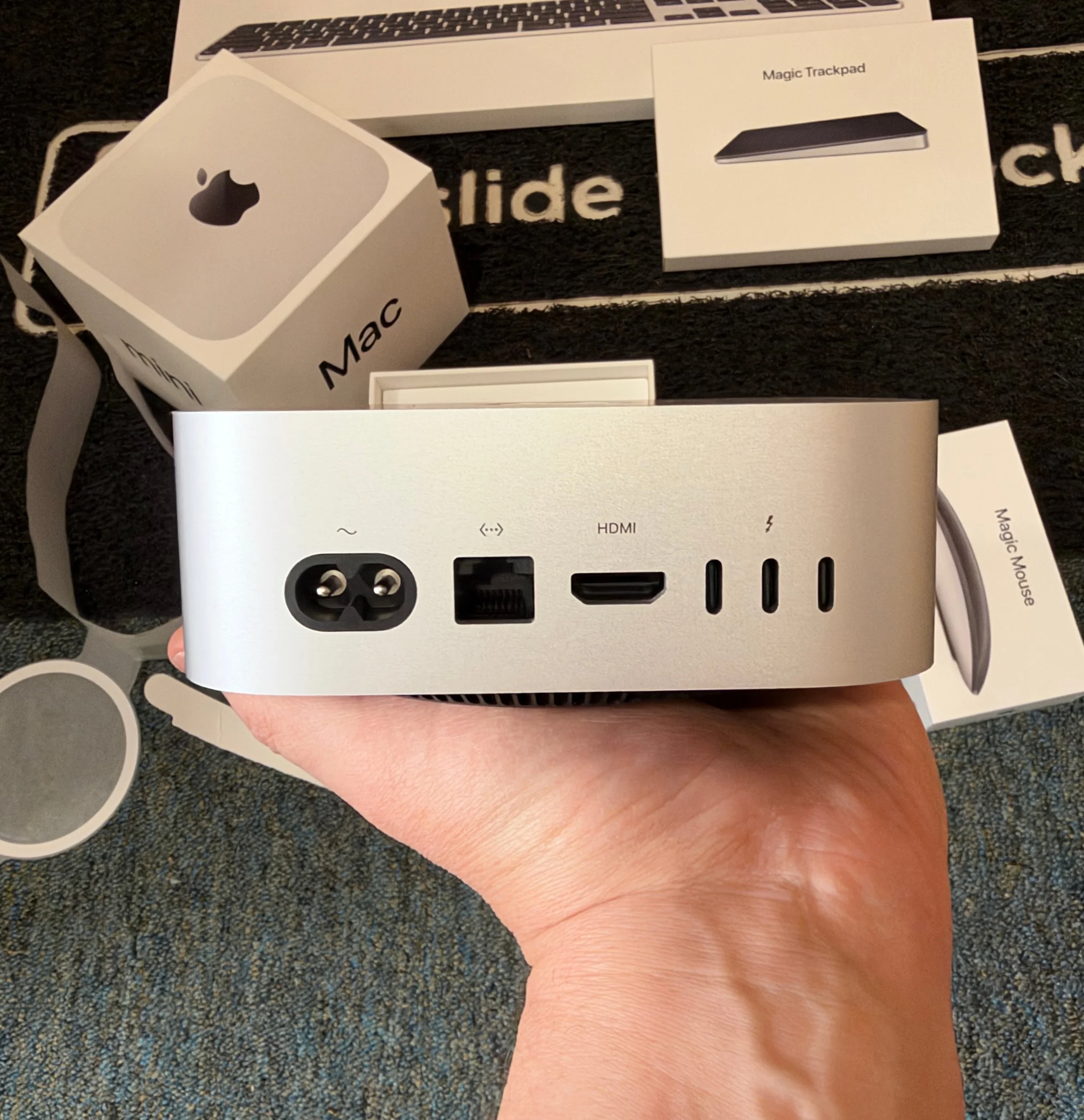
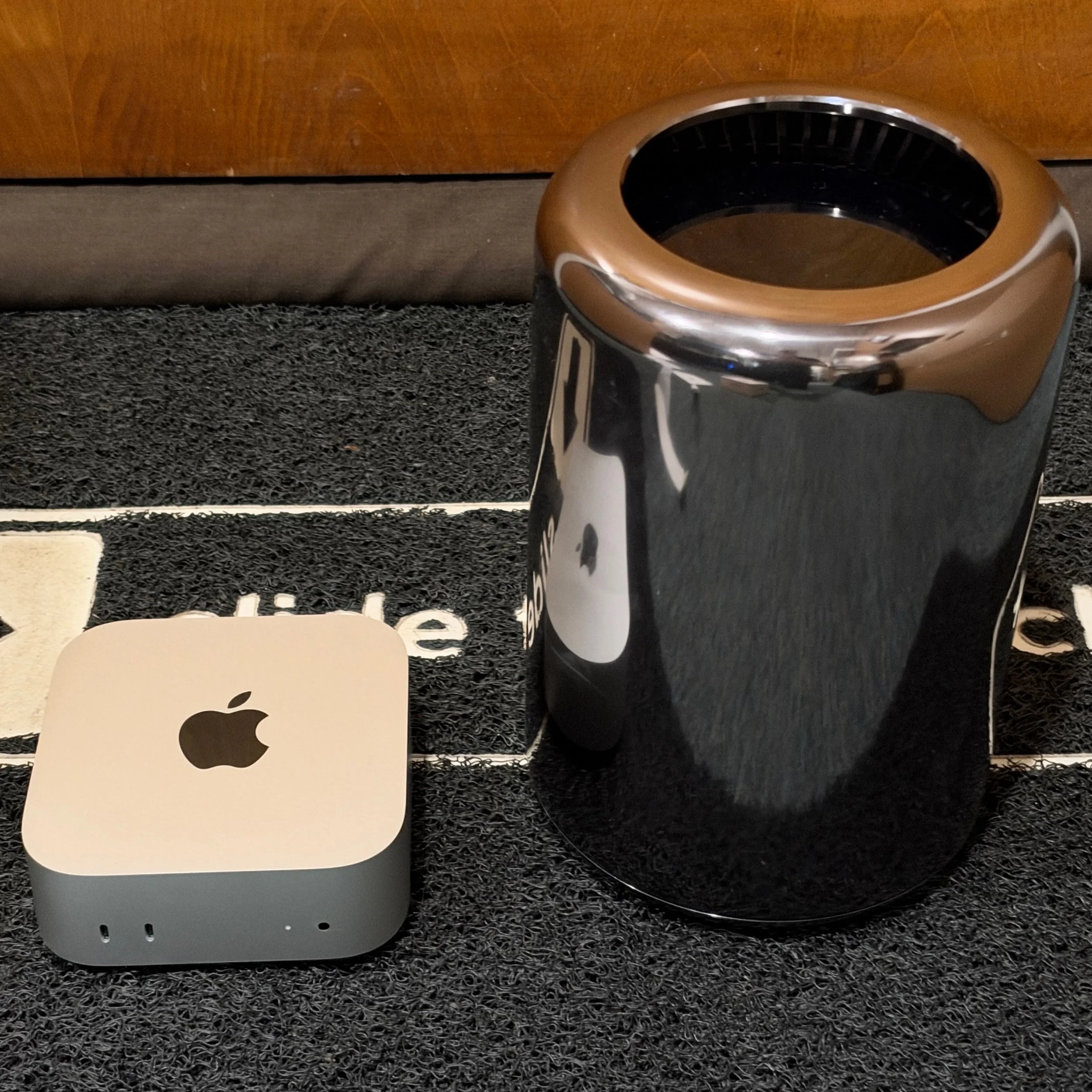
Bottom line: if you buy the Mac Mini M6, even in its base configuration, you will be getting a desktop PC that takes up next to no space, has ample ports, and outperforms desktop PCs anywhere near its price – and, by some measures, at any price. It even trounces Mac Pros from just a few years ago on most measures. Unlike the iMac, the Mac Mini allows flexibility in choosing your own monitor and upgrading over time, and you can pick your preferred accessories from the outset if you don’t like Apple’s keyboards, mice, or trackpads (see Accessories section below). The new Mac Mini is not inexpensive even in its base configuration – no good PC is today – but it is still a bargain. If used as a Mac, it should easily last 7 – 10 years.
Geekbench 6, 7, and AI
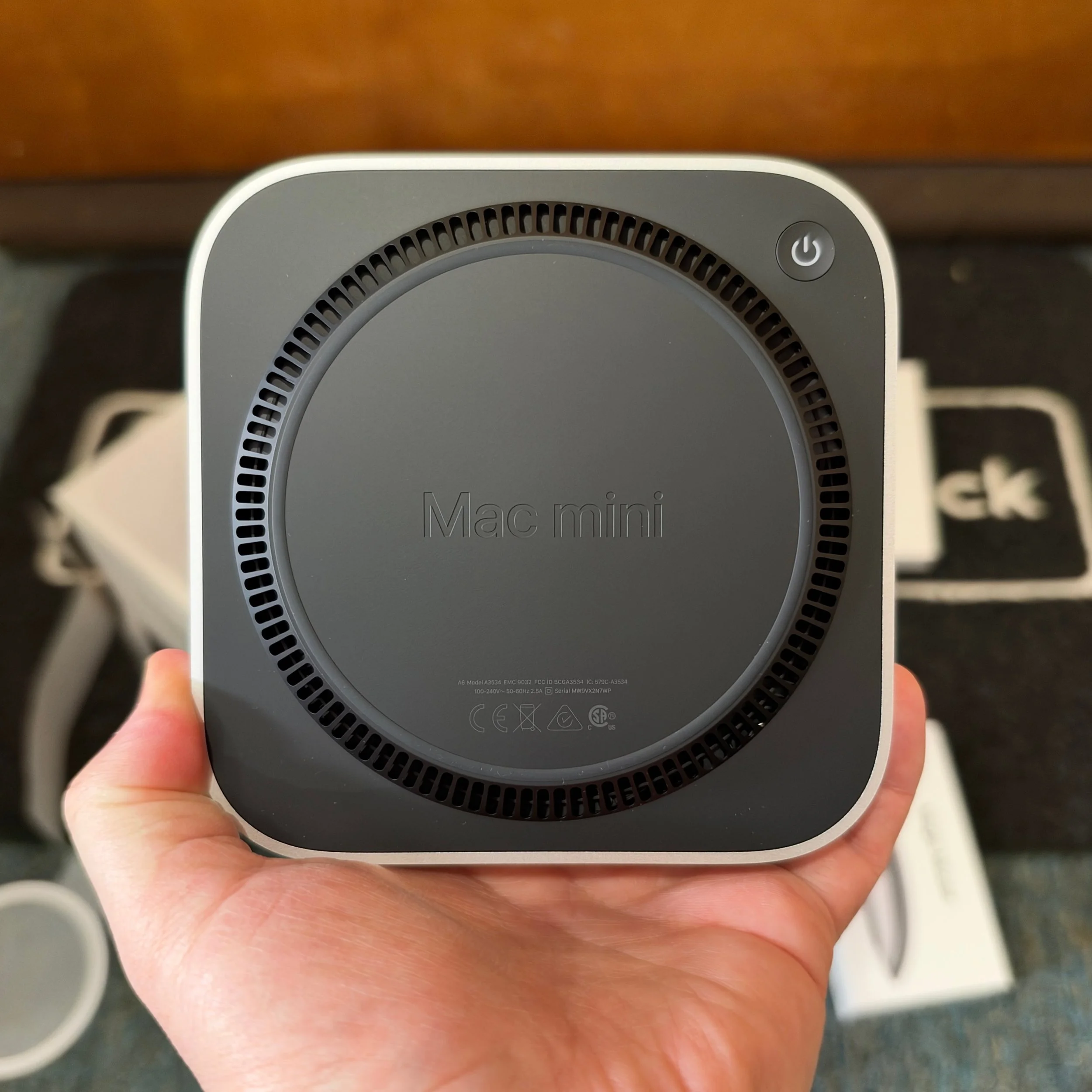
My go to benchmark suite is Geekbench because it lets me test across silicon, OS, and device form factors. On Geekbench 6, the Mac Mini put up the highest single-core CPU score I have ever seen, faster than the MacBook Pro M5 Max with 128GB, and significantly faster than even dedicated gaming CPUs like AMD’s 9950X3D in my HP HyperX OMEN Max 45L which has an air-gapped water-cooling system to manage thermals on the CPU and whose cabinet takes up literally 45 times the space of the Mac Mini M6. The Mac Mini M6 does have a fan, but it was quiet enough that I didn’t hear it. I’m just starting to run Geekbench 7 on systems as they come in, so my window of comparison is smaller, but here too the M6 has the best single core CPU score of any system I have tested.
When it comes to multi-core CPU performance, the Mac Mini M6 isn’t the best ever: Apple’s Pro and Max chips simply have more cores, and Qualcomm’s Snapdragon X2 Elite Extreme beats it as well. On both Geekbench 6 and Geekbench 7 (which updates the GPU test to include more AI-centric workloads) the M6 still beats most of the competition here, but the margin narrows just a bit. The M6 offers the best price/performance ratio by a lot. To beat the Mac Mini on multi-core CPU tasks you need something like the M5 Pro version of the Mac Mini, which starts at $1700 or the ASUS Zenbook A16 – the only PC with that Snapdragon X2 Elite Extreme – and that costs $2200. (To be fair, the Zenbook A16 is also a bargain given its performance, 48 GB of shared RAM, and 3K OLED display. Review in progress.)
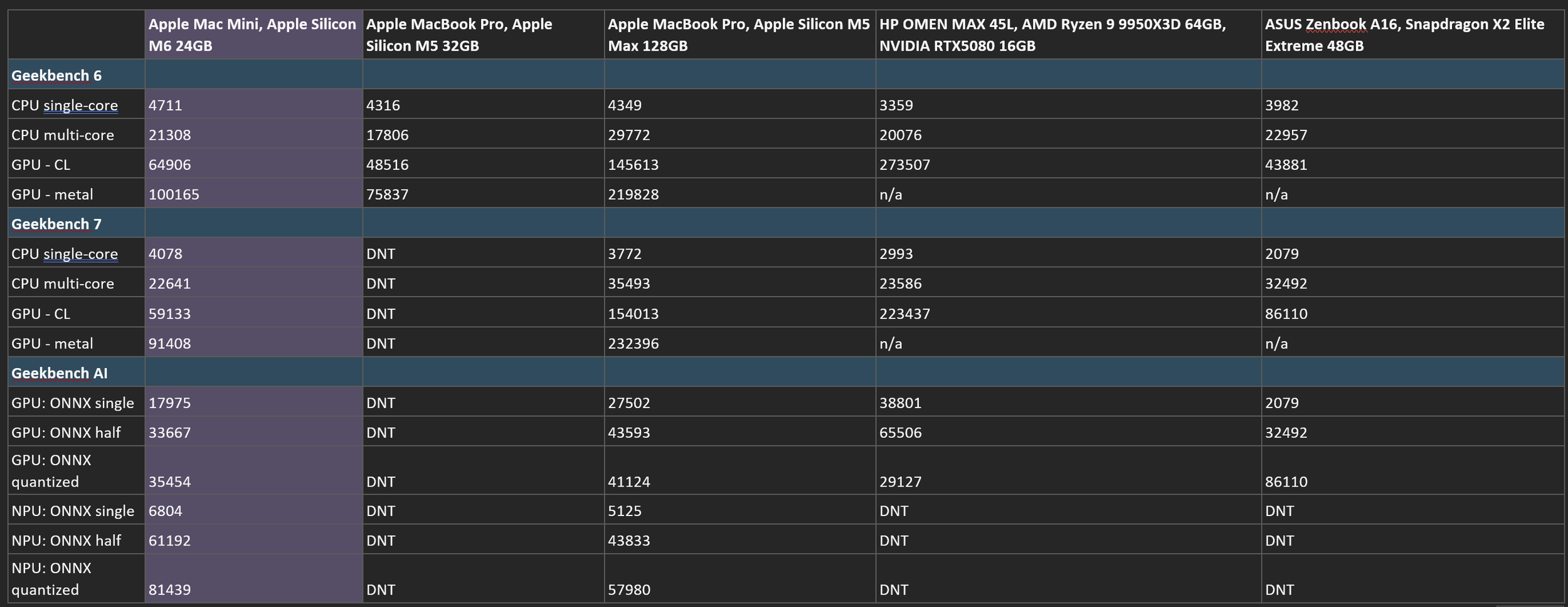
With 24GB of shared RAM, the Mac Mini’s GPU performs like a mid-tier discrete GPU for non-optimized loads (OpenCL) and nearly doubles that when apps have been compiled for Metal. The 16 GB version will likely be a step down, and you absolutely can find comparable performance in a Windows PC tower with an NVIDIA GPU, but at a significantly higher price point, size, noise level, and energy use.
As noted at the outset, I have not been able to run other benchmarks or test engineering or creator apps. However, I tried to stress the Mac Mini by connecting two 5K displays, opened Safari with two dozen active tabs (including some playing media), four Microsoft 365 apps (including Microsoft Teams and OneDrive syncing files in the background), and then added Cyberpunk 2077 on one of the monitors where it managed 51 fps at 1080p with full ray-tracing on. The Mac Mini can multitask.
Geekbench AI scores were interesting. This is a powerful chip; thanks to the new neural accelerators in the M6 GPU, AI ONNX tests on the M6 GPU with 24 GB of RAM came back around 60% of those on a MacBook Pro M5 Max with 128 GB. The closest comparison I have is an ASUS ROG Zephyrus G16 low profile gaming PC with an NVIDIA 5070Ti 12GB drawing wall power. That Zephyrus is another really solid buy from ASUS, offering a lot of gaming performance and a huge 16” 2.5K OLED in a really attractive thin design. Of course, this configuration costs over $3000, explaining once again why Apple knows it will sell as many Mac Minis for AI workloads as it can build.
Running the same AI ONNX loads on the Mac Mini M6’s NPU actually outperformed the NPU on my MacBook Pro M5 Max, which makes sense because the Max chips increase the number of CPU and GPU cores more than NPU, and Apple boosted (and my sample has 3x the shared RAM) but the NPU not .
Accessories
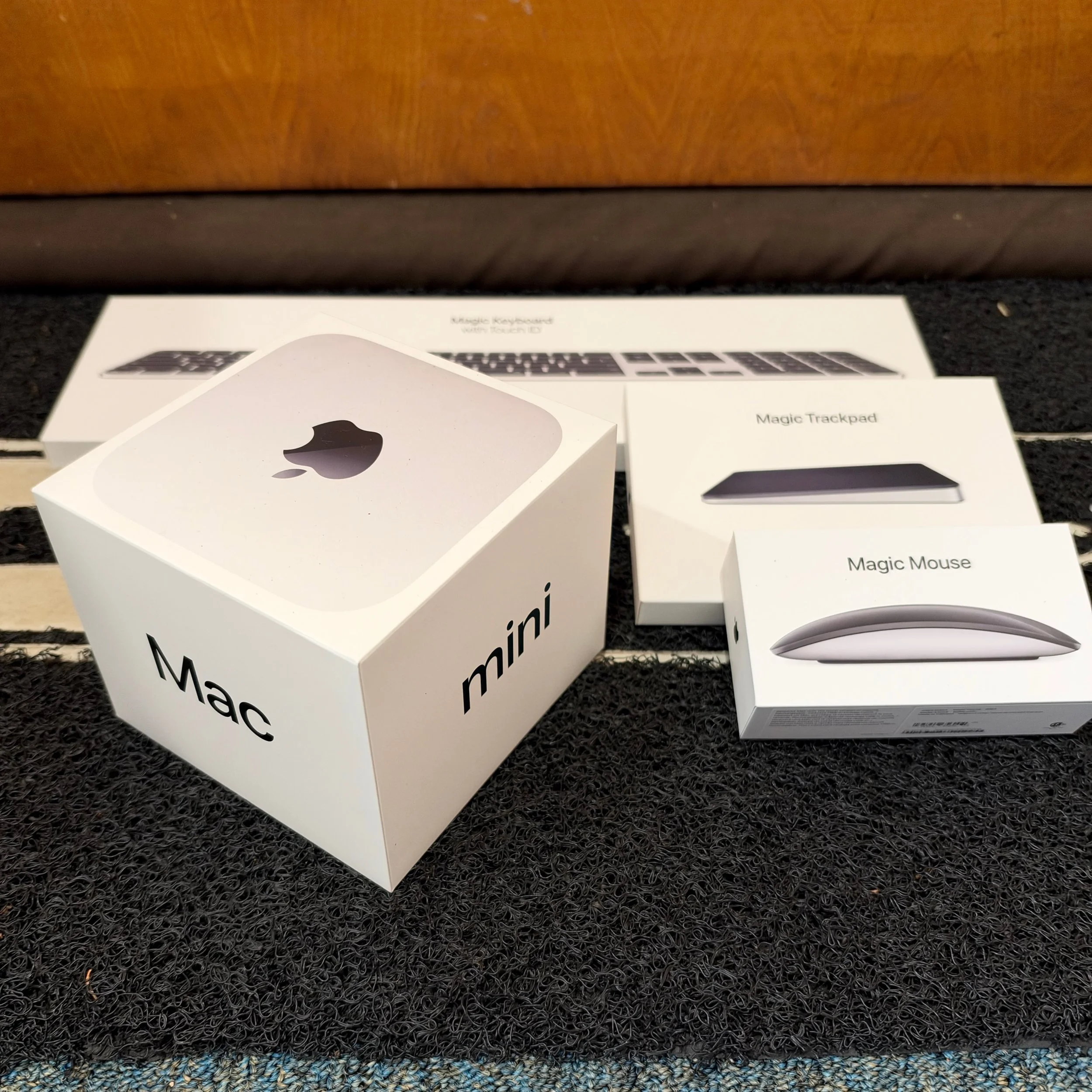
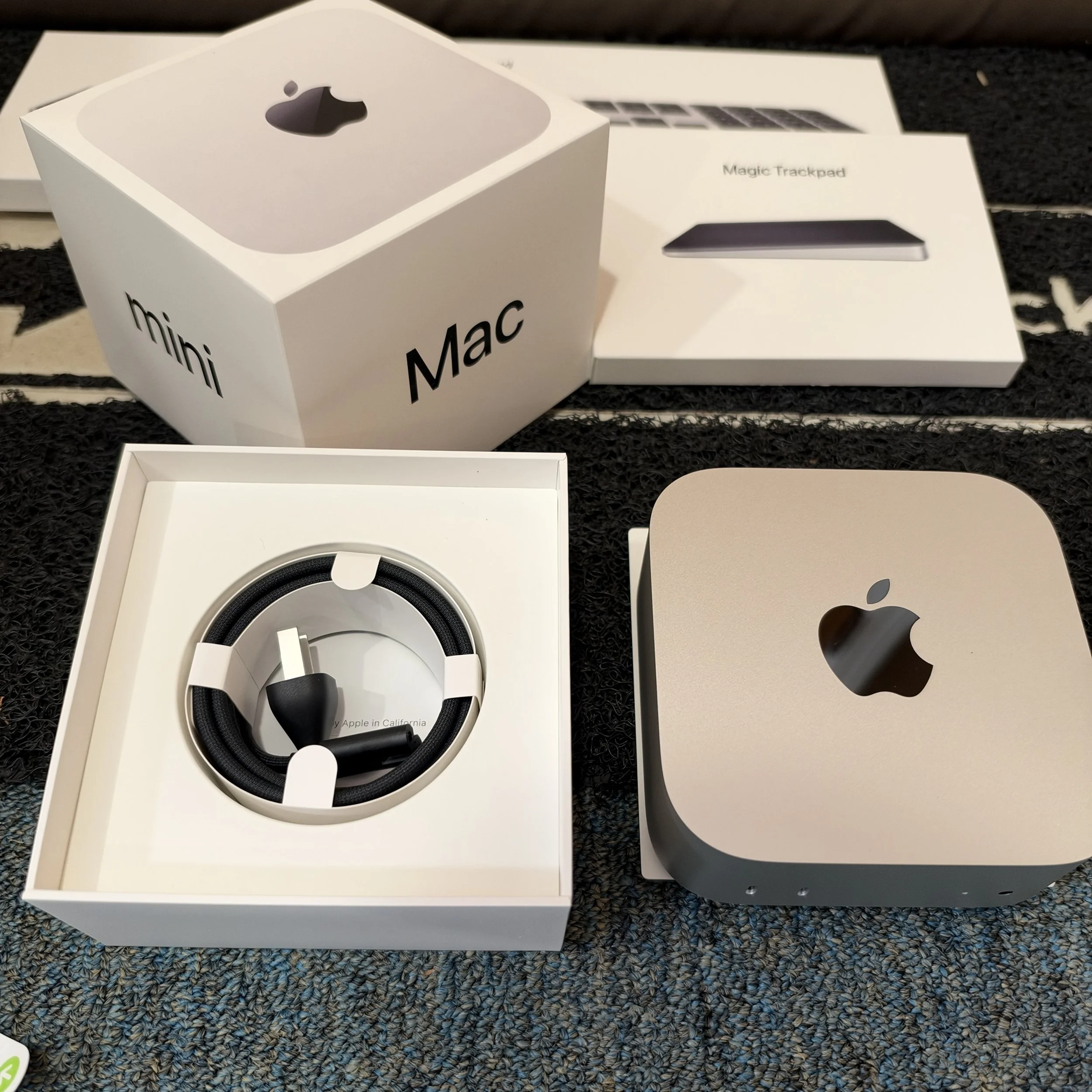
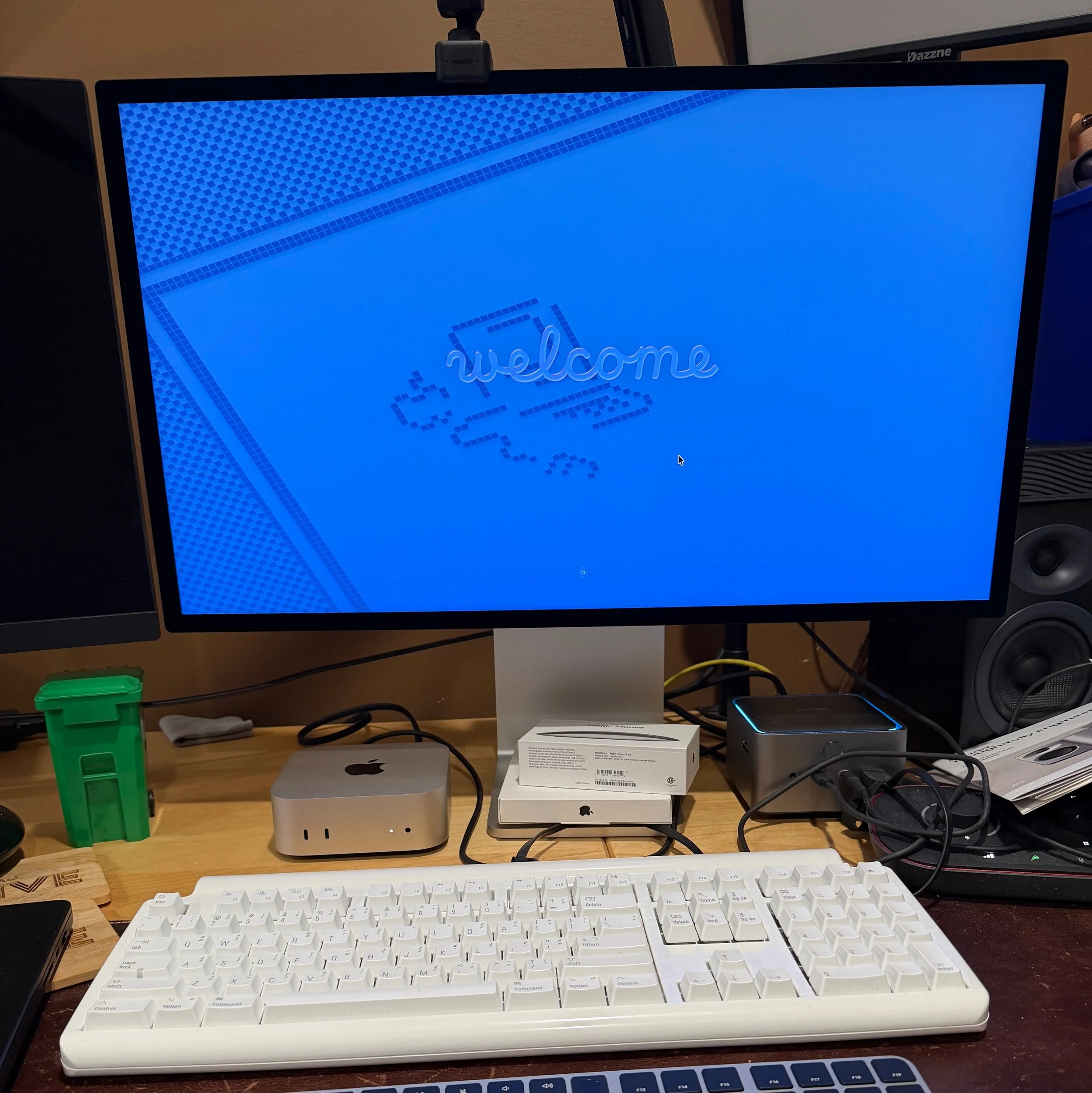
The Mac Mini is tremendously small, but it is still a headless desktop that requires a keyboard, mouse or trackpad, and monitor. Apple sent over one of everything.
Apple’s Magic Keyboard with Touch ID has the advantage of making logging into sites quickly and securely, a proper forward “delete” key in addition to backspace, dedicated keys for Expose and Do Not Disturb, and a matching aluminum aesthetic with the Mac Mini. It has the disadvantage that I hate everything about its low-profile, short-travel keys. If you wear an Apple Watch, you can set the Mac to unlock automatically without needing TouchID and then use any keyboard you want. Keyboards are a matter of deep personal preference. I love vintage buckling spring and Alps switches; my current favorite modern keyboard is an Epomaker Galaxy Lite 100 with Kailh Jade Green clicky switches and MT3 profile keycaps from DROP.
Apple’s Magic Trackpad is superb. I still prefer a mouse in desktop setups. I prefer adding a mouse in laptop setups, too.
The Magic Mouse has terrible ergonomics and charges on its back. If you use a mouse with your right hand, nothing beats Logitech’s MX Master 4.
Apple updated the Studio XDR Display earlier this year and sent a review unit with the nanotexture coating that reduces glare. This 27” 5K miniLED monitor is extremely expensive ($3700) if you’re just using it for writing and watching Apple TV (though it must be said that watching Foundation on it is special). For professional color grading of photos and video, the Studio XDR Display is still expensive, but a fraction of what some Sony production monitors cost. You also get a decent webcam (though one that is still outperformed by Insta360 Link 2), a gorgeous articulating aluminum stand, and the best built-in speakers I’ve heard in any monitor or small television.
ViewSonic sent over its own 27” 5K monitor aimed at Mac users, the VP2788-5K ColorPro. This $930 LCD IPS monitor is still expensive for a 27” monitor with 60Hz refresh rate, but if you want a pixel array that natively supports a Mac’s highest resolution with 99% DCI-P3 coverage, plus Thunderbolt 4 with 100W of power for a connected MacBook Air, the ViewSonic is easily worth the splurge. I have it sitting side by side with the Studio XDR and the biggest differences are the nanotexture – depending on room lighting, there can be glare on the ViewSonic but not the Apple – and HDR brightness on some content – which reflects the edge-lit IPS panel on the ViewSonic rather than the thousands of zones on the Studio XDR. You also lose the style, webcam, and audio quality. For most workloads, the VP2788-5K will feel like the right amount of professional performance.
For Techsponential clients, a report is a springboard to personalized discussions and strategic advice. To discuss the implications of this report on your business, product, or investment strategies, contact Techsponential at avi@techsponential.com.