
HP EliteBoard G1a: Throwback Form Factor for the Modern Dock-Hopping Hybrid Worker
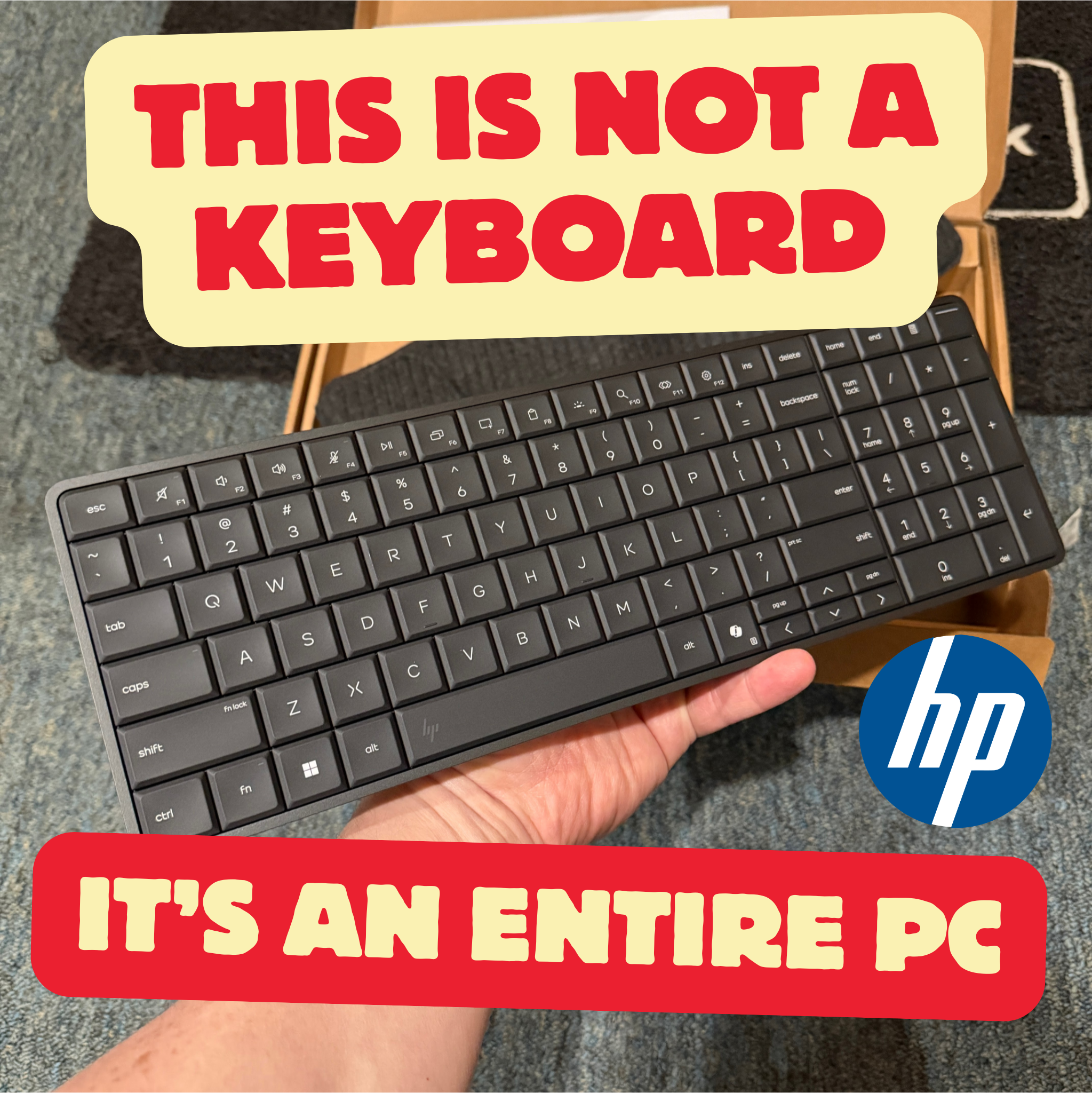
The idea of a computer tucked behind a keyboard is hardly new; the Commodore 64 had essentially this design back in 1982 and it is considered best-selling single-model computer ever. HP has brought the form factor into the modern era with the EliteBoard G1a, which has clever design details, is easily repairable, and performs surprisingly well.
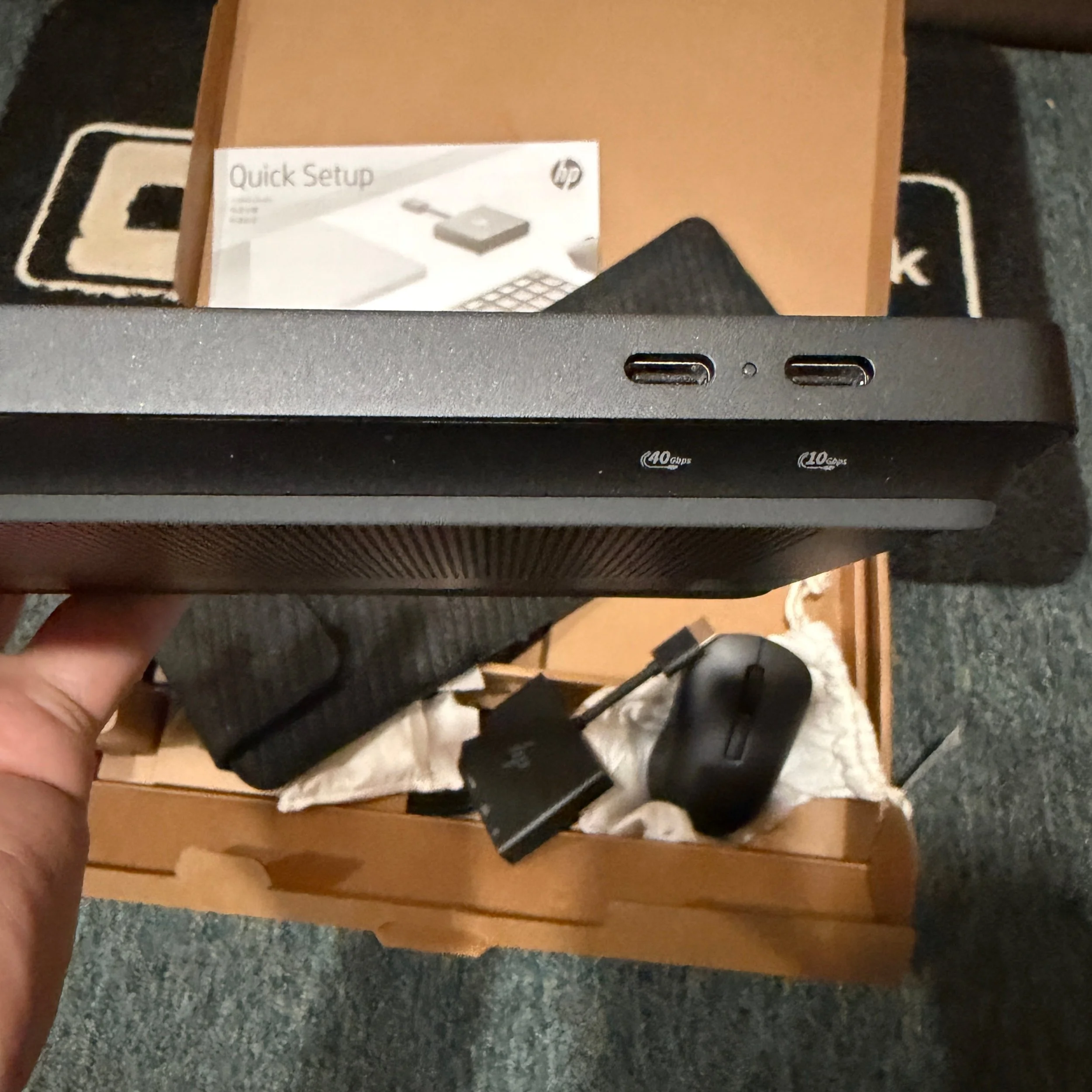
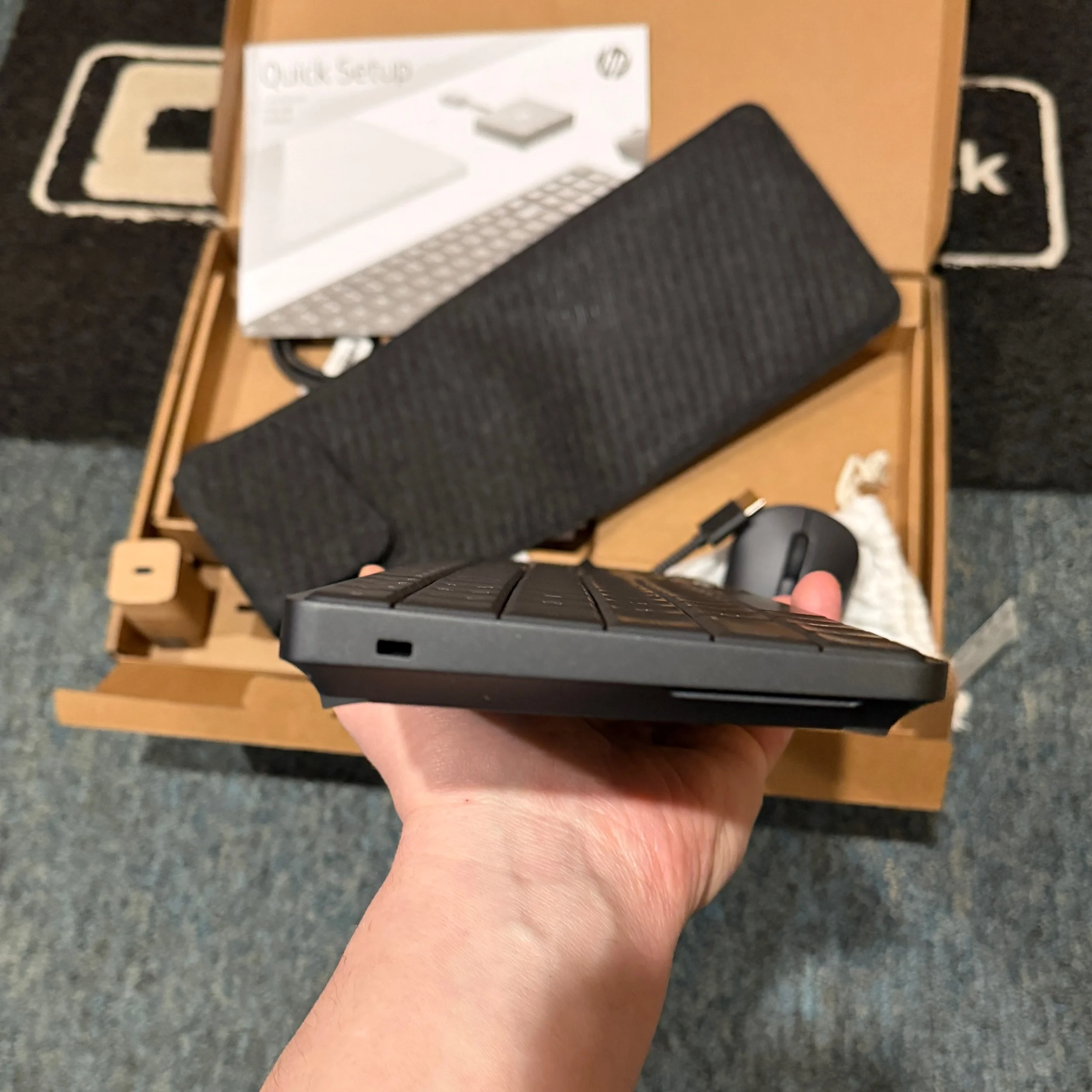
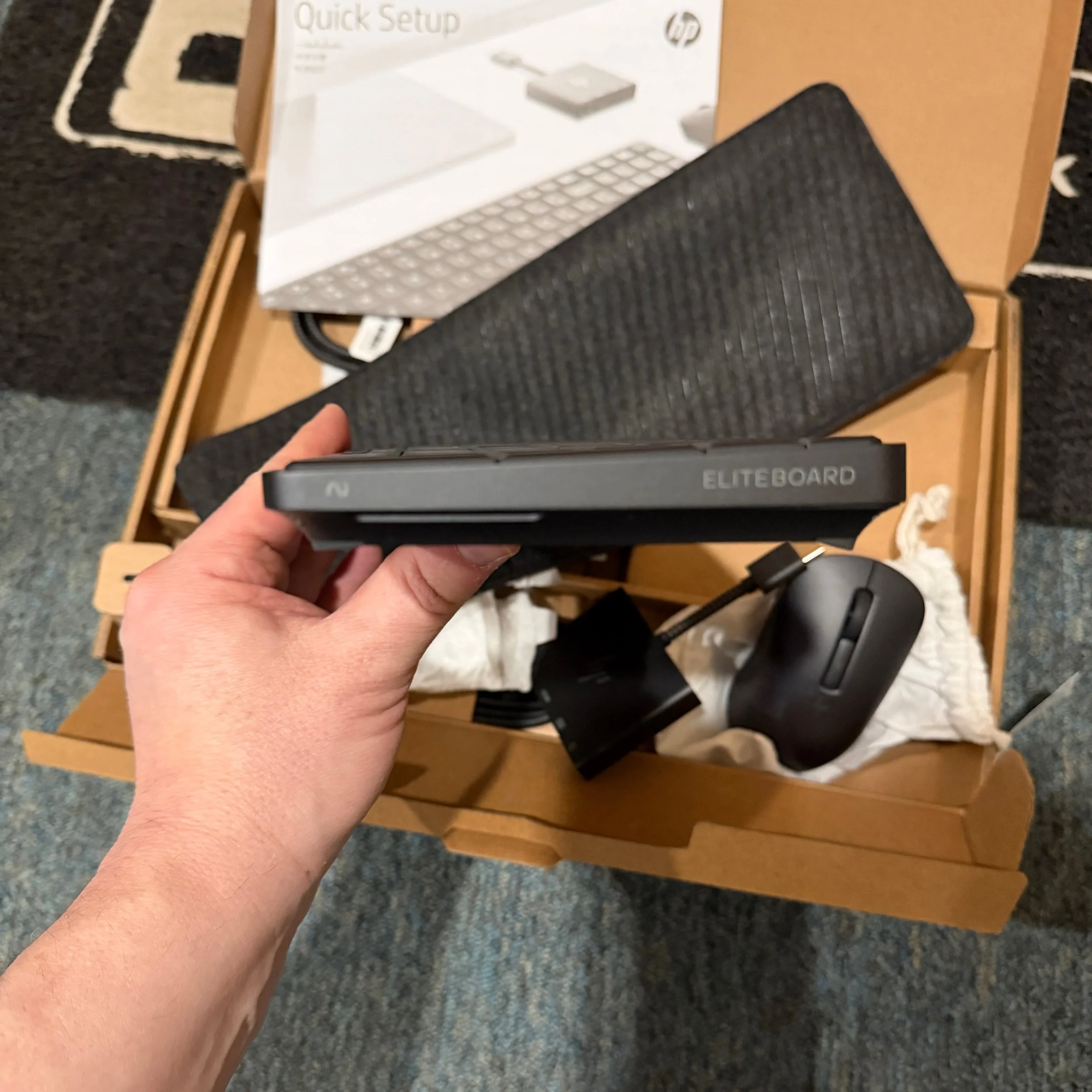
The EliteBoard G1a looks like a compact 104 key low-profile keyboard because it is (or close enough; more on the keyboard below). Despite the 17mm height, there is a full AMD PC inside, along with fans, a battery, storage, and speakers. It’s basically a laptop without a display. In fact, that is one of the taglines that HP is using to market the EliteBoard: “Stop buying screens you never open.”
HP built the EliteBoard in response to the rise of the “dock-to-dock” hybrid worker. It sees ample demand for All-in-One PCs without being locked to a single display – people IT give notebooks to but they don’t actually use the notebook’s display. There are other use cases around keeping a clean workspace (ex: hospitality) and hybrid workers who want to bring their own keyboard and mouse for hygienic reasons. It seems reasonable that there should be appeal to consumers as well – this is perfect for the kitchen desk nook.
The downsides to the design limit its reach. It has limited ports and not much configurability. There is no touchscreen, and you’ll likely need an external webcam as part of your setup. And the obvious: while the EliteBoard is impressively portable it can only be used where it can be docked to a display, so you can’t take it to a coffee shop or use it on a plane.
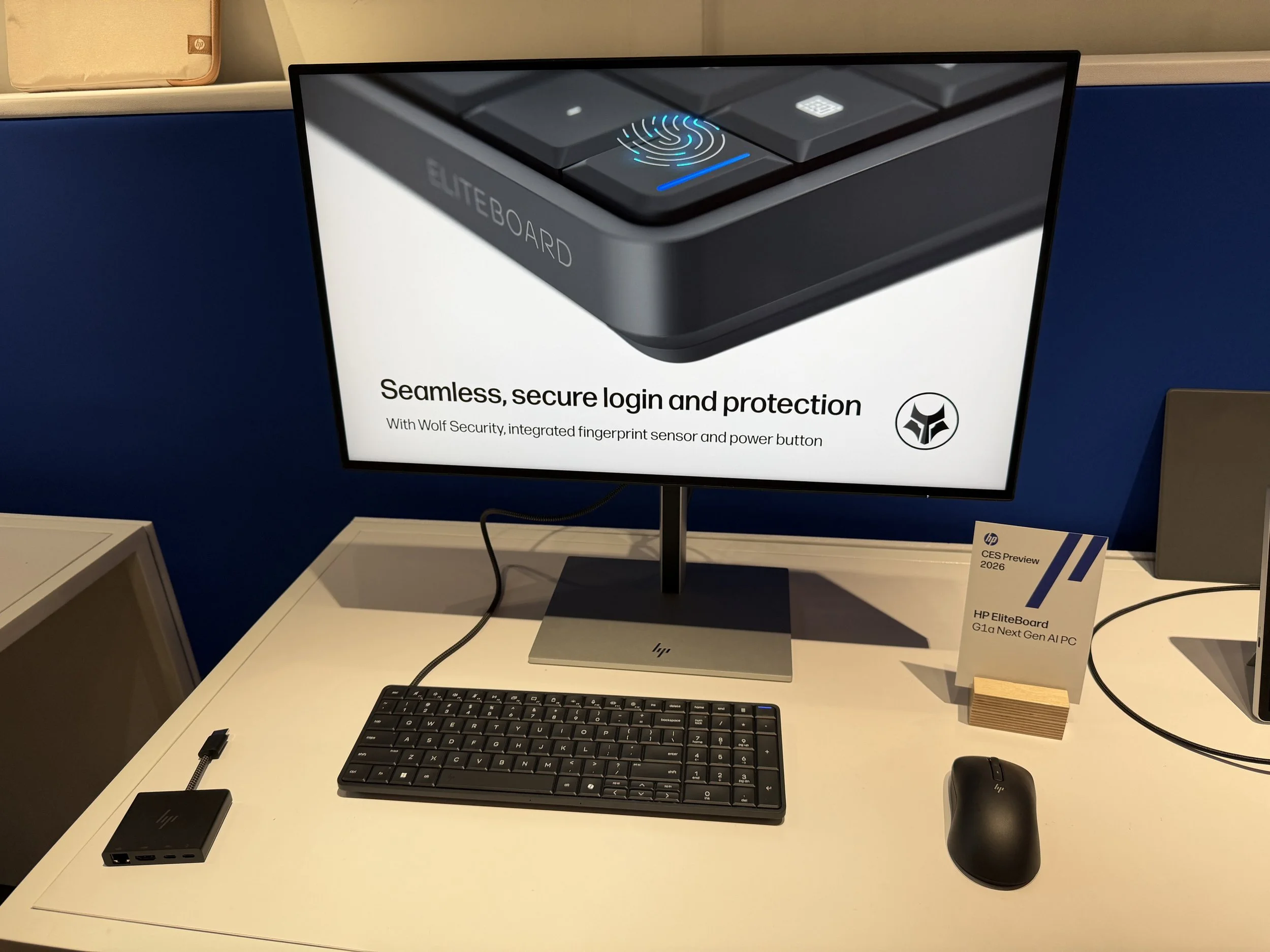
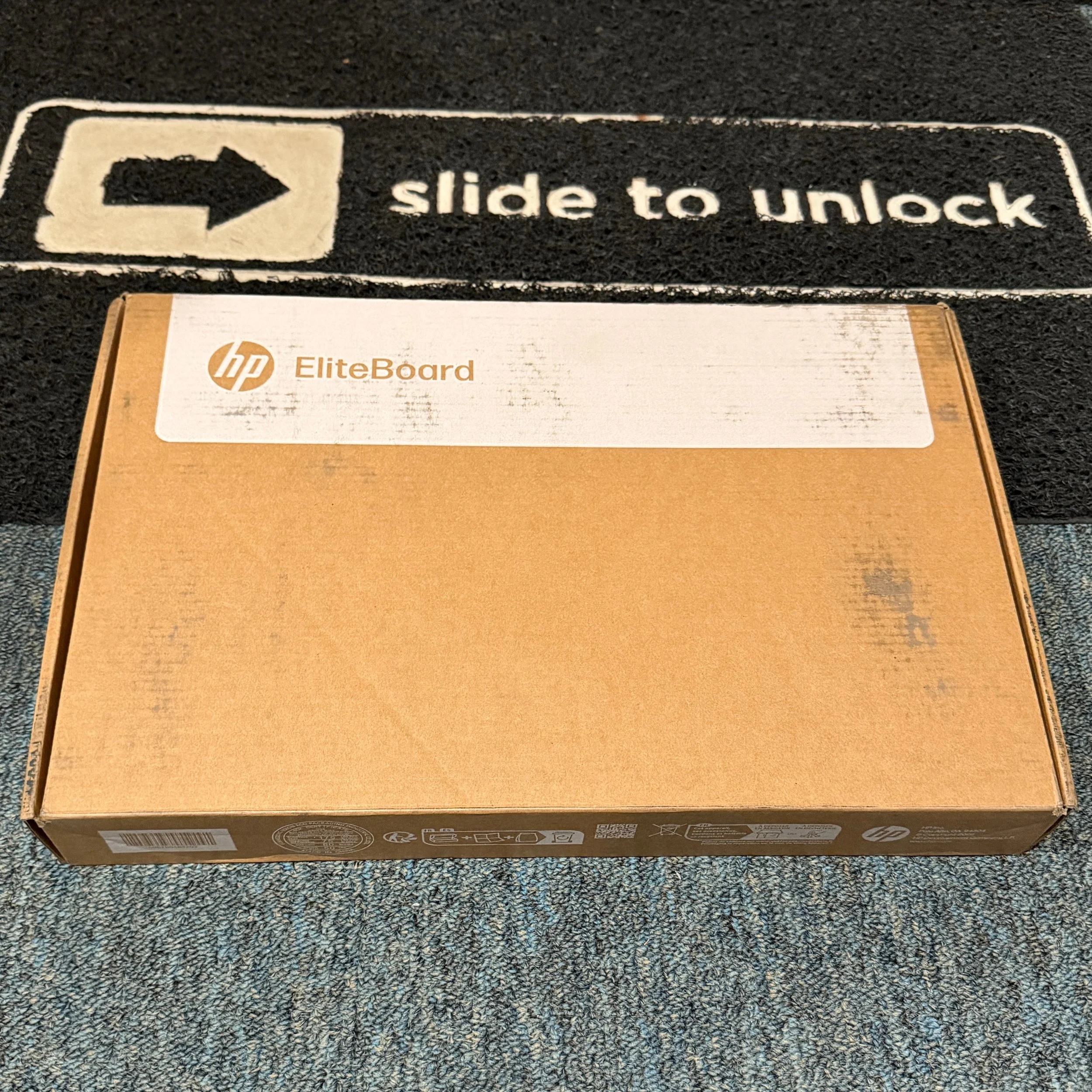
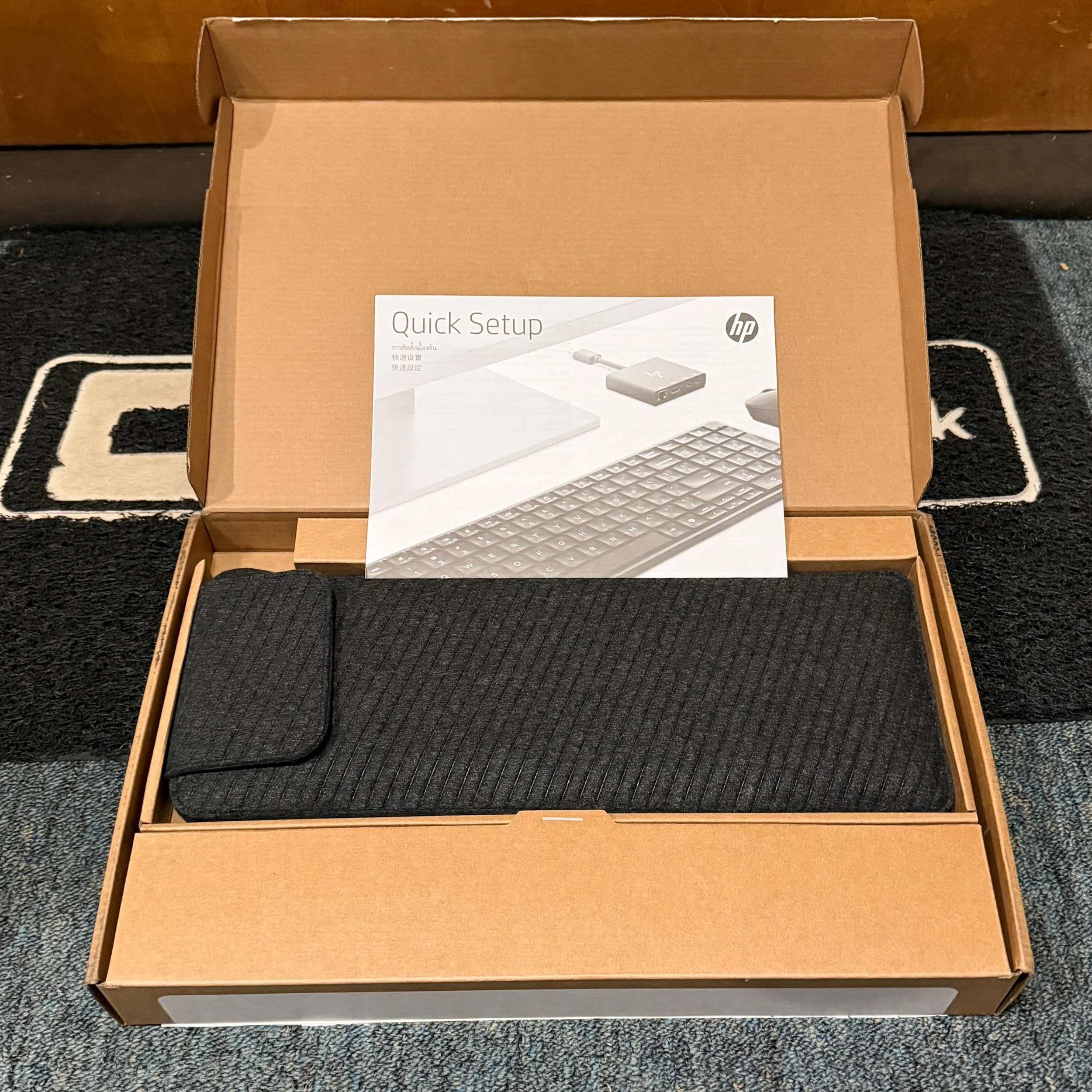
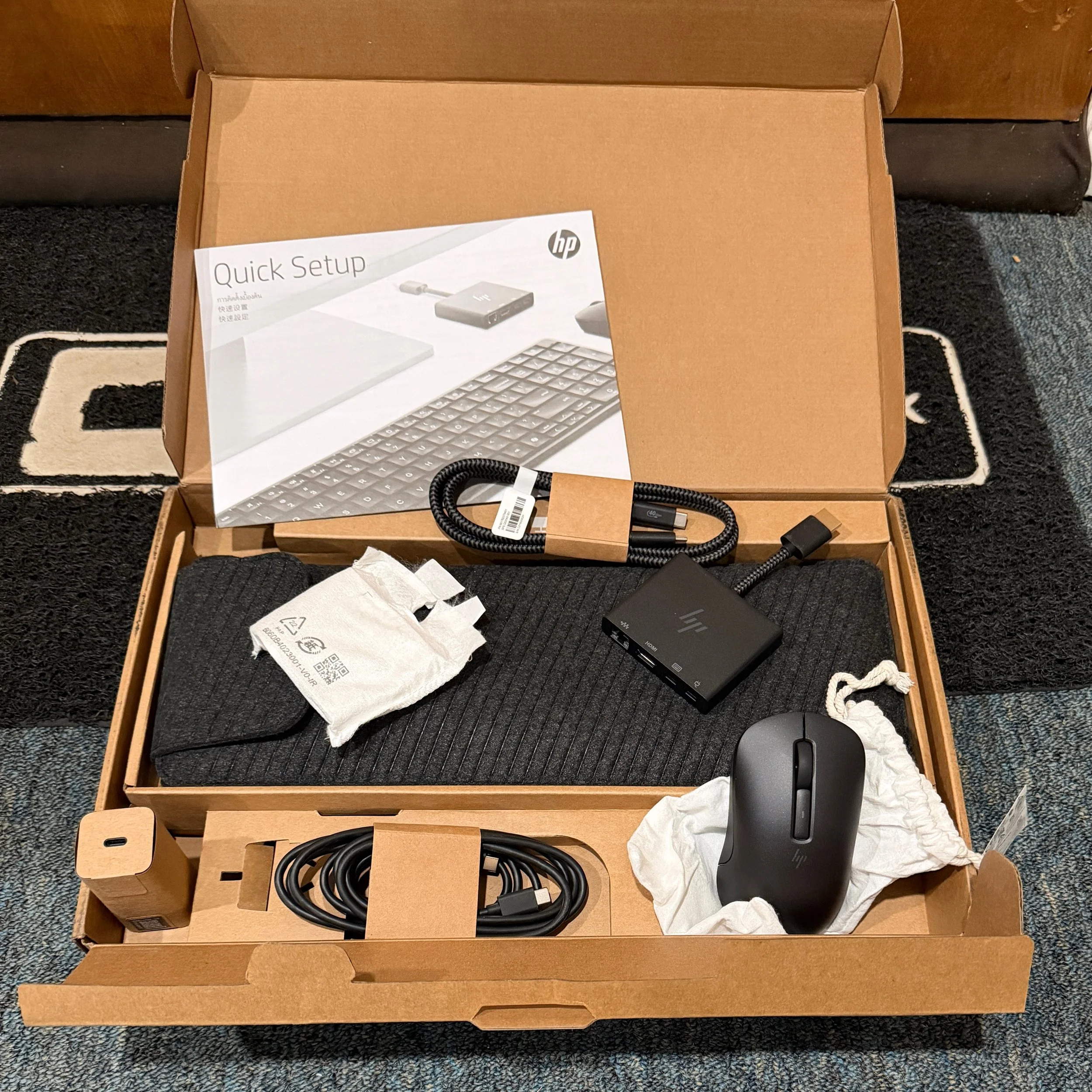
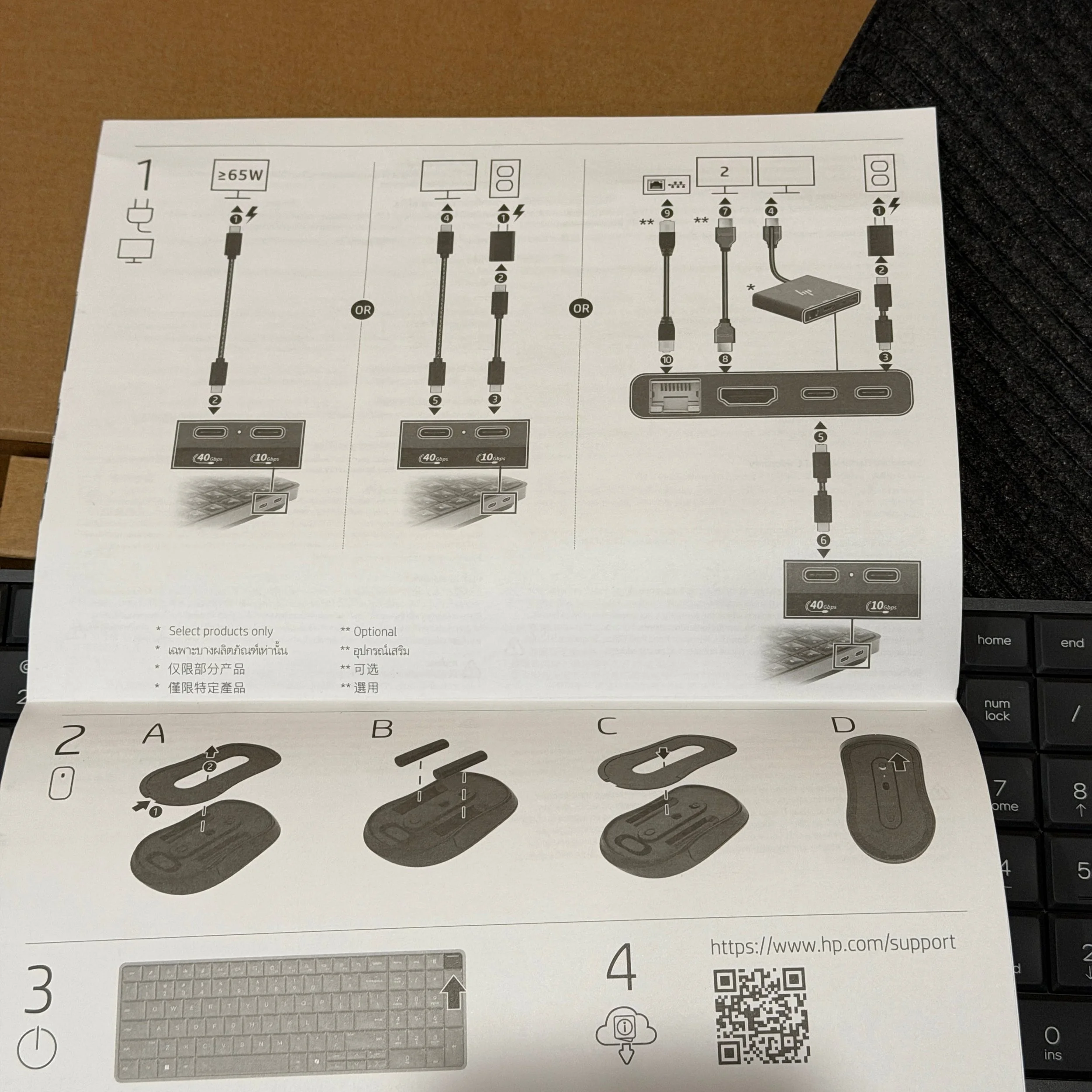
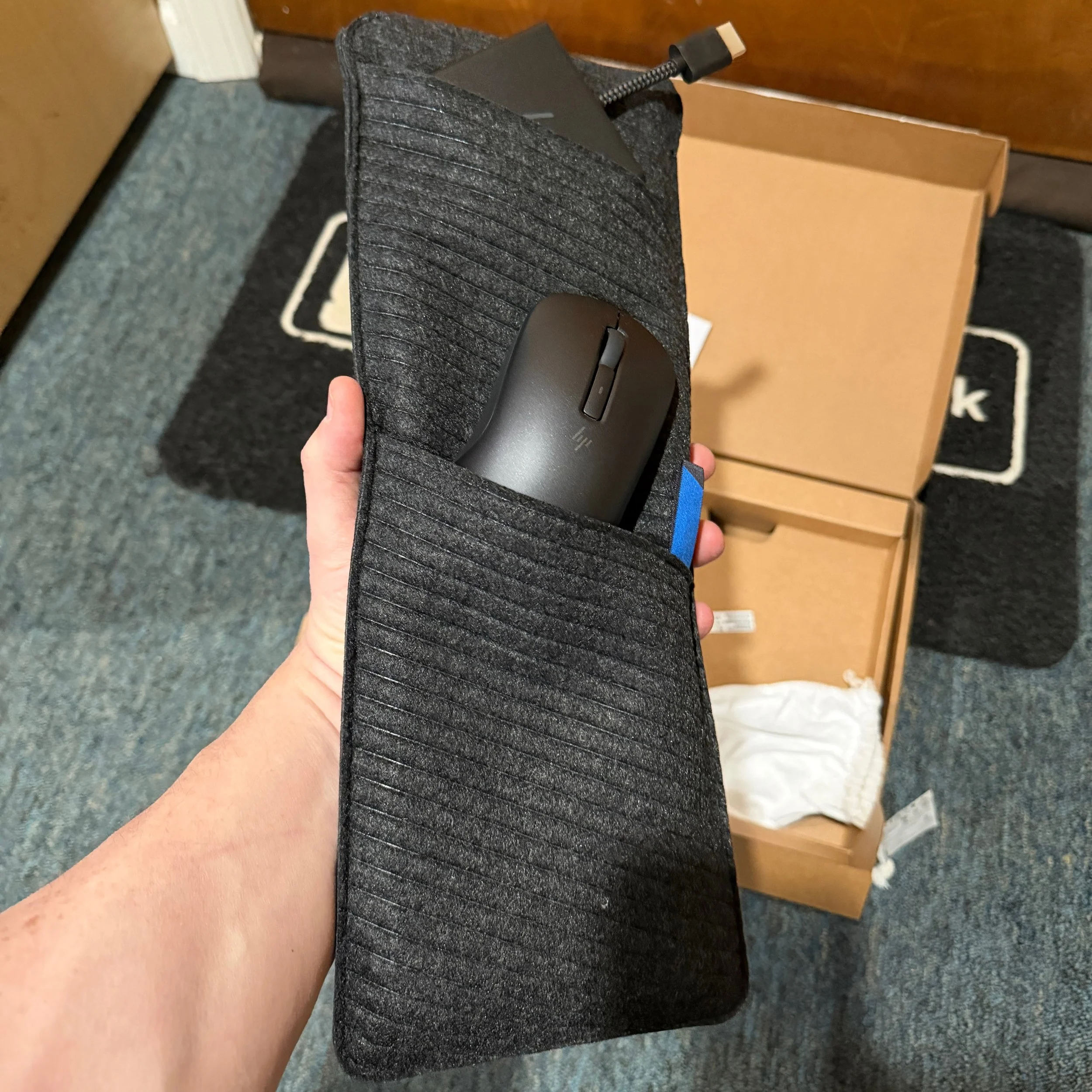
But the design is impressive. At 1.5 lbs and 17mm tall it is HP’s smallest and lightest PC ever – even mini-er than a mini. With the right monitor that supports USB-C with PD, one cable connects everything, and dual monitor setups are possible with a daisy chain. For monitors that require HDMI, an included dongle hides all the cables and connections behind the monitor. At most you’ll have two USB-C cables connected to the PC because that’s all the ports you get. The setup is designed to be transported and actually includes an internal 32Wh battery so you don’t have to fully power it down in between your home and work docks (or work and conference room). When you’re not drawing power from a monitor, HP provides a small modern GaN 65W charger with foldable prongs (in NA) or a country-specific adapter. My review configuration included a nice soft carry case, and all EliteBoards come with a pre-paired mouse. For fully stationary use cases, HP offers a version with an attached cable and without an internal battery or carrying case.
HP took repairability and durability seriously. The keyboard is spill-resistant and certified to MIL-STD 810 specs for abuse. The whole thing comes apart with a standard Philips-head screwdriver, and all components are replaceable – including the keyboard itself. HP considers the EliteBoard its most sustainable PC, having built it from lots of recycled materials, including automobile tires. Build quality and fit and finish are not impacted by the push for repairability or sustainability. Nice.
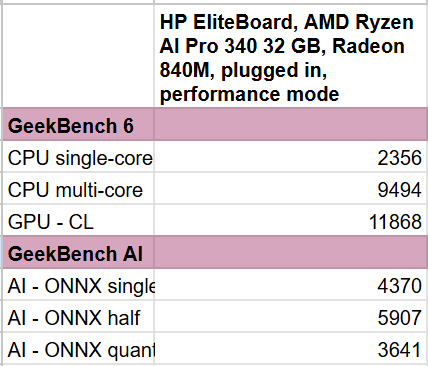
The EliteBoard is intended for productivity workloads, and HP has spec’d it accordingly with an AMD Ryzen AI PRO 300 series and integrated 860M Radeon GPU. Performance is fine across the board as long as you aren’t trying to do engineering, local LLM, or AAA gaming. I tested it on several 4K displays and ran into one of the few issues I had with the unit – it really didn’t like being paired with an LG 240Hz 4K OLED gaming monitor. I solved the problem by adding HP’s compact Thunderbolt 4 dock; somehow having an intermediary solved the sync issues, running at 120Hz. I had no trouble connecting the EliteBoard G1a to any other monitor directly, including another 240Hz 4K OLED, this one from HP’s OMEN gaming line. These are not the typical monitors I expect the EliteBoard to be paired with; they’re what I had on hand for testing.
HP specs the Eliteboard at 22db in idle, or 25 db with fans blasting and TUV certification. The fans do run frequently even during routine office work like writing this report, but it is genuinely quiet, just a soft whoosh. HP knew that it wasn’t going to build audiophile speakers into this chassis, so it tuned them for voice. You will want external speakers or headphones if you regularly listen to music or need more volume for your Zoom calls to overcome other room noise, but having speakers in here at all feels a bit like a magic trick.
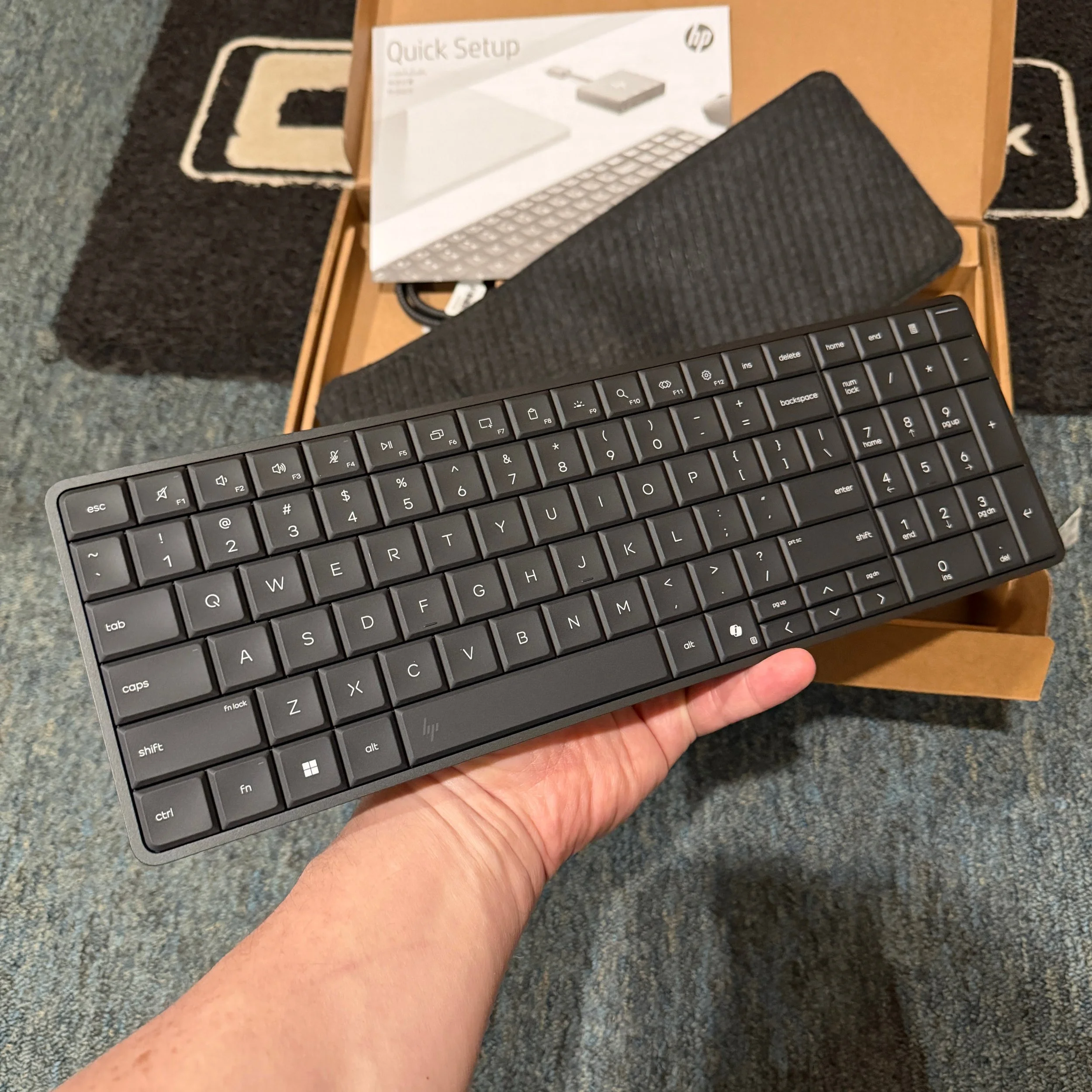
Technically, the EliteBoard G1a has a 102 key keyboard, with multimedia and some windowing controls doubled on the function row, a dedicated calculator button in the 21-key numeric keypad area, and a fingerprint reader on the power button in the top right. Like most low-profile keyboards, HP is using scissor switches and these are superb – at 2mm they have more travel than laptop keyboards, are fairly quiet, and have wonderful tactility. The biggest drawback to the keyboard – and one of my biggest pet peeves with the unit as a whole – is the choice of having half-sized navigation keys. They are located in the right spot, but I found all four difficult to press because of their size. In better news, HP did manage to keep a proper delete key above the backspace, so no finger stretching key combinations are required like on Macs.
My other input complaint is the mouse, which comes pre-paired with the EliteBoard so you really can just open up the box, plug into a monitor, and go. However, the mouse is the weakest part of the package. It’s a generic symmetrical mouse with a scroll wheel and a customizable button that defaults to Copilot. There are no forward-back buttons and the ergonomics don’t fit my hand well. There is an on/off switch, a pair of included AAA batteries – this is not a rechargeable mouse – and the ability to use an included dongle rather than Bluetooth should you want to pair it with something else. Of course, using the EliteBoard with a different mouse from HP or Logitech is trivial: just pair it via Bluetooth.
The EliteBoard is a throwback design that was revived and rethought for the modern hybrid worker, but the concept should appeal to consumers as well. We’ll see if other companies follow HP’s lead, but for now the EliteBoard is the only AiO-minus-display on the market. I used it to write and format this report, and I’m sorry to send it back to HP.
For Techsponential clients, a report is a springboard to personalized discussions and strategic advice. To discuss the implications of this report on your business, product, or investment strategies, contact Techsponential at avi@techsponential.com.