
Apple HomeView, Home Collection: Extending Apple’s Ecosystem in the Home A Little

Summary
I attended Apple’s Welcome Home event in New York, talked to Apple executives, and got brief demos of all the new devices. The Apple TV 4K and HomePod mini are refreshes, and the Apple Home Collection has Apple taking a slightly more hands-on approach than before. The Apple HomeView is the most consequential product of the launch because it is an entirely new product from Apple.
Apple HomeView
Apple is following its usual playbook as it enters a new category (display smart speakers): gorgeous industrial design, a user experience predicated on deep ecosystem ties, a focus on privacy, and a premium price point.
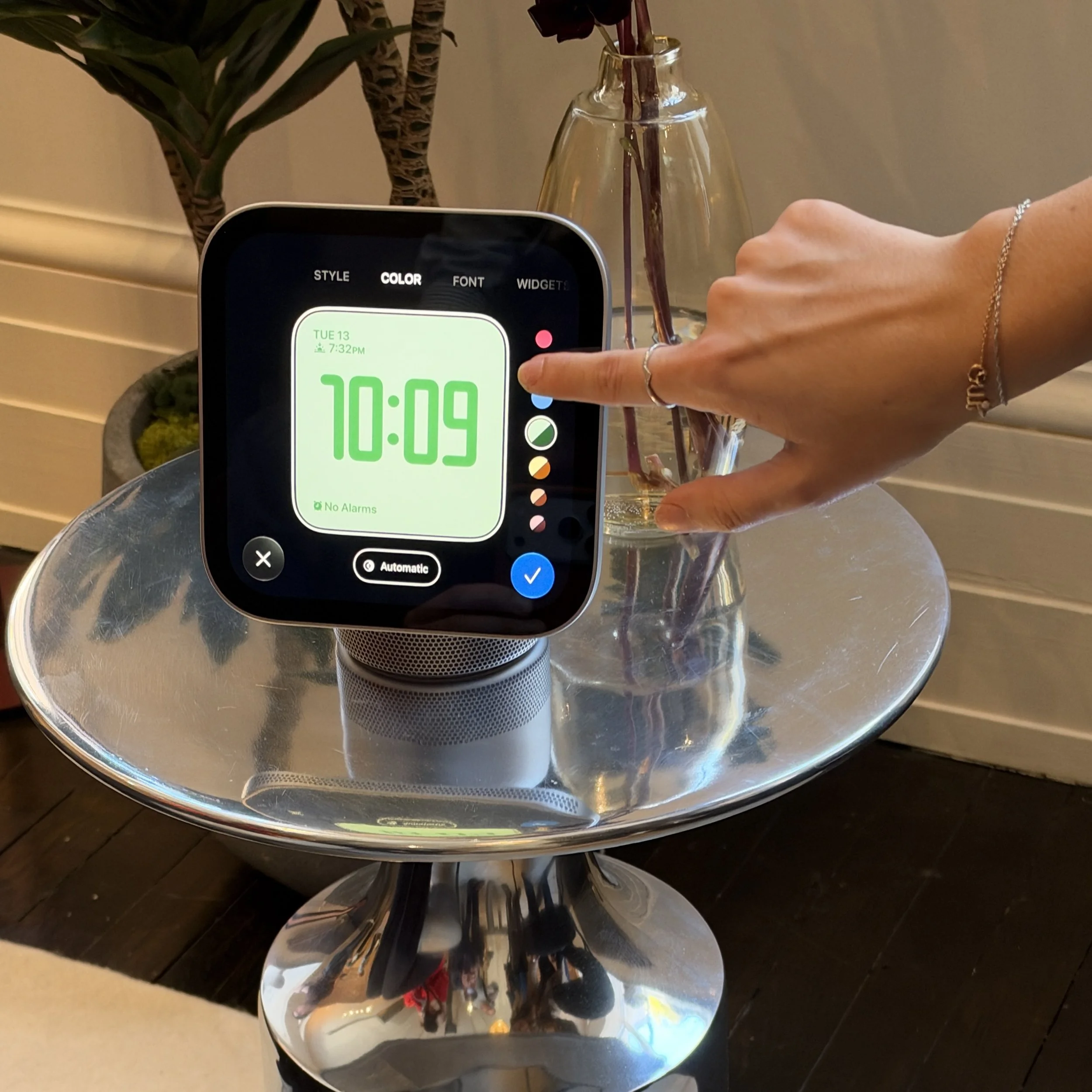
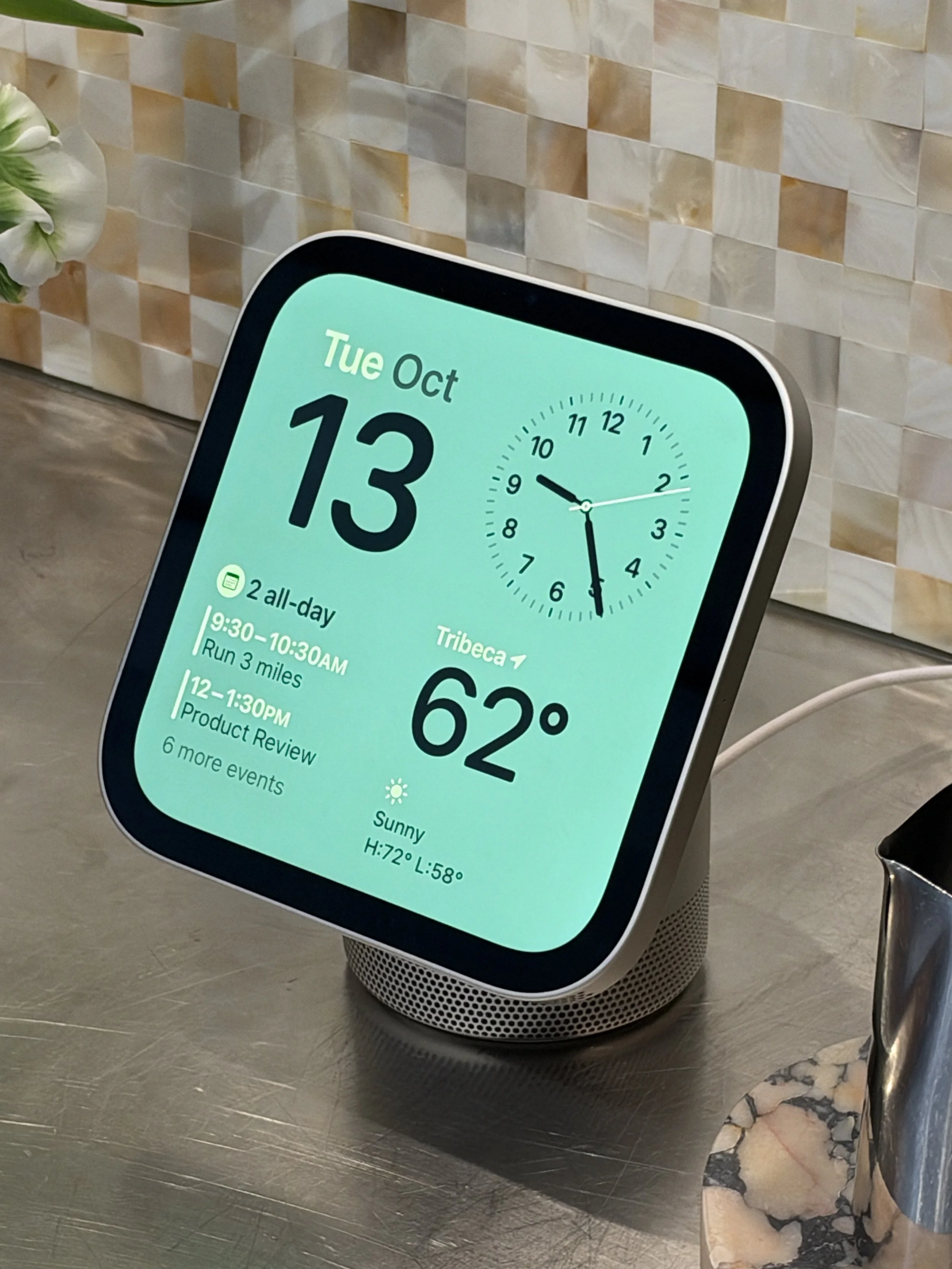
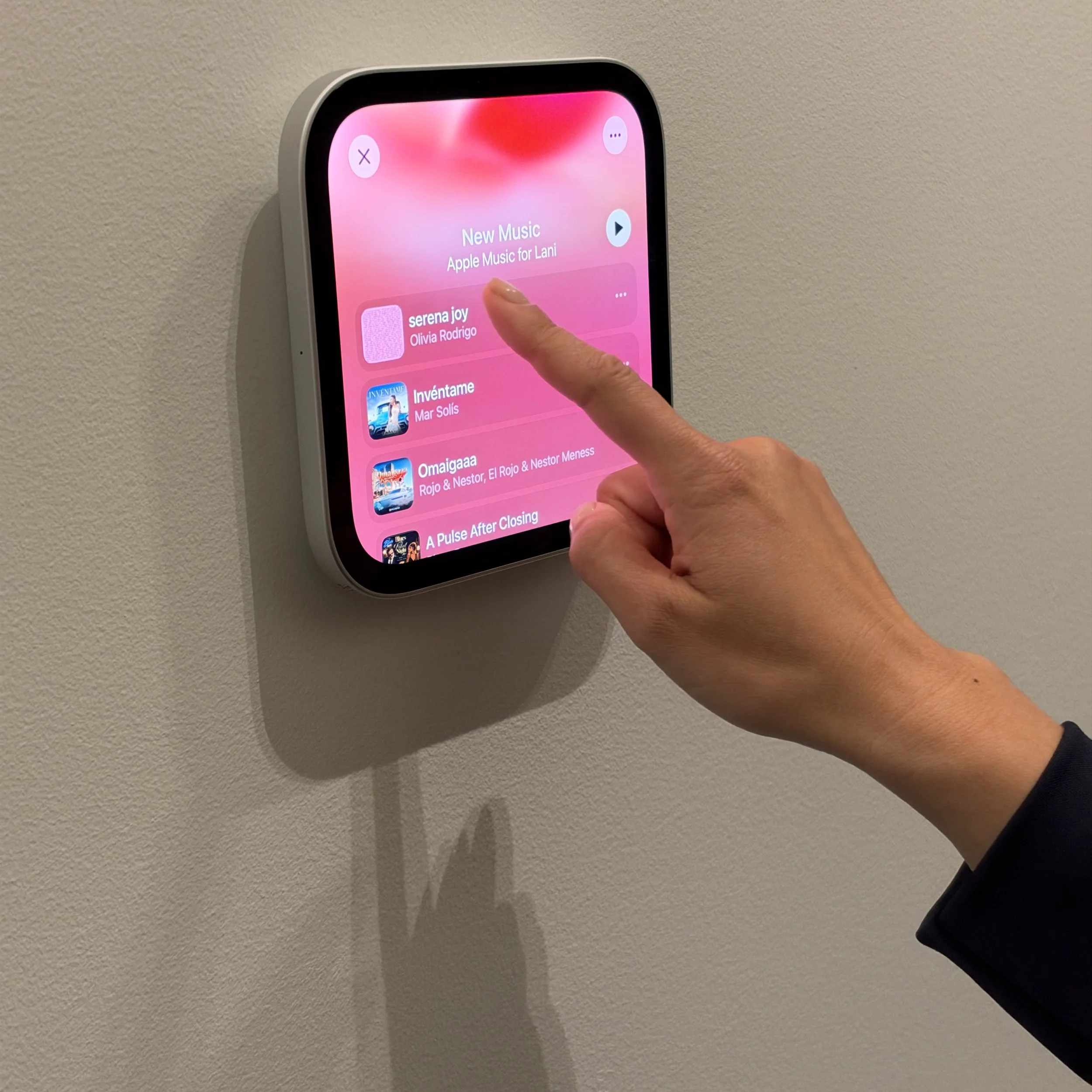
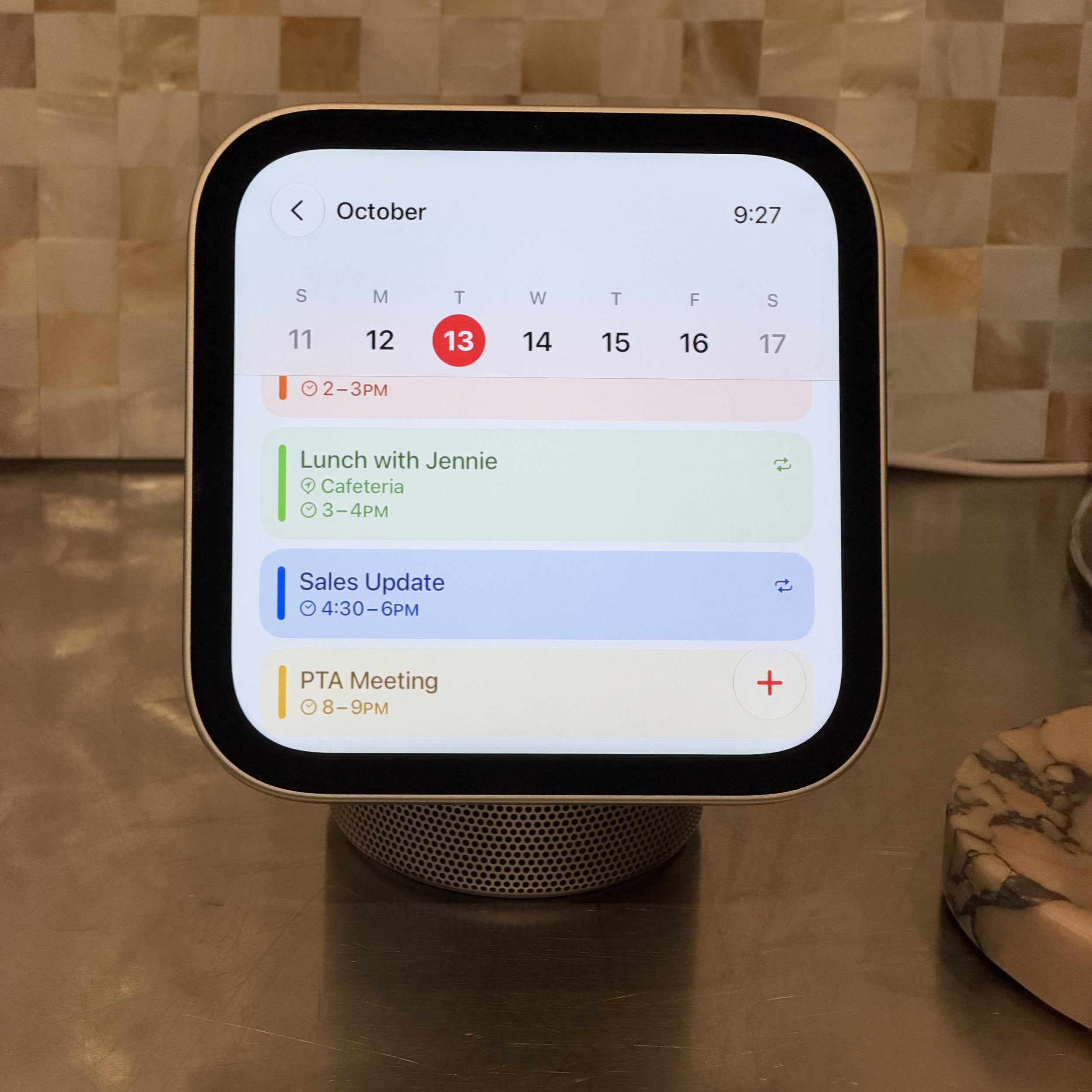
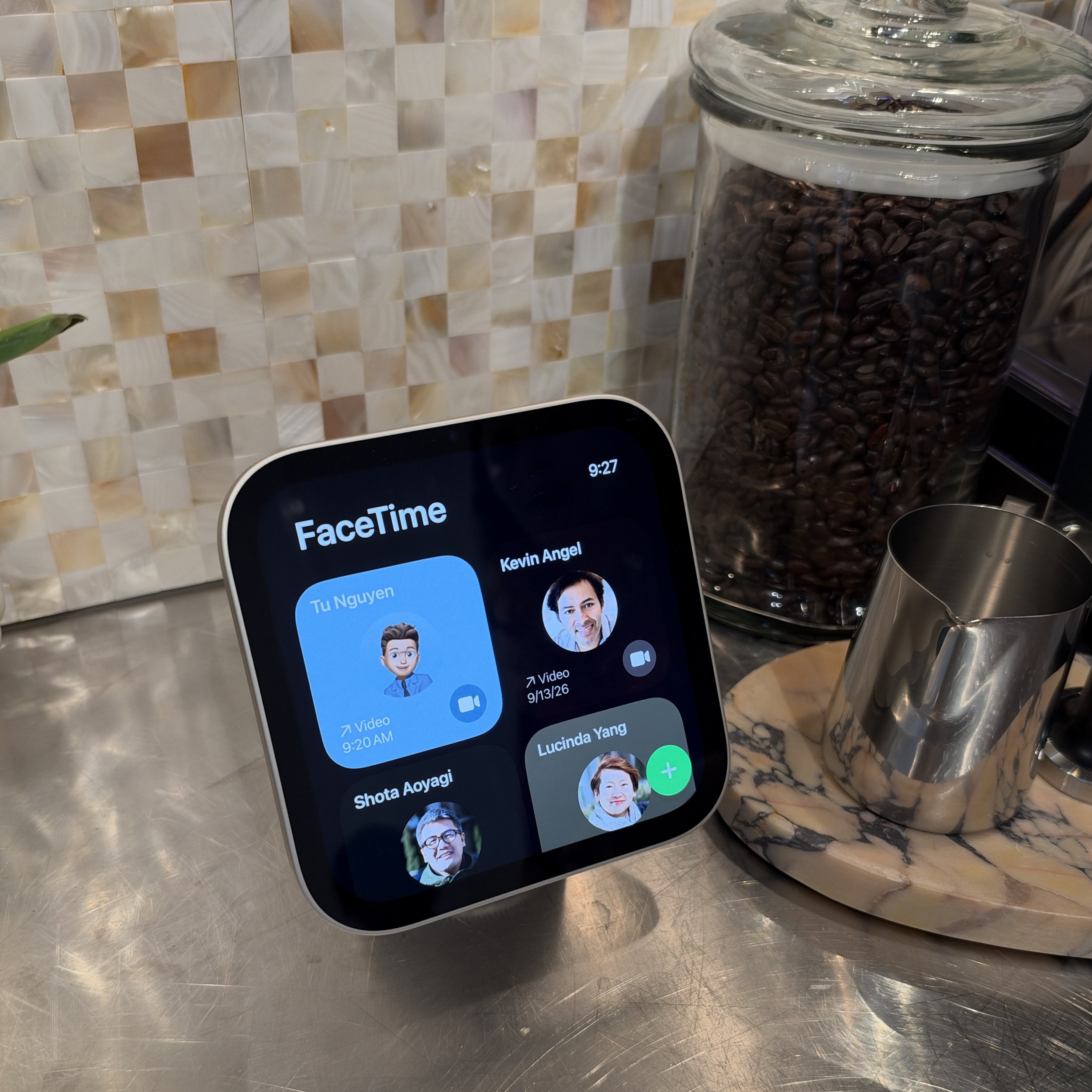
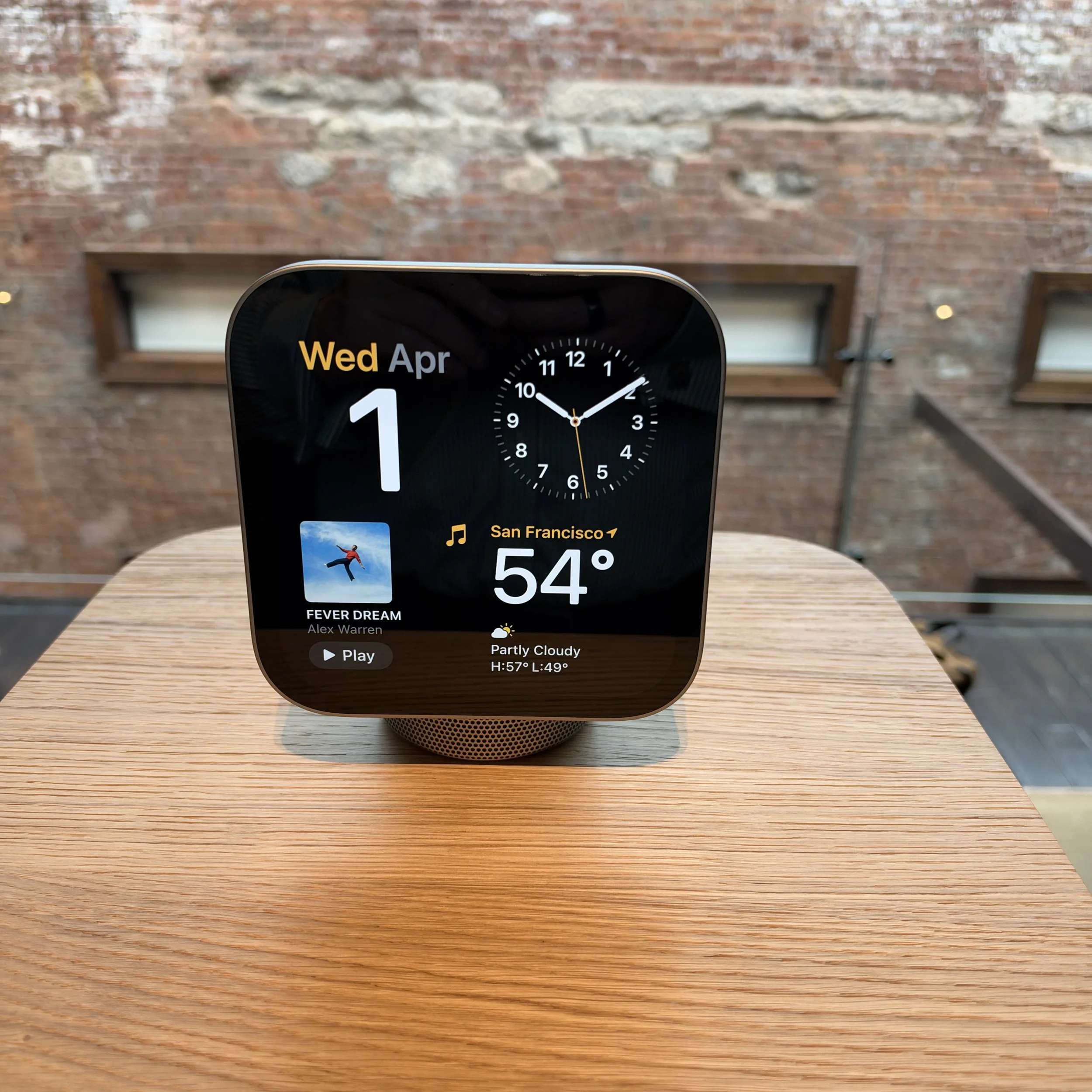
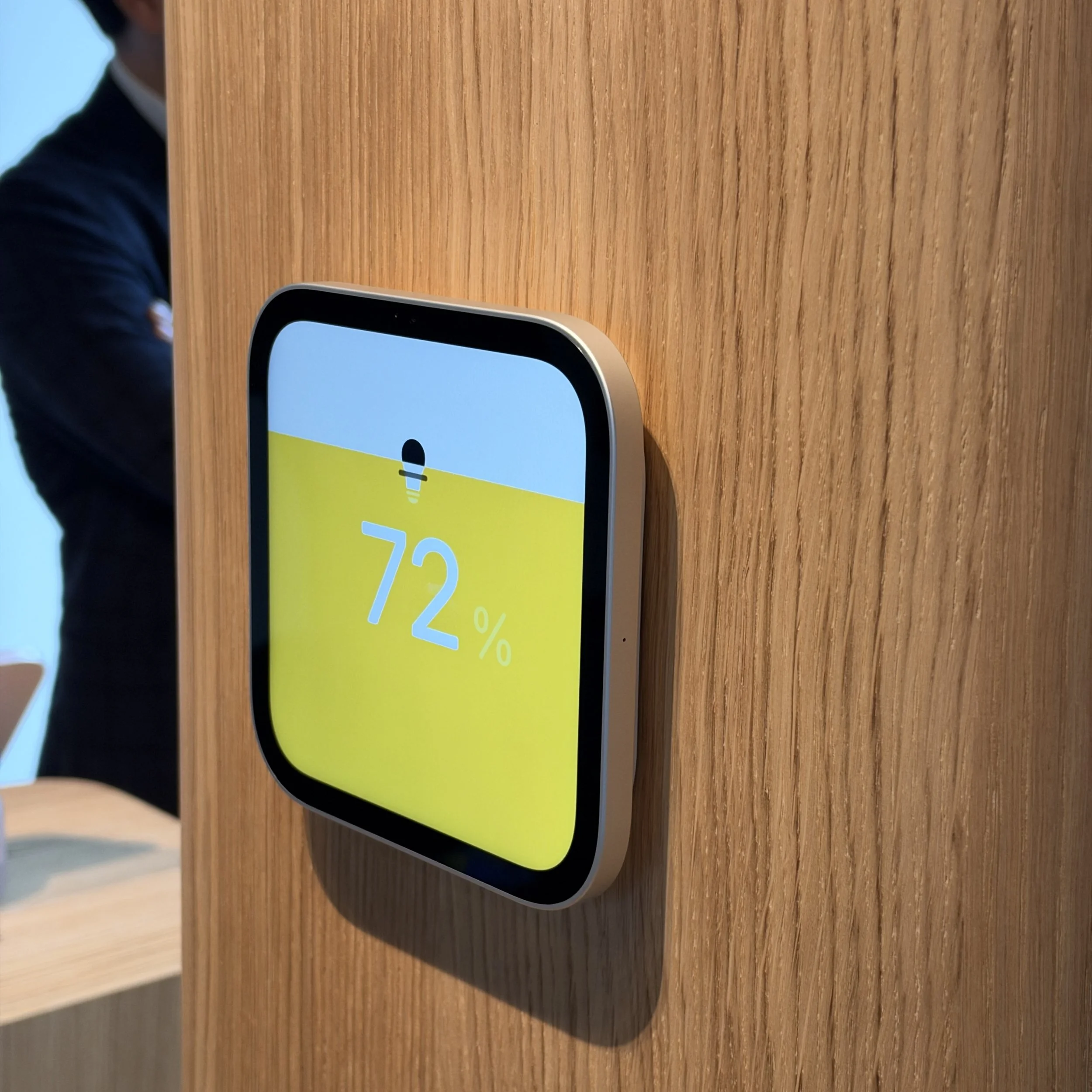
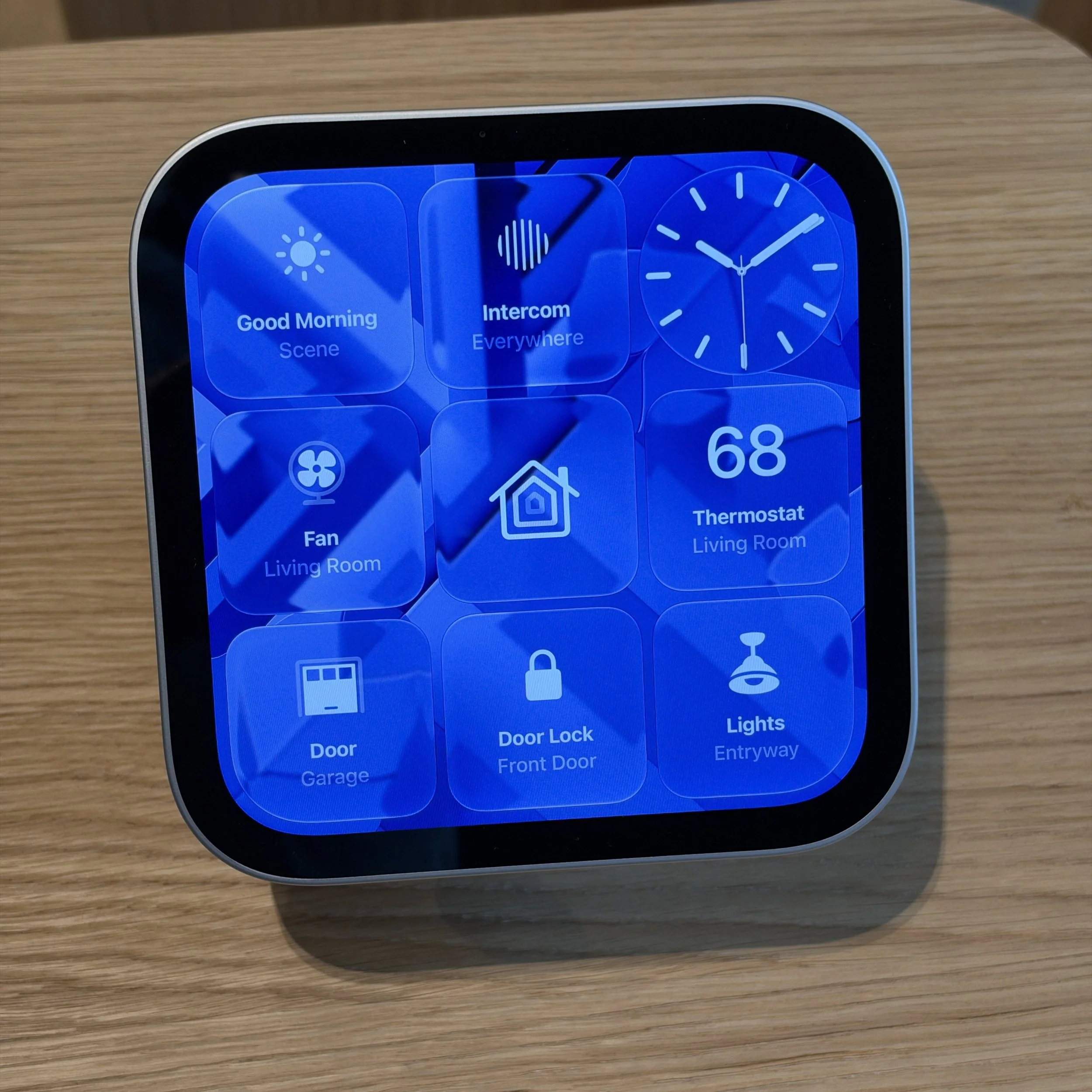
Design: The 7” square HomeView is much smaller than it looks in photos, but it is undeniably appealing. It comes in four subtle shades – most consumers don’t want primary colors in their kitchens, living rooms, and bedside tables. The display tilts but does not rotate manually or automatically (the CenterStage camera will follow you around to a limited extent during FaceTime calls). There are two tweeters in the display section and a bass driver and two passive radiators in the base. I wasn’t impressed with the audio on the single track that Apple played for me in the extremely large open floorplan where Apple had placed it, but I will need to get my own unit to form a real opinion. Apple also offers a wall-mounted option without the base in a DIY and two professional installation versions; in this configuration it looks a lot like a square version of Amazon’s Home Hub (but costs a lot more after mounting kits). The wall version loses the bass and the smaller speakers in the display section are tuned for on-wall placement.
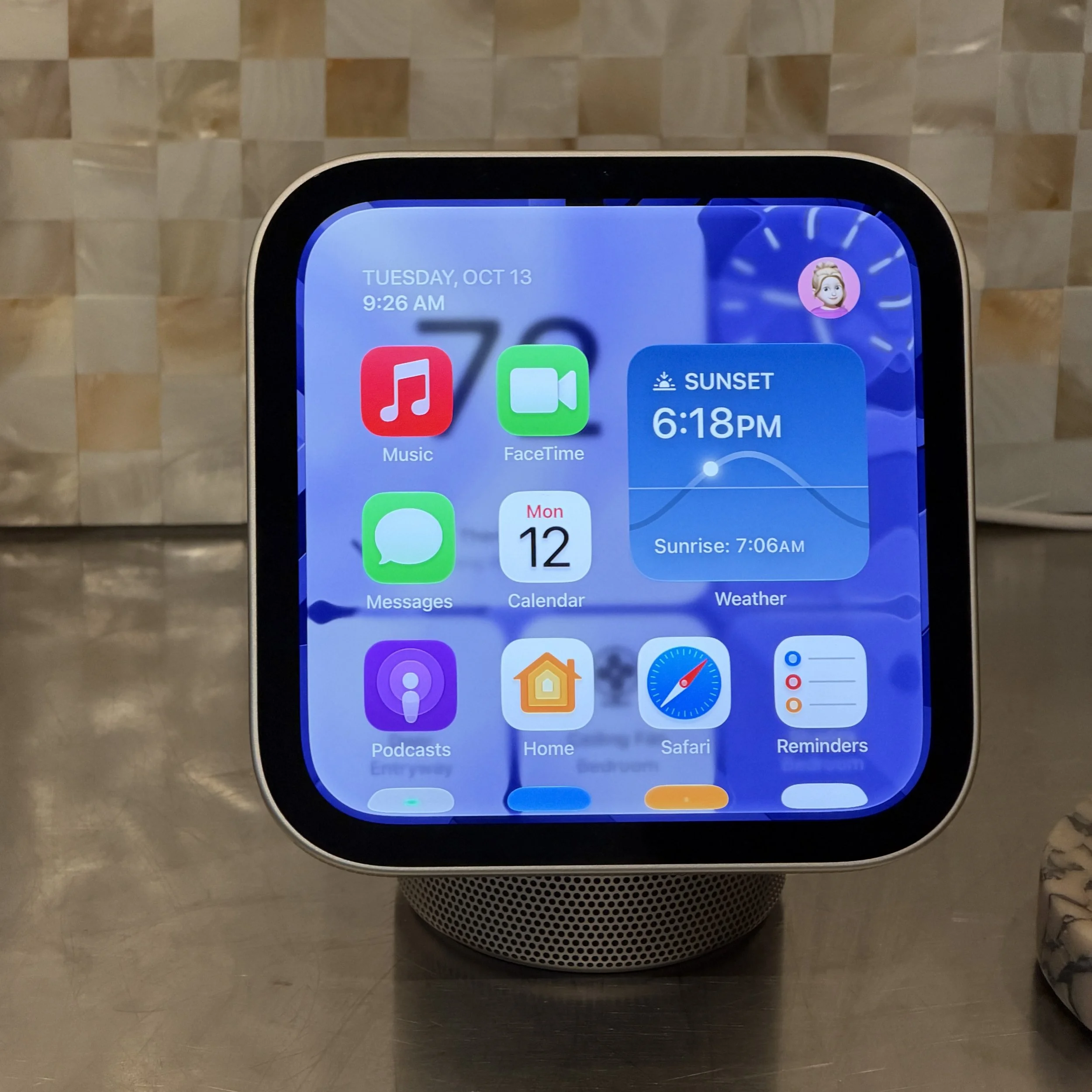
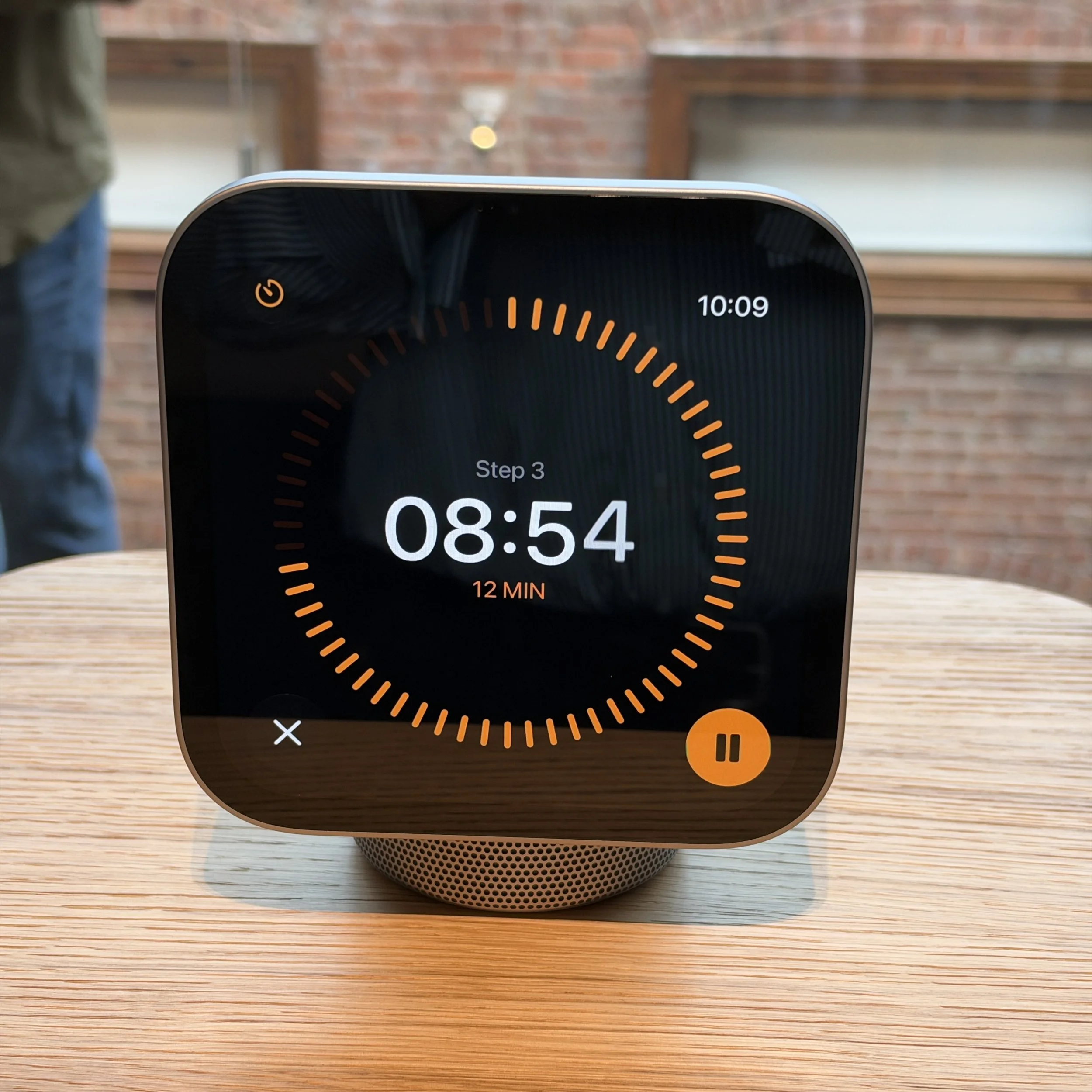
User experience and ecosystem ties: The HomeView is a cross between an Apple Watch and an iPad mini: there are just a handful of Apple’s own apps and no way to download more. It is not intended for video playback. (Apple execs confirmed that you can play video through Safari, but, again, this is not the intended use case.) Navigation and configuration is extremely simple, in part because Apple is deliberately limiting the things you can do with it, and the interface will be familiar to Apple users, especially if they own an Apple Watch. The widgets not only look like Apple Watch app extensions they actually are a version of them; Apple did not demonstrate third-party widgets or complications, but they are possible if the app supports Apple Watch or Apple CarPlay widgets.
HomeView can provide personalized information if it recognizes you – but you’ll need to have an iPhone. Siri AI can also access information from your phone for personalized answers and the conversation is stored in your Siri app on your phone. There is a guest experience, and that’s all you’ll get if you are an Android user or a child without an Apple account for an iPhone or iPad.
HomeView is a Matter hub and a HomeKit hub and can be used as a simple, centralized way to control home IoT devices that any family member can understand how to operate. HomeView can act as a doorbell camera and a view is available for up to nine feeds from HomeKit-compatible video cameras.
Privacy: HomeView allows up to six individual accounts to access their personal information when the HomeView camera recognizes them, and it switches quickly among user accounts. Beyond that, like all HomeKit devices, video is encrypted, and like the iPhone, all Siri interaction is processed in secure enclaves on the HomeView’s A18 chip or in Apple’s Private Cloud Compute. Apple cannot see or access any audio or video from the HomeView.
Pricing: Apple is charging $299 for the HomeView in either configuration, though the wall mounted version requires an additional cost mounting kit. Three are available, a DIY USB-C and two options for custom installers, either wired or PoE, bringing the total cost to at least $360. Amazon and Google have long had small touchscreen smart speakers starting at $100; even the 11” Amazon Echo Show is $50 less expensive than the HomeView. Like Apple, Amazon also has an Echo Hub designed for home control duties; it lacks the HomeView’s speakers but costs just $180, and a basic mount is included. Ironically, the wall mount version of HomeView is priced better relative to other premium touchscreen IoT controllers which also tend to cost $500 or more with installation – the Echo Hub is simply a bargain for its capabilities.

Who is Apple HomeView for?
You need an iPhone to make the most of a HomeView, but Apple did not do a good job articulating why you’d want to use the HomeView instead of your iPhone. Unlike an Amazon Echo Show or shared calendar appliances like a Skylight – which comes in sizes as large as 21” and 27” respectively – the small 7” square HomeView just isn’t big enough to show dense scheduling information from across the room. Instead, the idea seems to be twofold: a simple way to control an Apple-centric smart home, and a way to interact with Siri AI and glanceable information without taking out your phone and getting distracted by notifications, email, or endlessly scrolling video. It’s too cute not to appeal to people deep in Apple’s ecosystem, who may end up using it mainly for timers and music. It’s a pricey, but reasonable solution for anyone who has standardized on Apple HomeKit gear, or who now buy some of the Apple Home Collection, knowing that setup is a breeze and who find Apple’s promise of privacy and security appealing. Apple will sell these. However, it’s too expensive to appeal to people who haven’t bought into the Apple as heavily. And Apple’s home automation ecosystem is a fraction of the size of Amazon or Google’s. If you bought a Ring, you’re probably not going to buy a HomeView.
Apple Home Collection: Curated Selection of Seven HomeKit-Ready Smart Home Products
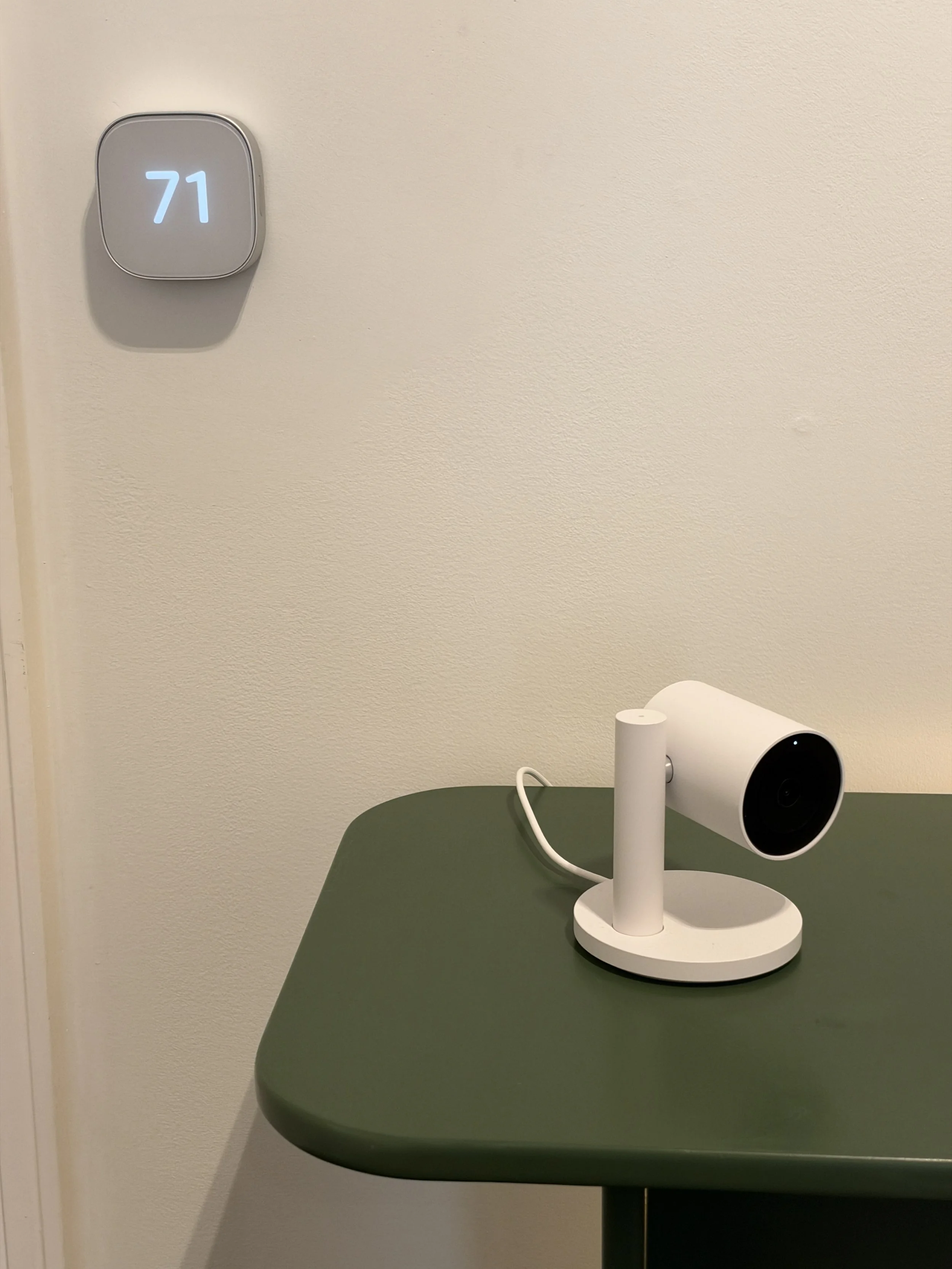
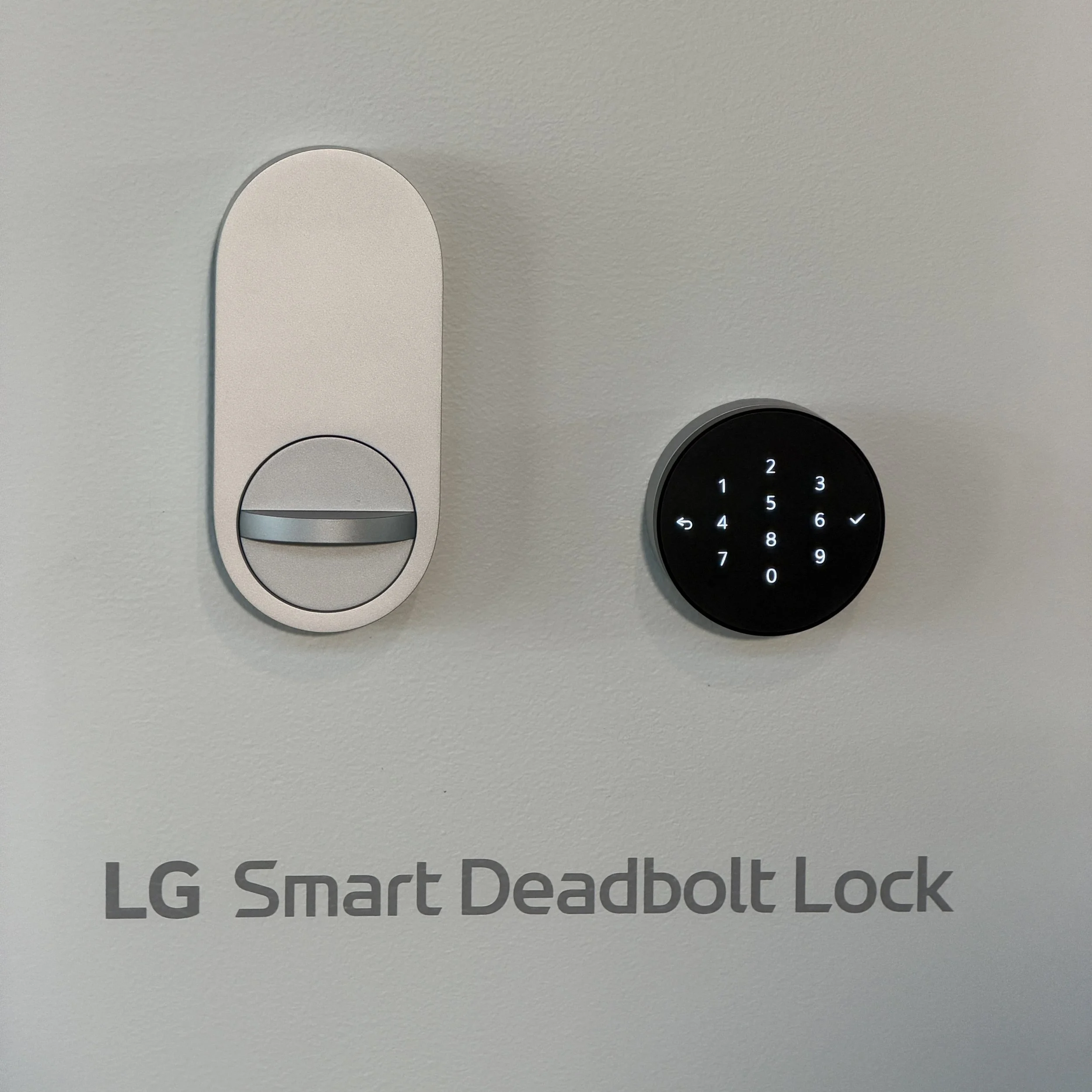
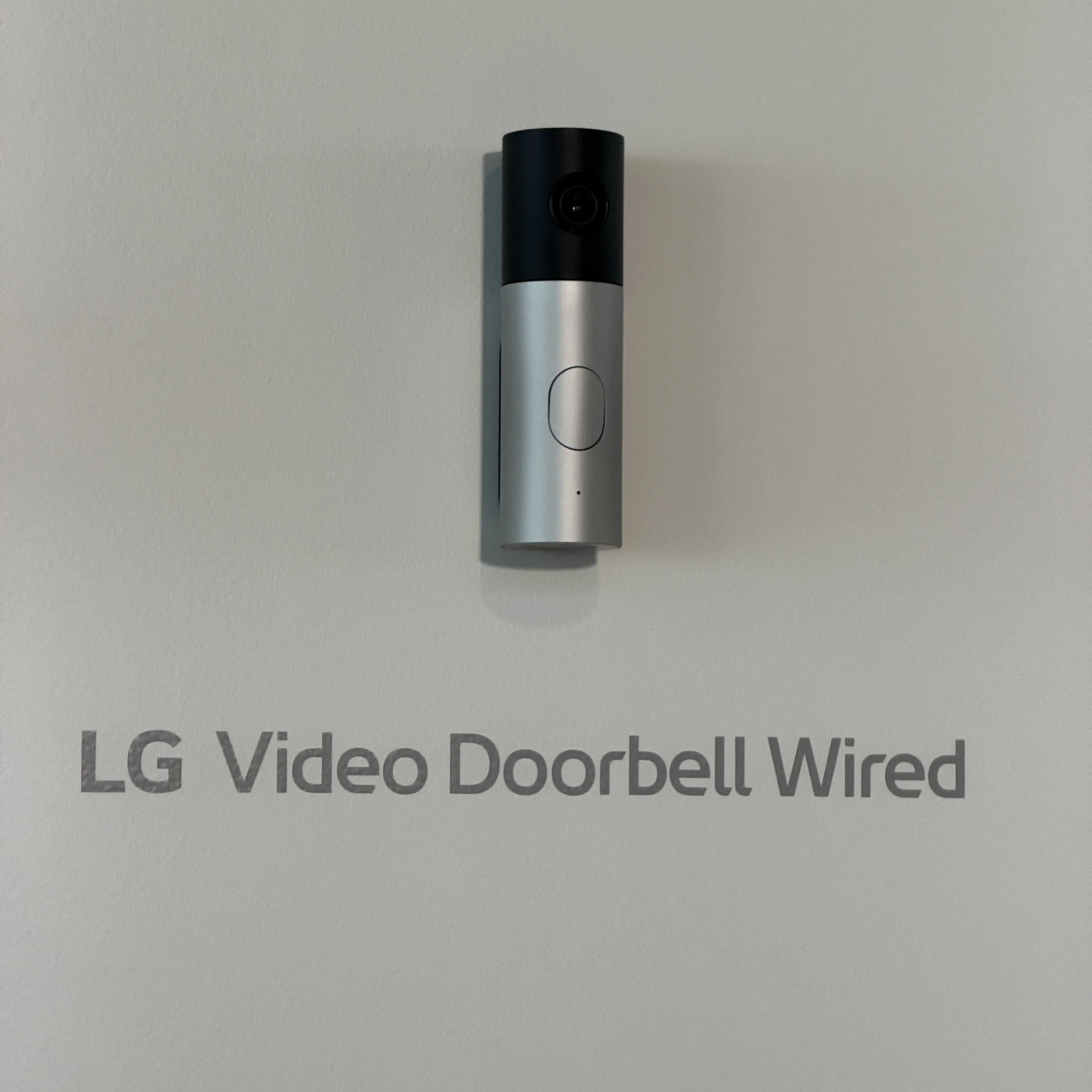
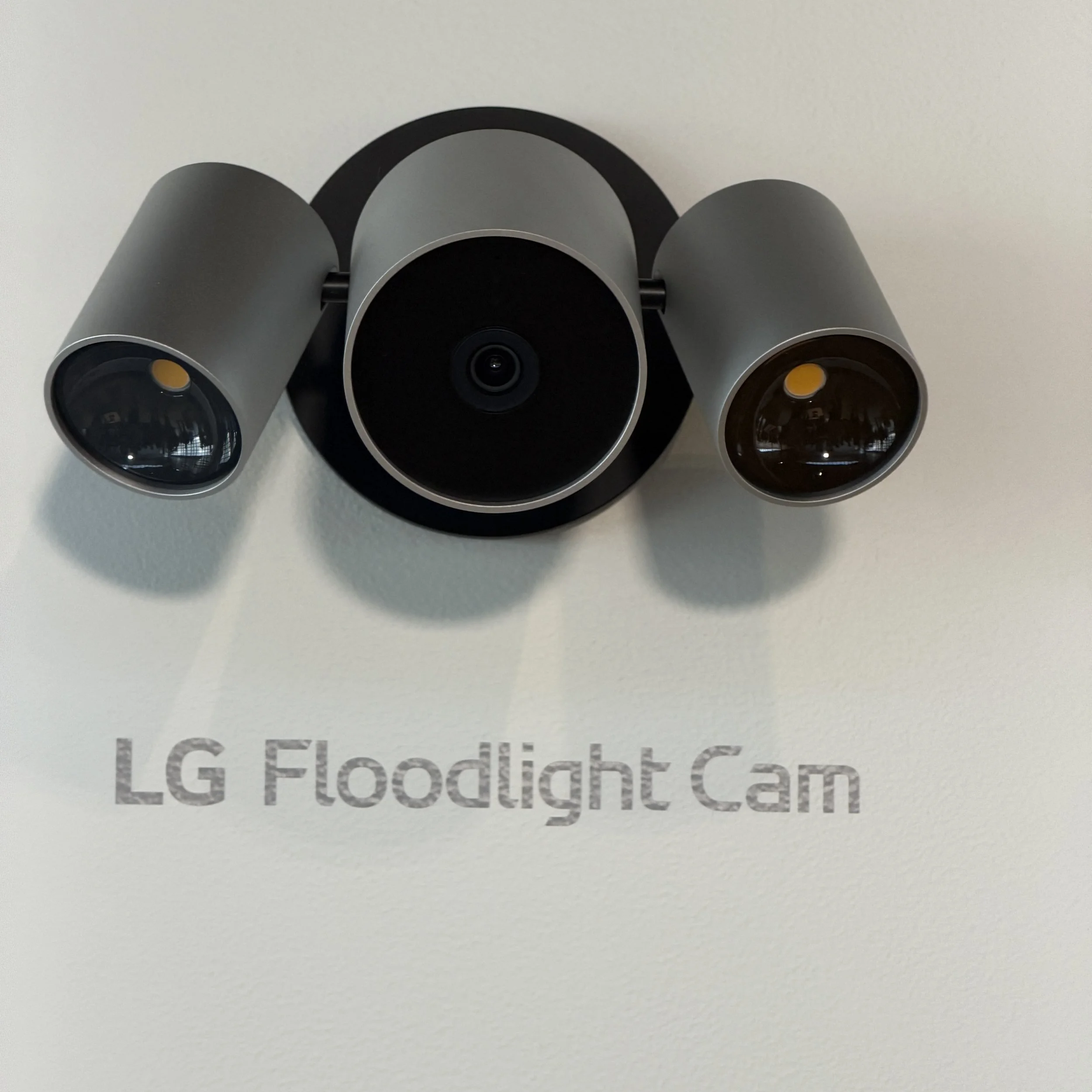
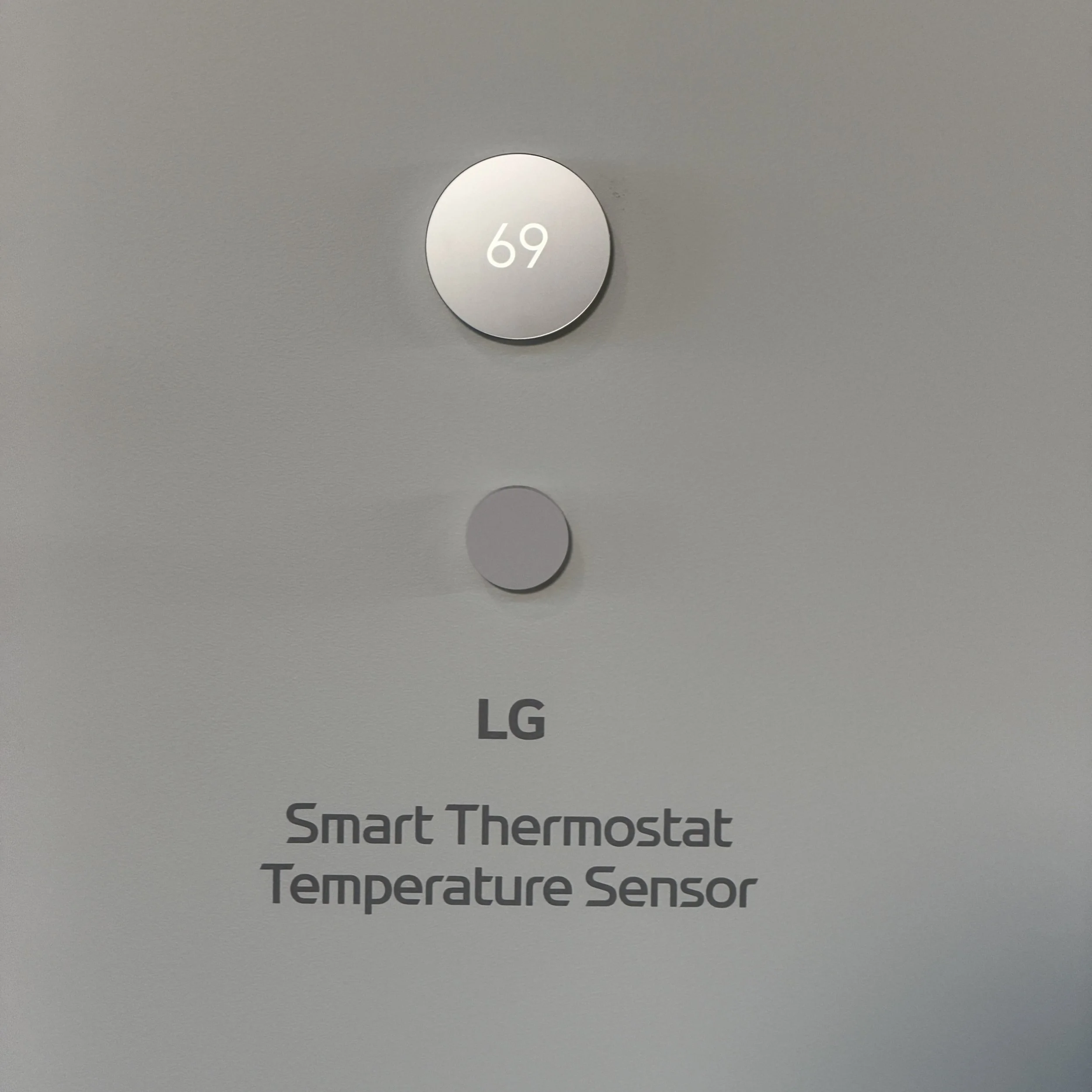
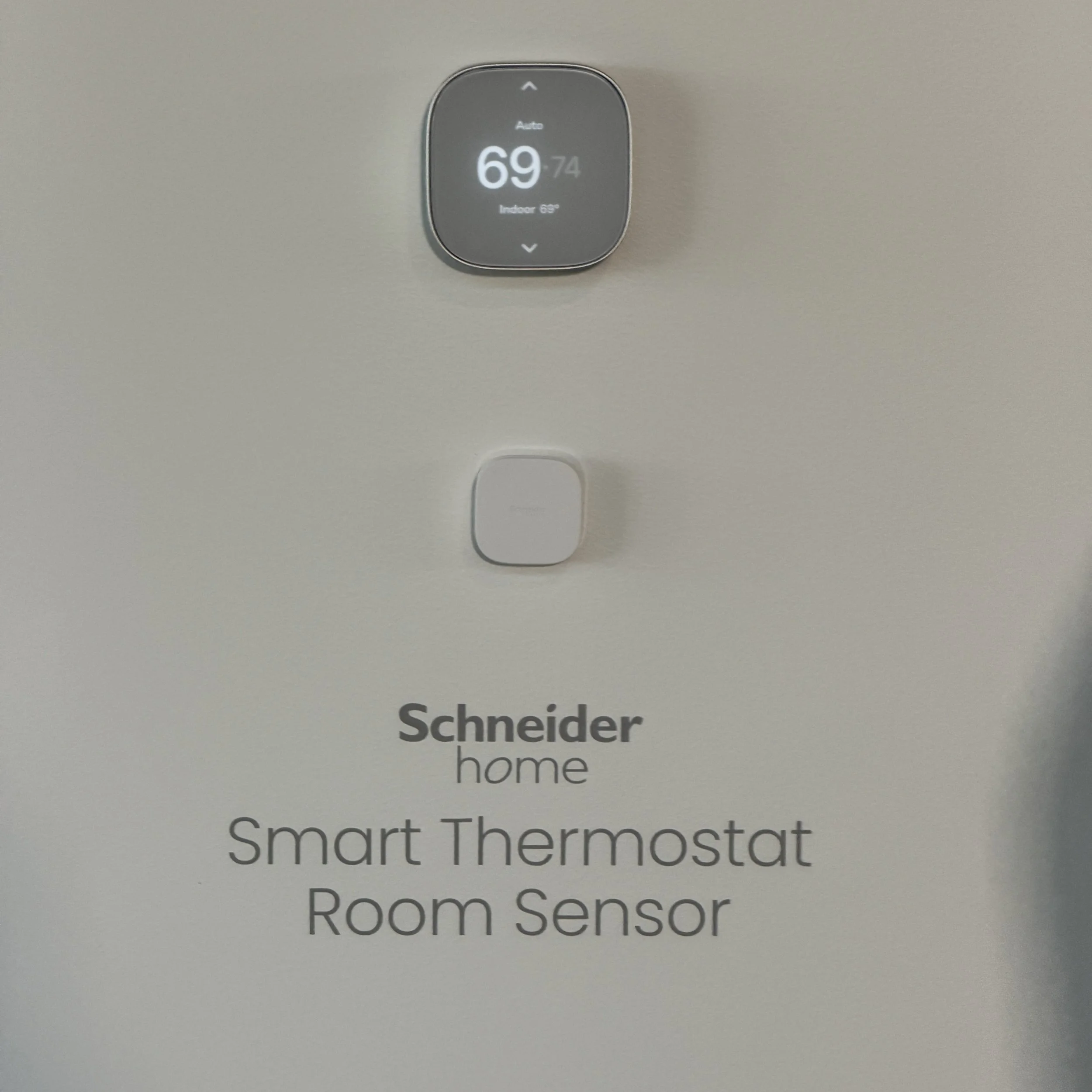
HomeKit launched over a decade ago, but a combination of factors kept adoption relatively low by OEMs. Apple has broadened the list of HomeKit-compatible devices over the years and filled in its most glaring hole – video cameras and doorbells – post-pandemic with at least a few options. The HomeKit ecosystem is not robust, but instead of trying to get mass adoption by vendors, Apple is working on making the user experience better. It co-developed seven products with LG and Schneider Electric -- cameras, thermostats, and a door lock – that can be set up more easily, work seamlessly with HomeKit and Siri, and don’t require their own app. These are nice products with clean design aesthetics and high price points. There are some clever touches – like the indoor security camera that can automatically swivel down for privacy when known family members are recognized – but the reason to buy is the ecosystem promise, not features. Apple Home Collection will be sold in Apple Stores and nicely answers the question, “which basic doorbell or thermostat does Apple recommend?” without impacting the overall market much.
HomePod Mini Minor Makeover
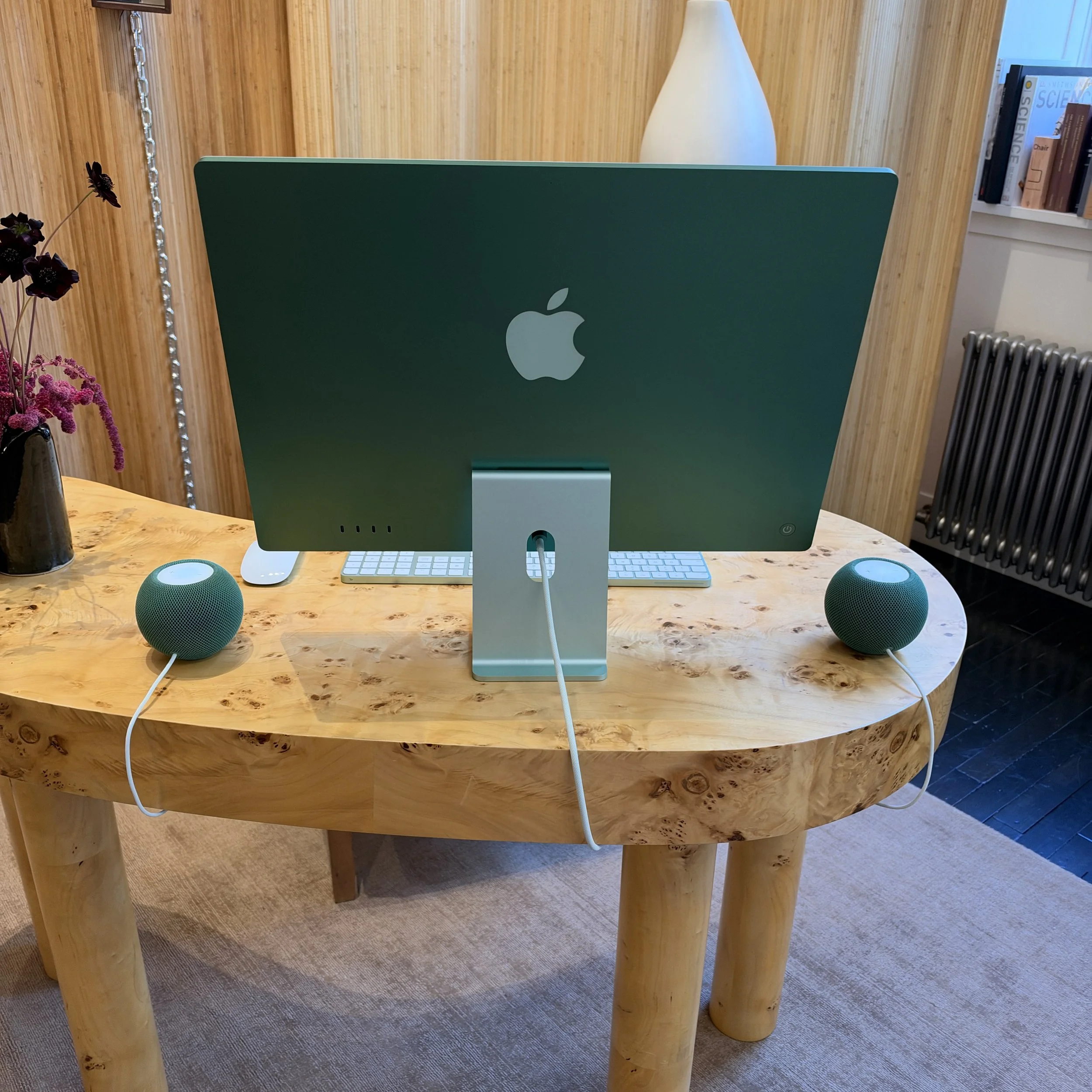
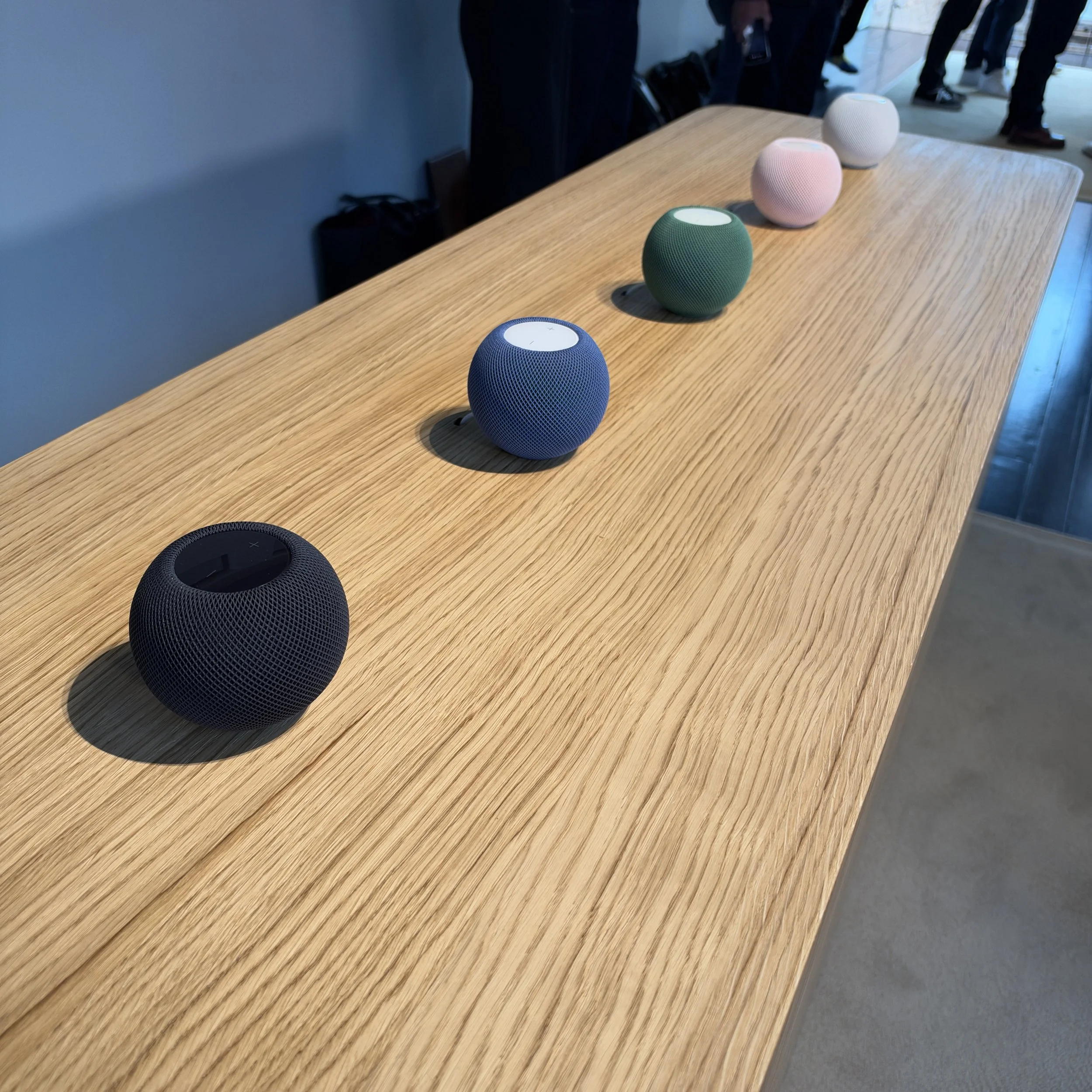
Apple updated the HomePod Mini with a colorful top light that can sync with music cover art and …really not much else until Siri AI arrives as a software update. Apple is also offering HomePod Mini in colors matched to the iMac, and that was, by far, the most compelling use case I saw (and heard). A pair of HomePod minis flanking an iMac sound wonderful for nearfield listening, with more volume and apparent bass than their enclosures should allow. The HomePod mini now cost $150 a piece.
Apple TV 4K: Faster and More Expensive
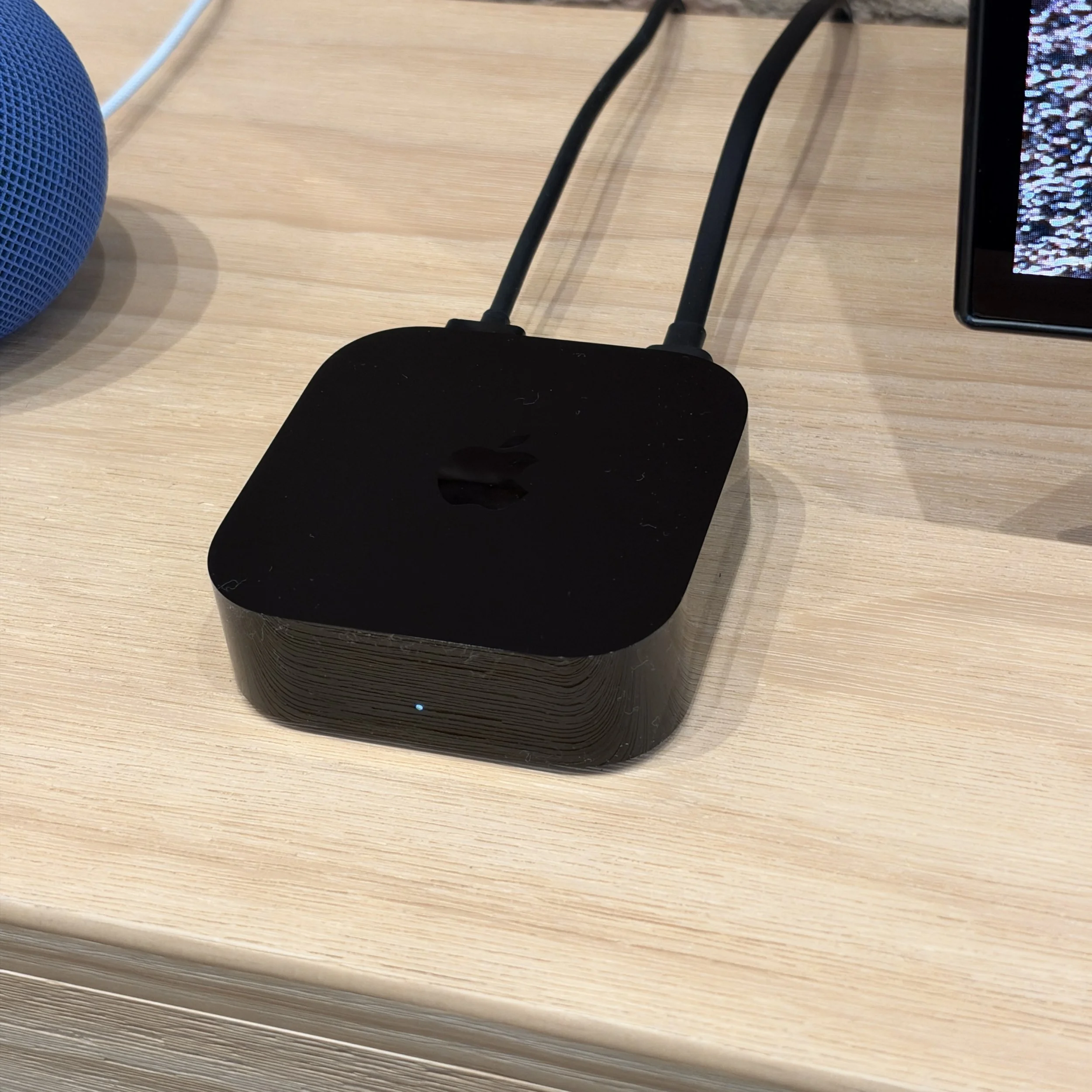
Apple has updated the Apple TV 4K with better silicon (Apple A19), but with only a single SKU, it is quite expensive at $299. Farfield microphones have been added for Siri AI, and the improved voice recognition for natural language queries will be greatly appreciated. The other big new feature is the ability to spend $600 or more on up to four HomePod mini speakers to create a spatial audio setup. Admittedly, a pair of HomePods in front and a pair of HomePod minis on your nightstand makes for a killer bedroom system, but it is still more complicated and expensive than a nice soundbar. For home theater and media rooms, a four speaker HomePod system is nowhere near as impactful as a full Dolby Atmos system with speakers along the walls, in the ceilings, and subwoofers shaking the room.
The differences from the prior generation Apple TV 4K are minor, and here Apple truly is competing against Amazon and Roku sticks that cost a tenth of that amount. Apple could say that the competition is cheaper because they sell user data for advertising, but you’ll certainly pay a lot for that privacy privilege. Apple’s industrial design advantage shrinks here because it’s just a simple black box and an amazon fire tv stick 4K disappears entirely behind the TV. The Apple TV 4K remote is nicer, but the Roku remote is easier to use. And Apple can only push its better user experience messaging so far; Apple TV also inserts ads into parts of the interface. For video nerds, the Apple TV 4K’s Gigabit Ethernet port for more stable streaming and the ability to render all content in Dolby Vision may be worth the expense – it’s why I use one – but those are not a mainstream purchase drivers.
For Techsponential clients, a report is a springboard to personalized discussions and strategic advice. To discuss the implications of this report on your business, product, or investment strategies, contact Techsponential at avi@techsponential.com.