
Hybrid Work: Samsung Odyssey G80HS Monitor Provides 6K for Work, 3K 330Hz for Gaming
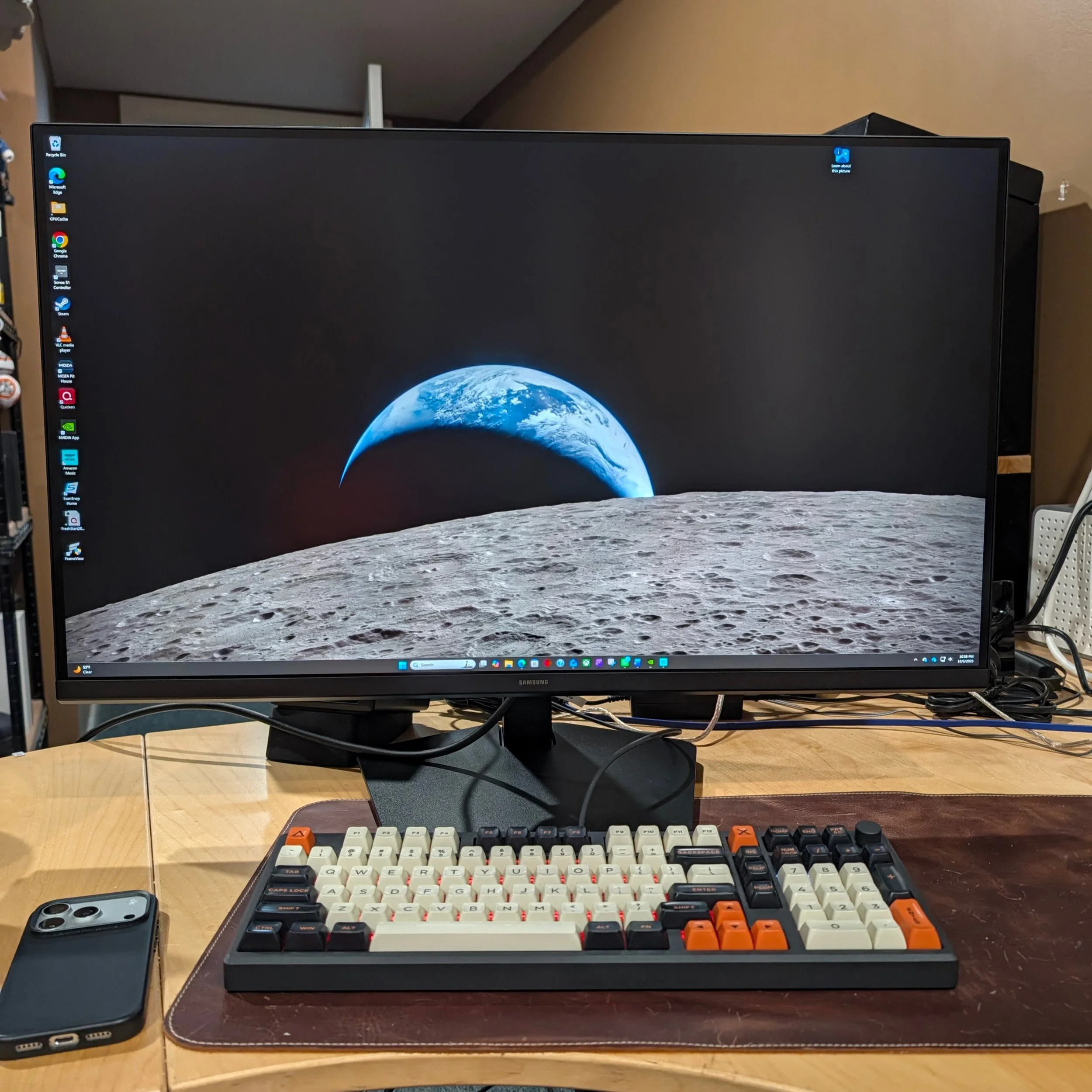
Monitor resolution and refresh rates keep rising, and Samsung’s Odyssey G80HS provides a lot of both. The danger for products trying to do everything is that they fall short of alternatives that specialize. The only obvious drawback to the Odyssey G80HS is the $1600 price point; if you can afford it, it really does provide an excellent display that can switch between work and gaming.
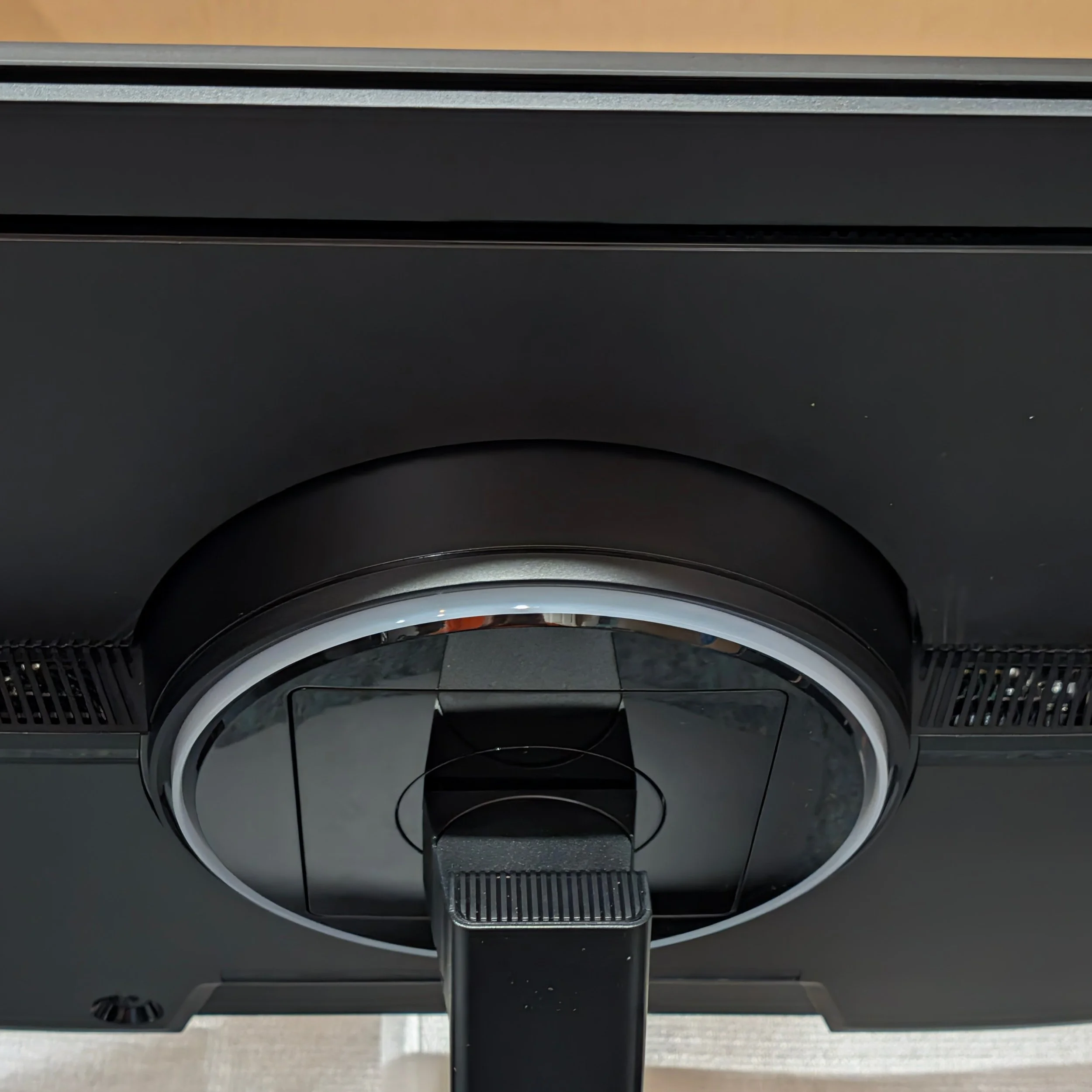
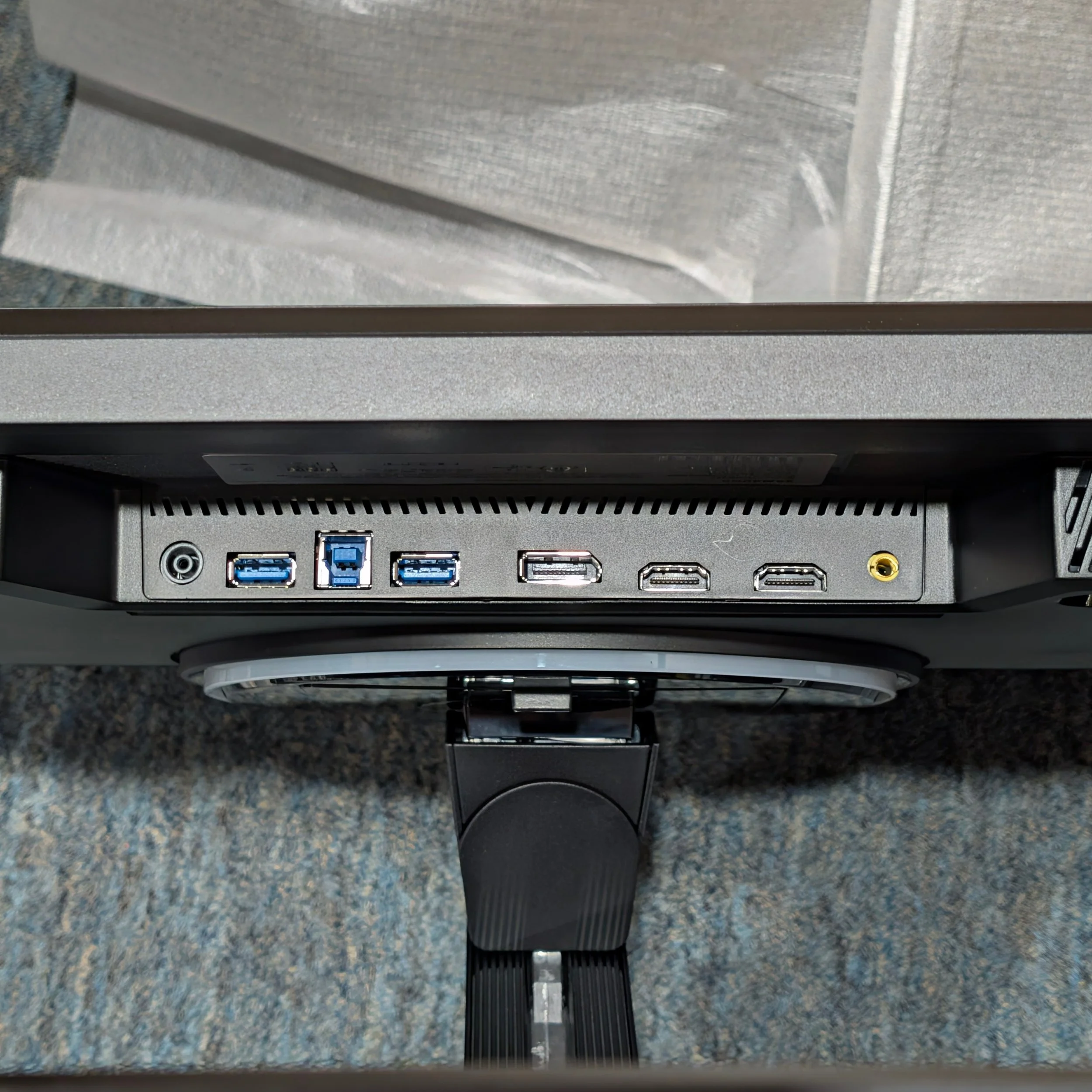
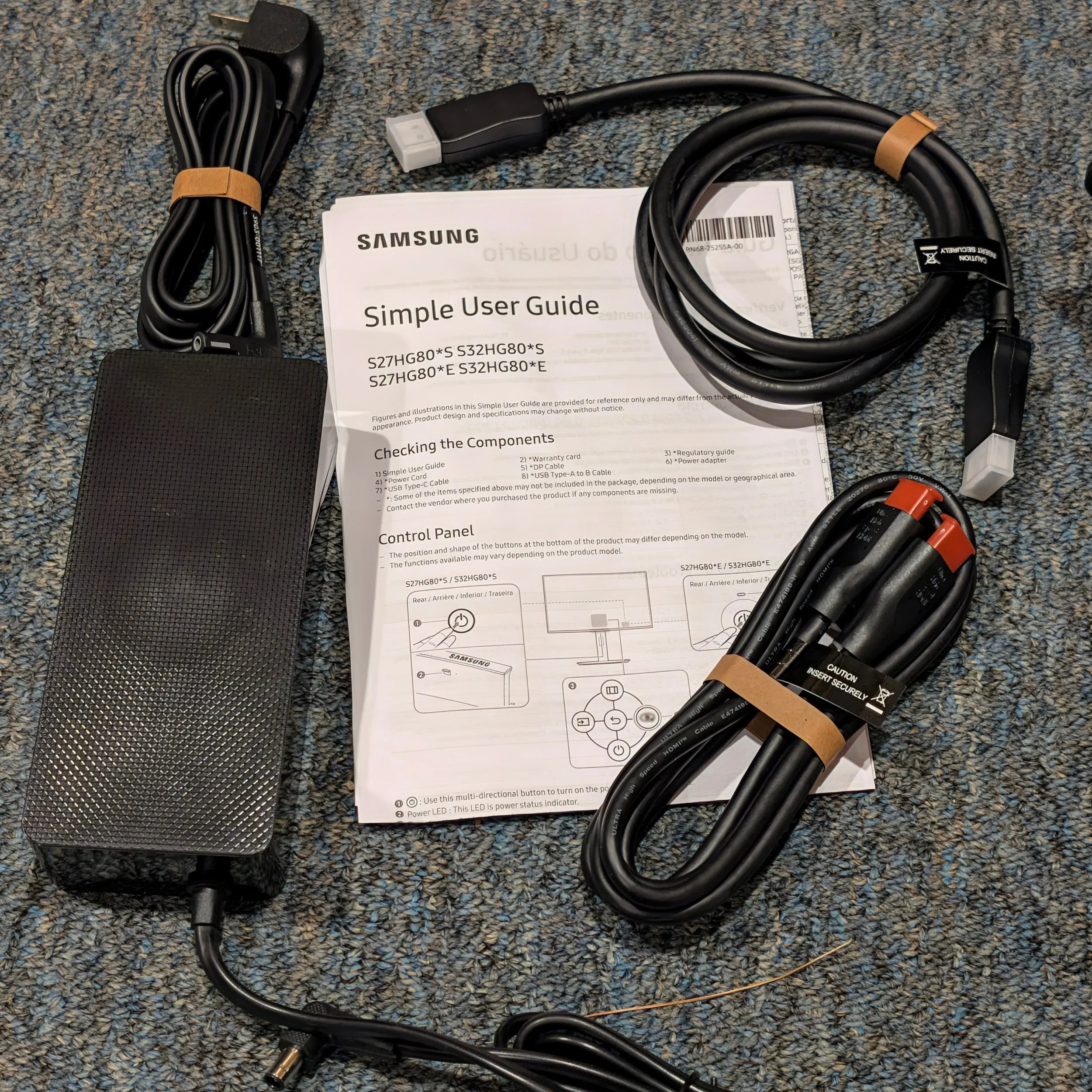
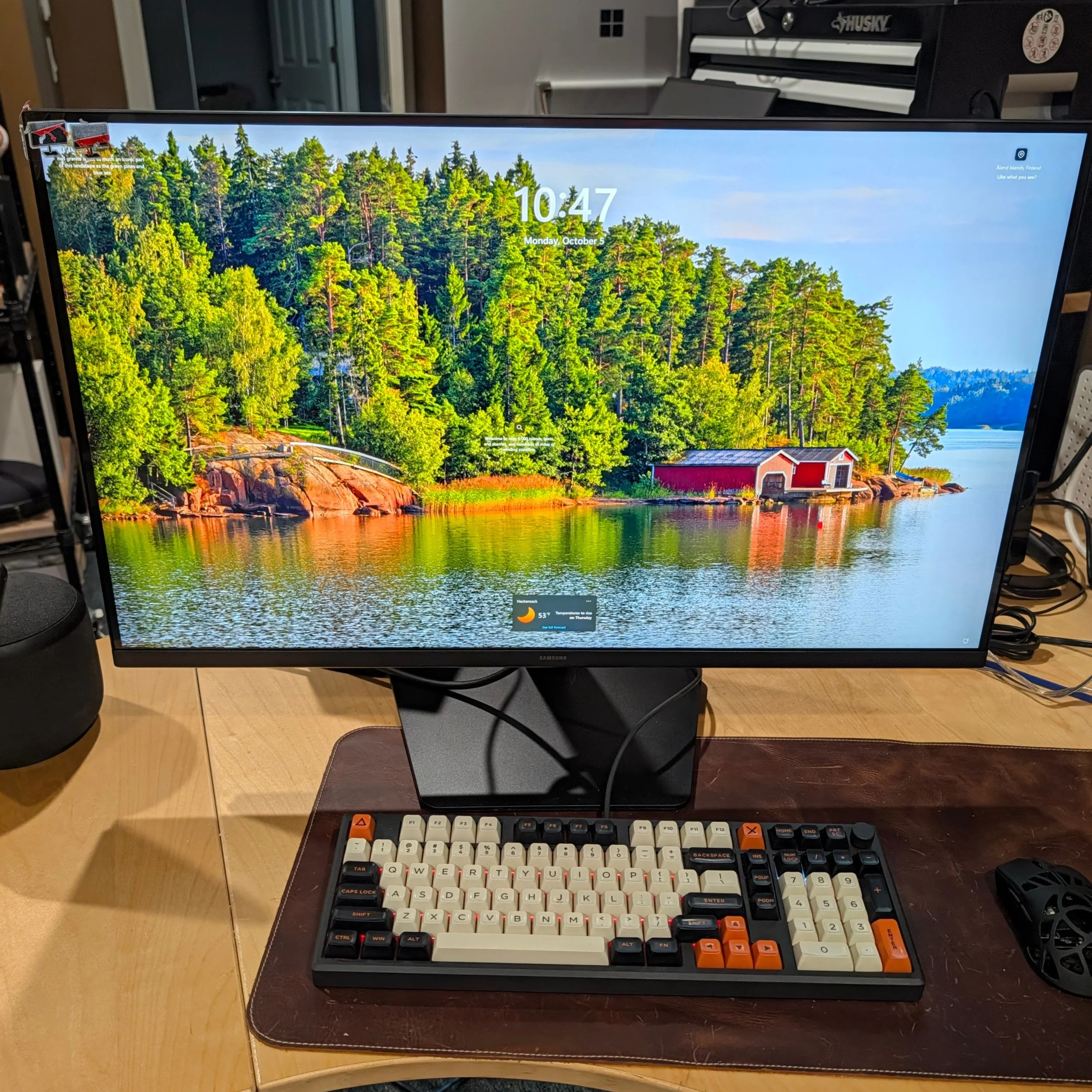
Physical setup is exceptionally easy and tool-free: take the two piece stand out of the box, twist a single screw handle, pop the monitor onto the stand, and plug it in. The stand allows for both height and angle adjustment. The G80HS comes with the world’s shortest DisplayPort and HDMI 2.1 cables; either will work at full resolution if your graphics card can output it, but DisplayPort will need less signal compression so that’s what I used for all of my testing. I had to move the monitor closer to the HP OMEN MAX 45L for the cable to reach the PC’s RTX 5080 graphics card. Getting the panel to look good absolutely requires diving into the menu because the monitor ships in Eco mode that washes out the color and prevents the monitor from actually running at the advertised rates. Various modes feature wildly different white levels, and some of the gaming modes will make text look awful. For productivity I tested it in Original picture Mode with color tone set to Warm1. Getting into the monitor settings wasn’t too painful, it just requires bending your hand backwards behind the monitor to move a joystick. I do not understand why there can’t at least be quick setting buttons on the front bezel.
The G80HS Odyssey monitor runs in two main modes: 6K 165Hz for productivity, or 3K 330Hz for gaming. It certainly doesn’t compromise on the productivity experience: at the higher resolution, this has the pixel density of a 5K 27" monitor only with more screen real estate and pixels to work with, and the 165Hz refresh rate means that scrolling through web pages is extremely smooth. I've been using a 32" 4K monitor for my Windows gaming/work PC and a pair of 27" 5K monitors with a Mac setup, and even compared to the 5K monitors, the Odyssey G80HS’s 6K in the bigger size is a noticeable improvement. I bumped up scaling a bit from Windows’ default to reduce squinting, but if you have younger eyes than mine you might find that unnecessary: everything is ridiculously sharp.
If you spend time staring at words or numbers or graphs all day, this is great. Another solid use case is working with full resolution 4K images and still having enough room for tools and messaging or music apps on the side. My real-world use case was liveblogging Microsoft’s Windows/RTX Spark press event with the YouTube feed on one side of the screen at full resolution, my social media feeds on the other side, and Snipping Tool to grab screen captures from the video and paste into X. This offers a lot of the benefit of multiple monitors and widescreen monitors with significantly higher resolution than either.
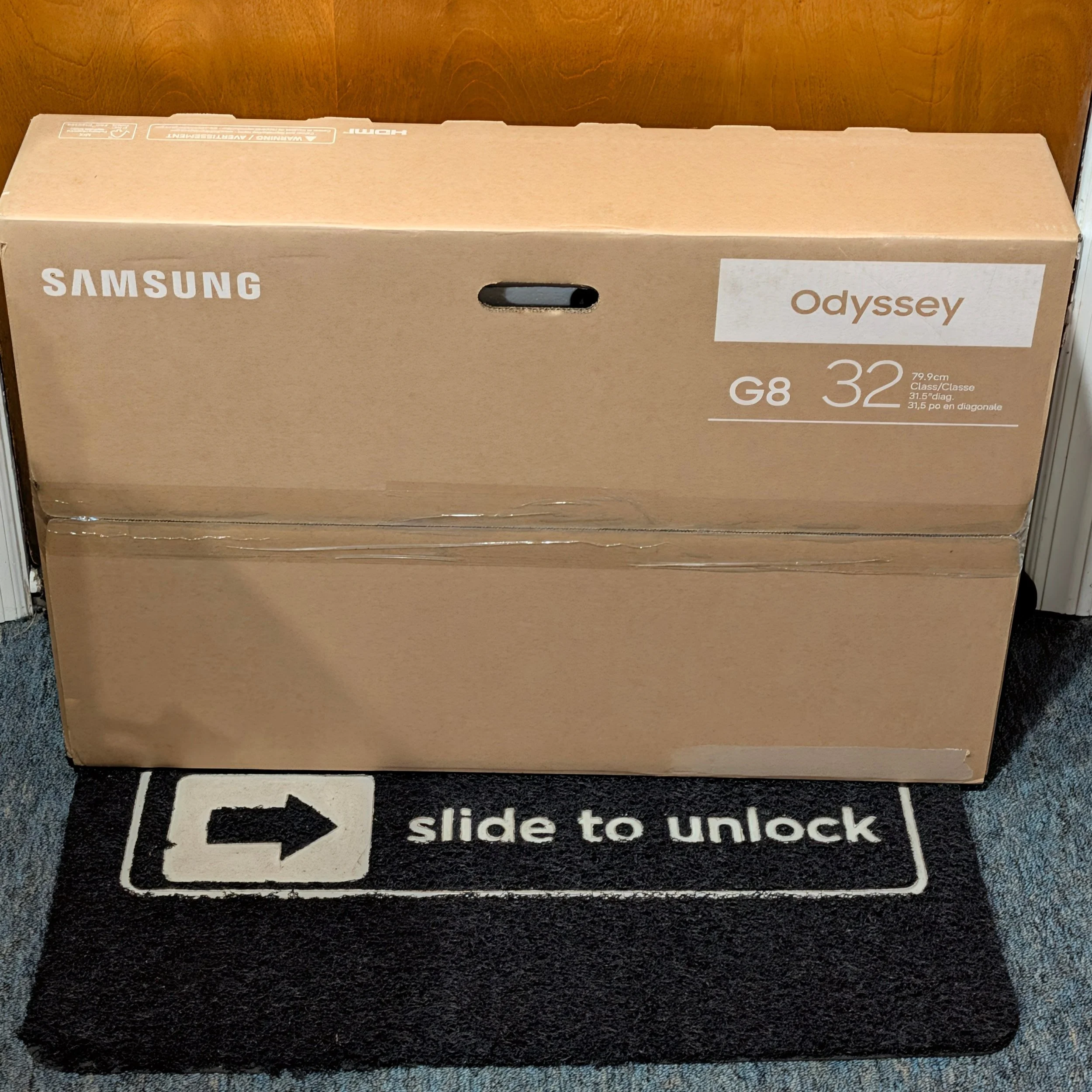
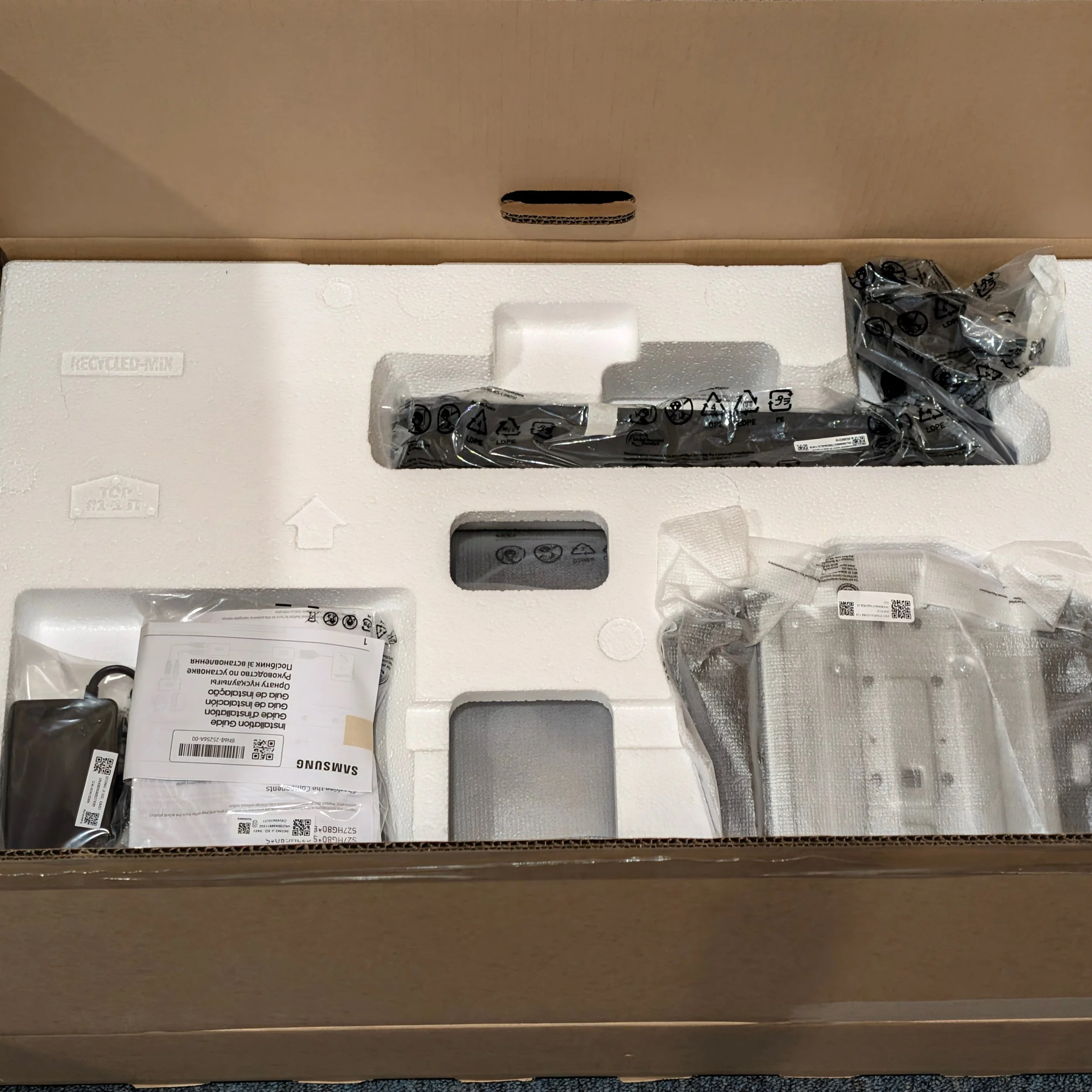
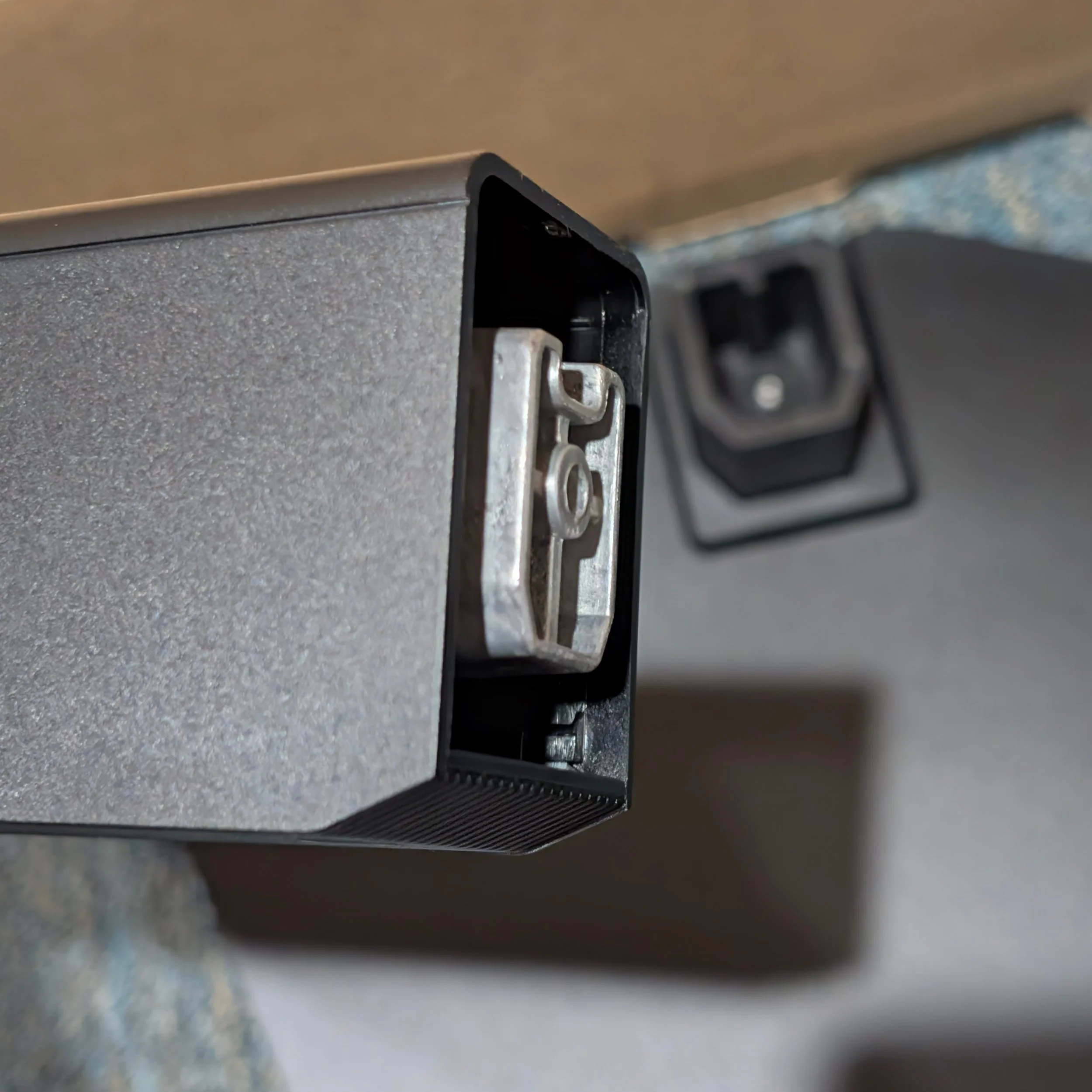
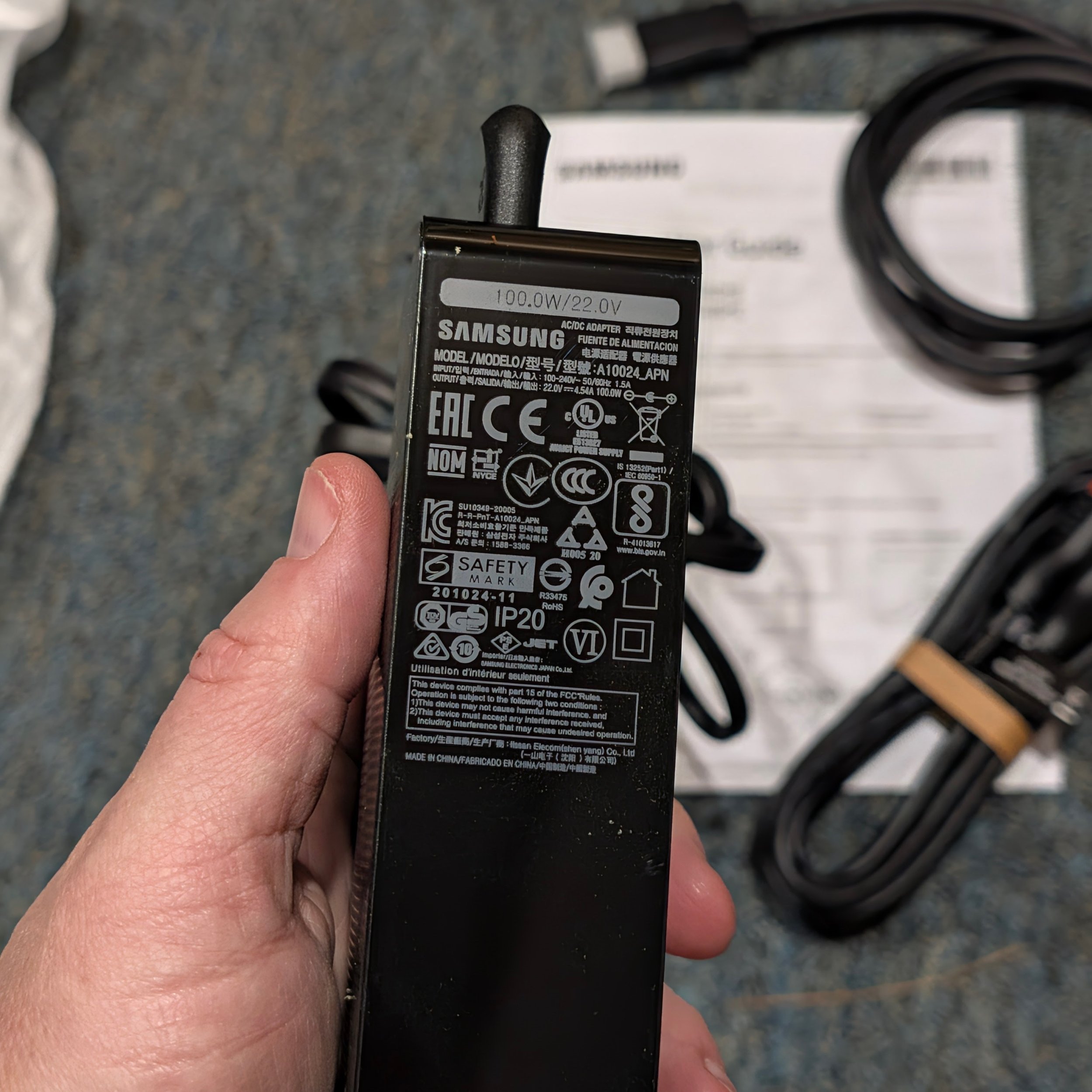
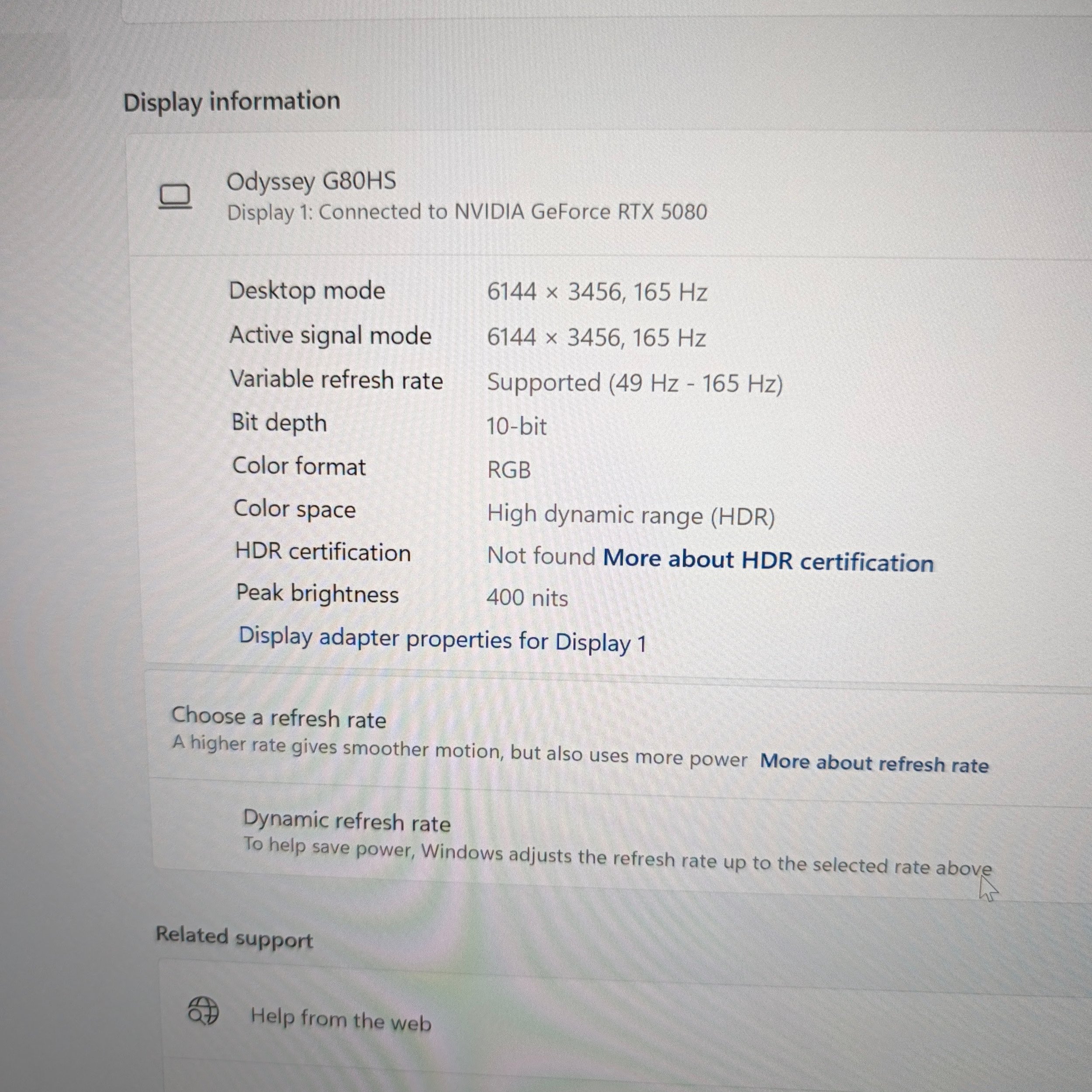
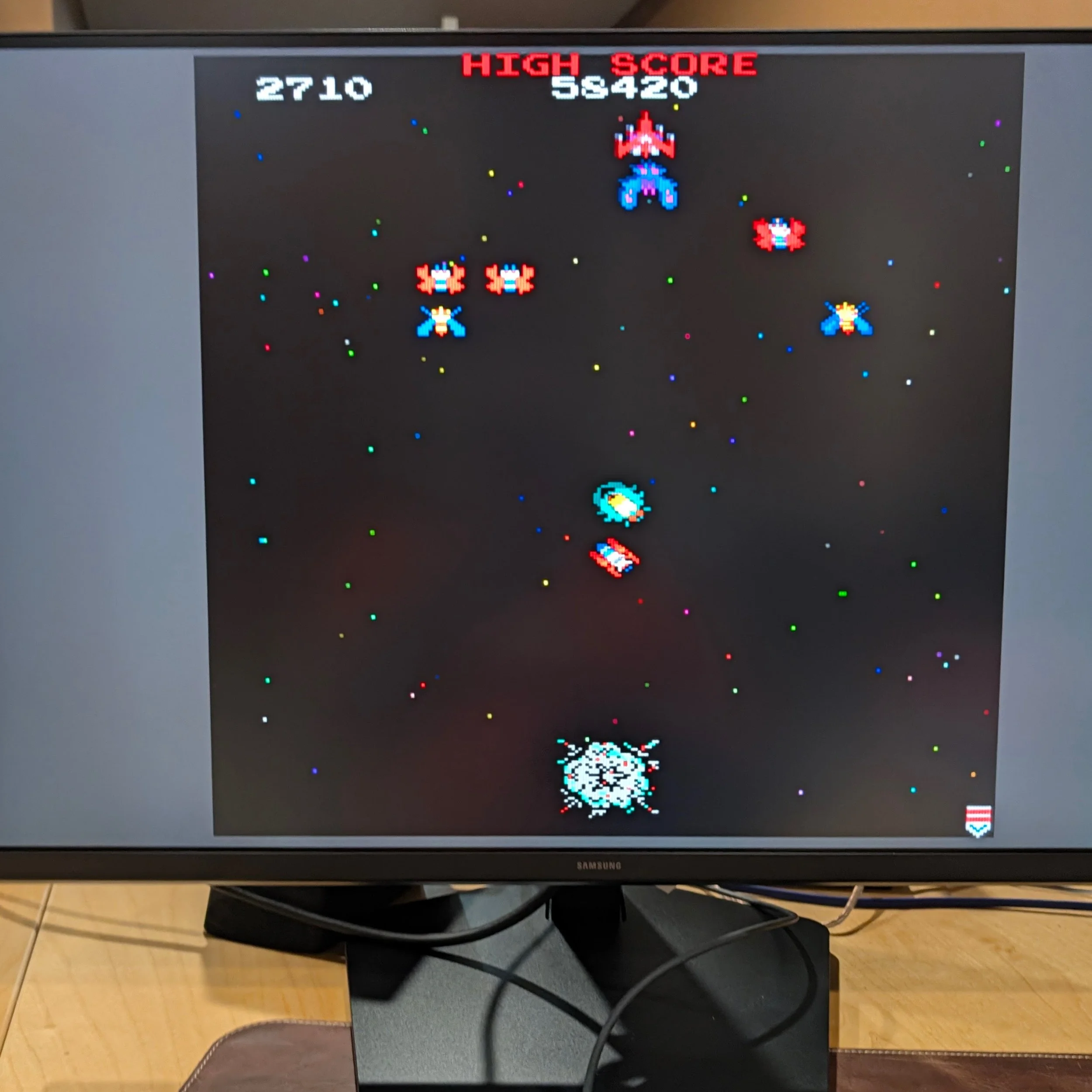
In 6K mode the 165Hz refresh rate is actually good enough for gaming, but good luck getting your PC to output playable frame rates at 6144 x 3456 on anything other than strategy or puzzle genres. Even my HP OMEN Max 45L with an NVIDIA RTX5080 and a 1200 watt power supply struggled with Forza Horizon 6 in this mode. It looked gorgeous, but frame rates were borderline unplayable unless you turned essentially everything off. Flip the monitor to 3K 330Hz and it looks/plays great with detail and ray tracing on. That's unsurprising, because I usually play this game with max settings on a 4K HP OMEN Transcend 240Hz monitor. The IPS panel on the Odyssey G80HS provides good color and contrast – though not as punchy as an OLED – low latency, G-sync, and customizable picture modes for different gaming genres.
Gaming is where this monitor's tradeoffs are most apparent: this is an excellent monitor for even the fastest twitch gaming genres, but it is expensive and there are other options at or below this price point -- even from Samsung -- if you want better HDR, OLED, or widescreen or curved panels. But none of those will give you the Odyssey G80HS’s formula: a single package for hybrid work, with incredible resolution across a large screen for productivity along with excellent gaming performance.
For Techsponential clients, a report is a springboard to personalized discussions and strategic advice. To discuss the implications of this report on your business, product, or investment strategies, contact Techsponential at avi@techsponential.com.